Operator Manual / 5. Conducting a scan
58
NOTE
There is another photosensor on the opposite end of the XR3D tunnel that is used when the scanner
is operating in reverse.
6.
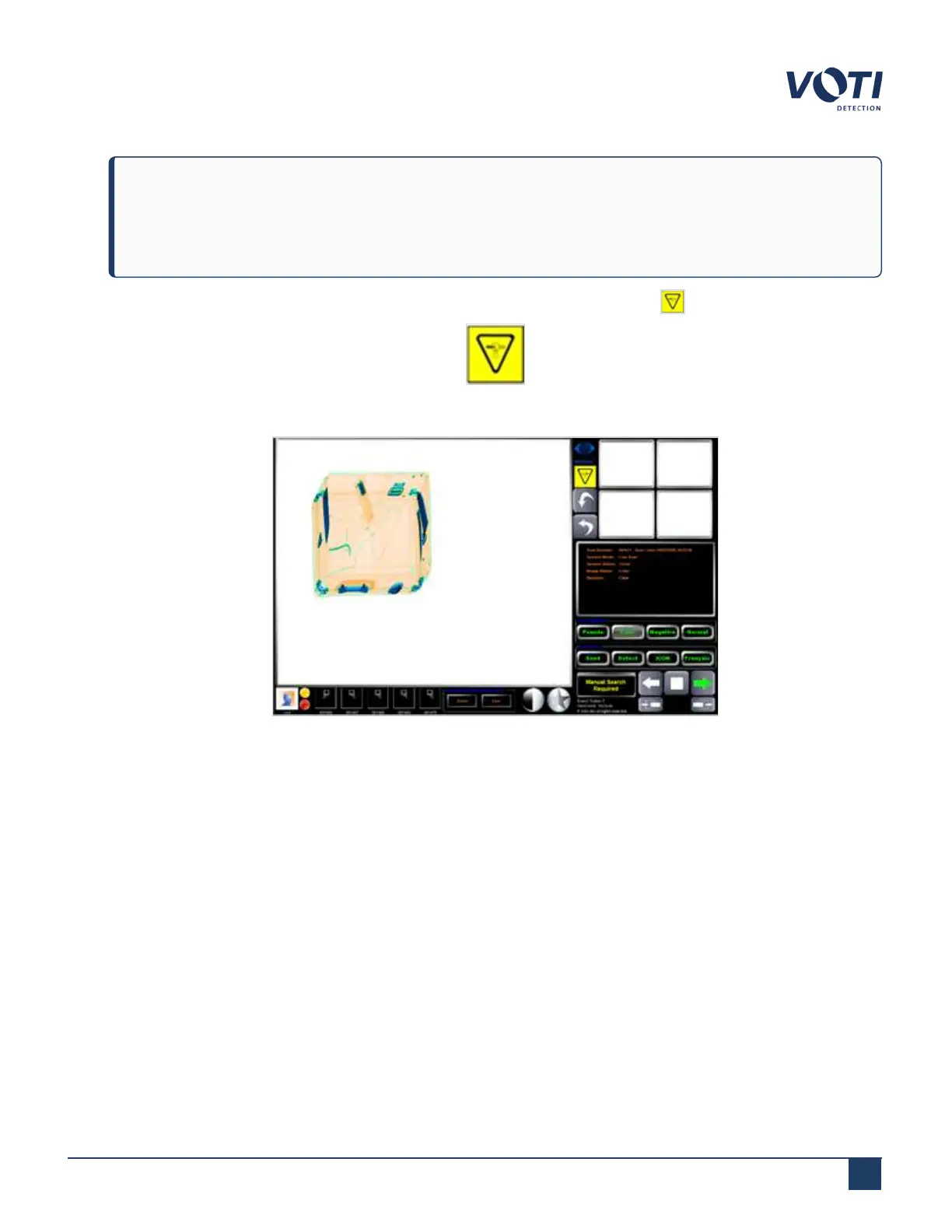
Indicator lights on the scanner turn red during X-ray generation. A warning icon appears on the monitor.
Figure 48 - X-Ray On Icon
Figure 49 - BioSans User Interface with X-Ray On Icon
7.
After the end of the item passes by the photosensor in the tunnel, the lights turn green and the warning icons
disappear, and the X-ray generator stops.
8.
The resulting scan displays in the Main Viewing Screen and alternate views appear in the Alternate Scan View
area.
© VOTI2020 / 900116-001



 To Next Page