Operator Manual / 6. Administration module
84
6.5 Language Selection
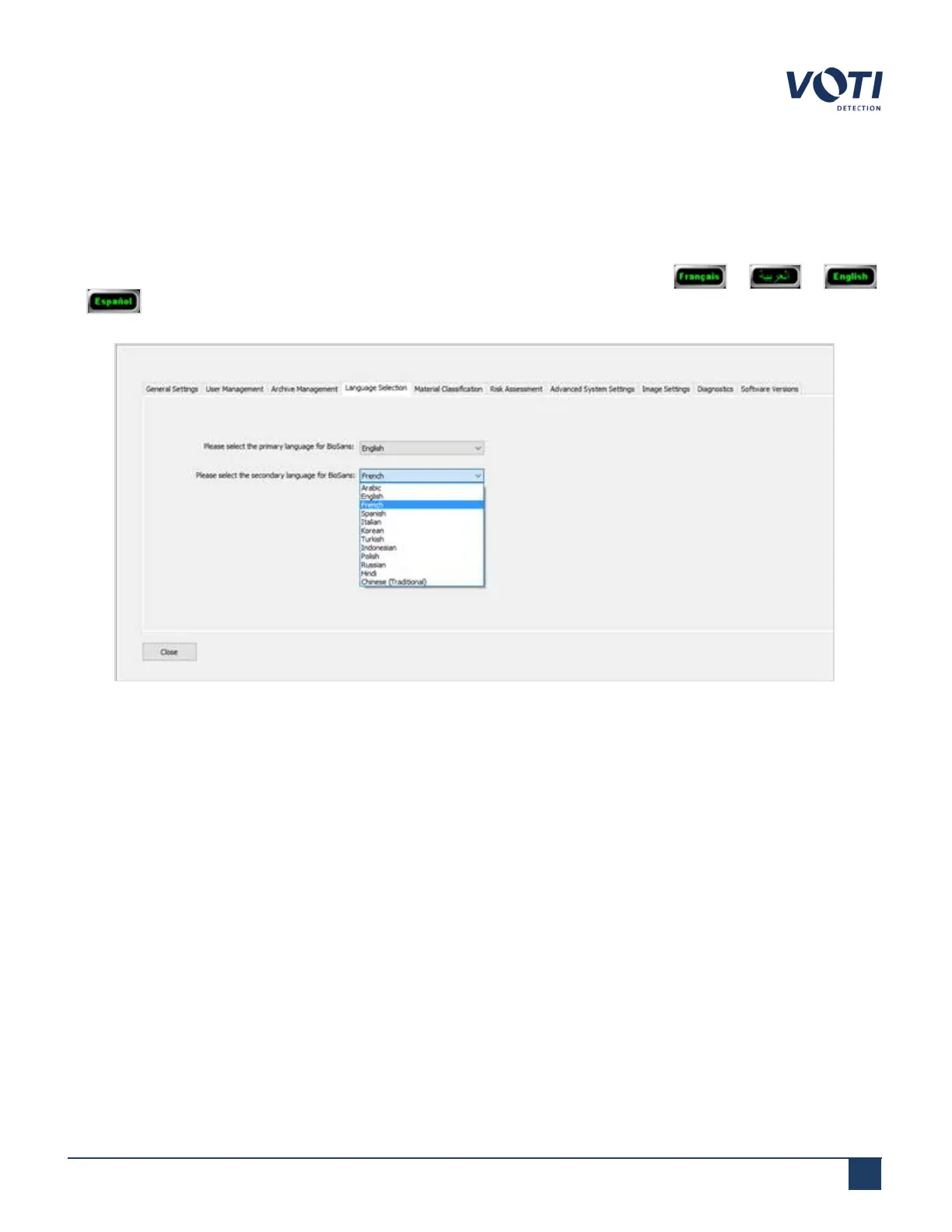
The Language Selection tab sets the languages in which the information displays on the operator interface. The
primary language is the language that appears by default when the software first starts.
The secondary language displays in the selectable language toggle button, for example, or or
or . Clicking the language button toggles the operator interface to display the controls in the selected
language.
Figure 76 - Archive Menu - Language Selection
6.6 Material Classification
The Material Classification tab allows administrators amd supervisors to group materials under a family group. If
one of the sub-groups is detected in the scanned item, the family name appears in the System & Operator Messages
Area of the operator interface.
By default, the XR3D contains a list of common threats.
© VOTI2020 / 900116-001



 To Next Page