Operator Manual / 8. Training module
111
8. Training module
8.1 TIPOperator Training
The TIP Operator Training module is a basic training mode that allows the operator to use TIP for training purposes
with the X-ray source inactive. It allows the operator to practice identifying threats and gives the supervisor data for
assessing operator performance.
Similar to TIP in Live mode, the training mode functions by inserting threat images from the database into archived
scans. The TIP Operator Training settings are configured in TIP Management Settings > General Settings > TIPOptions.
8.1.1 Using TIPOperator Training
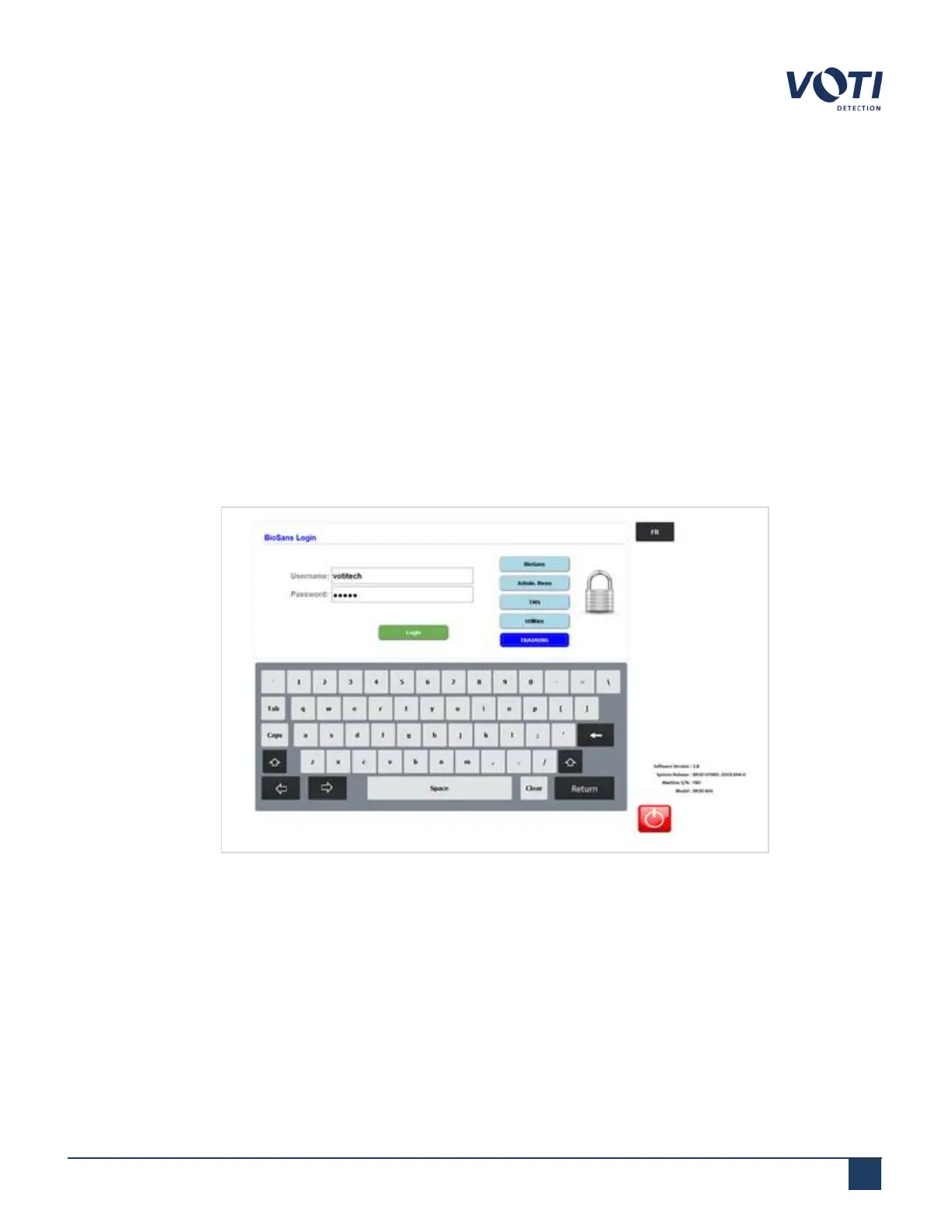
1. To enter TIP Operator Training mode, press the TRAINING button on the BioSans login screen.
Figure 103 - BioSansLogin Screen
2.
Log in with your operator credentials.
© VOTI2020 / 900116-001



 To Next Page