Operator Manual / 3. Getting started
31
3.2 Powering the system
3.2.1 Turning the power on
To turn power on to the system:
1.
Ensure that the power cord (2.5 m supplied with the XR3D) is connected to a grounded power outlet (110–240
VAC).
NOTE
If an extension cord must be used, it should not exceed 10 meters and be at least 16 gauge.
2.
Verify that the two emergency stop buttons are fully extended.
3.
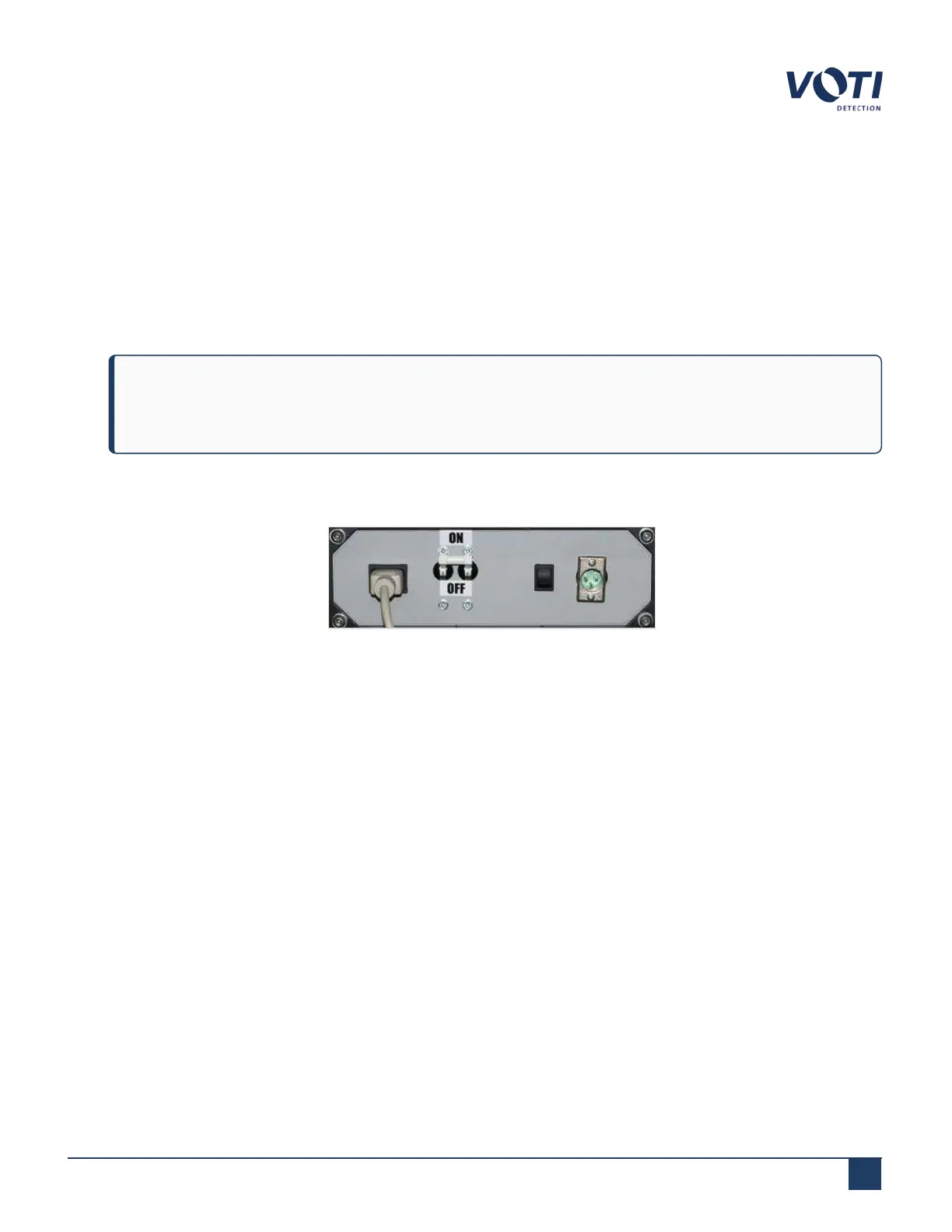
On the base panel, flip the circuit breaker to ON.
Figure 9 - Base Panel
4.
If your model has a UPS and the system does not immediately start, the UPSmay be off (it should always be on
except for the initial start-up). A supervisor can access and start it as follows:
© VOTI2020 / 900116-001



 To Next Page