Operator Manual / 4. Interface
48
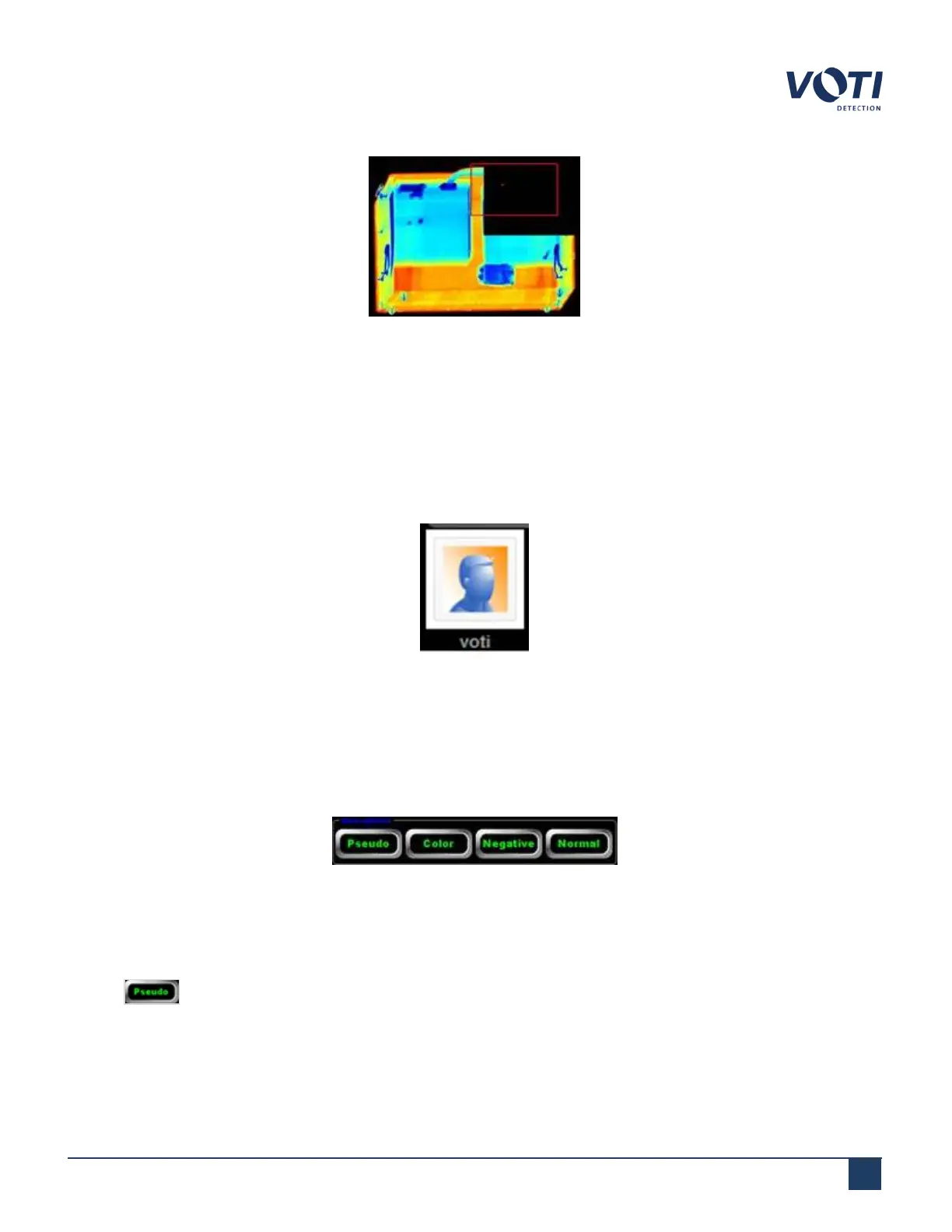
Figure 30 - Example of VHD Enhance
4.5 Operator identification
The operator identification area displays an image and name of the current operator with the current time and date.
Clicking the identification photo activates a pop-up menu. Using the pop-up menu, the operator can log off the
current session and close the interface.
Figure 31 - Operator Identification by Name
4.6 View options
The View options selections determine how the scanned image displays in the Main Viewing Screen.
Figure 32 - View Options
4.6.1 Pseudo
Clicking displays the image in different shades depending on the thickness and density of the object. Pseudo
triggers the Dynamic Contrast Enhancement algorithm. By default, a contrast sweep feature activates which is like
© VOTI2020 / 900116-001



 To Next Page