Operator Manual / 4. Interface
47
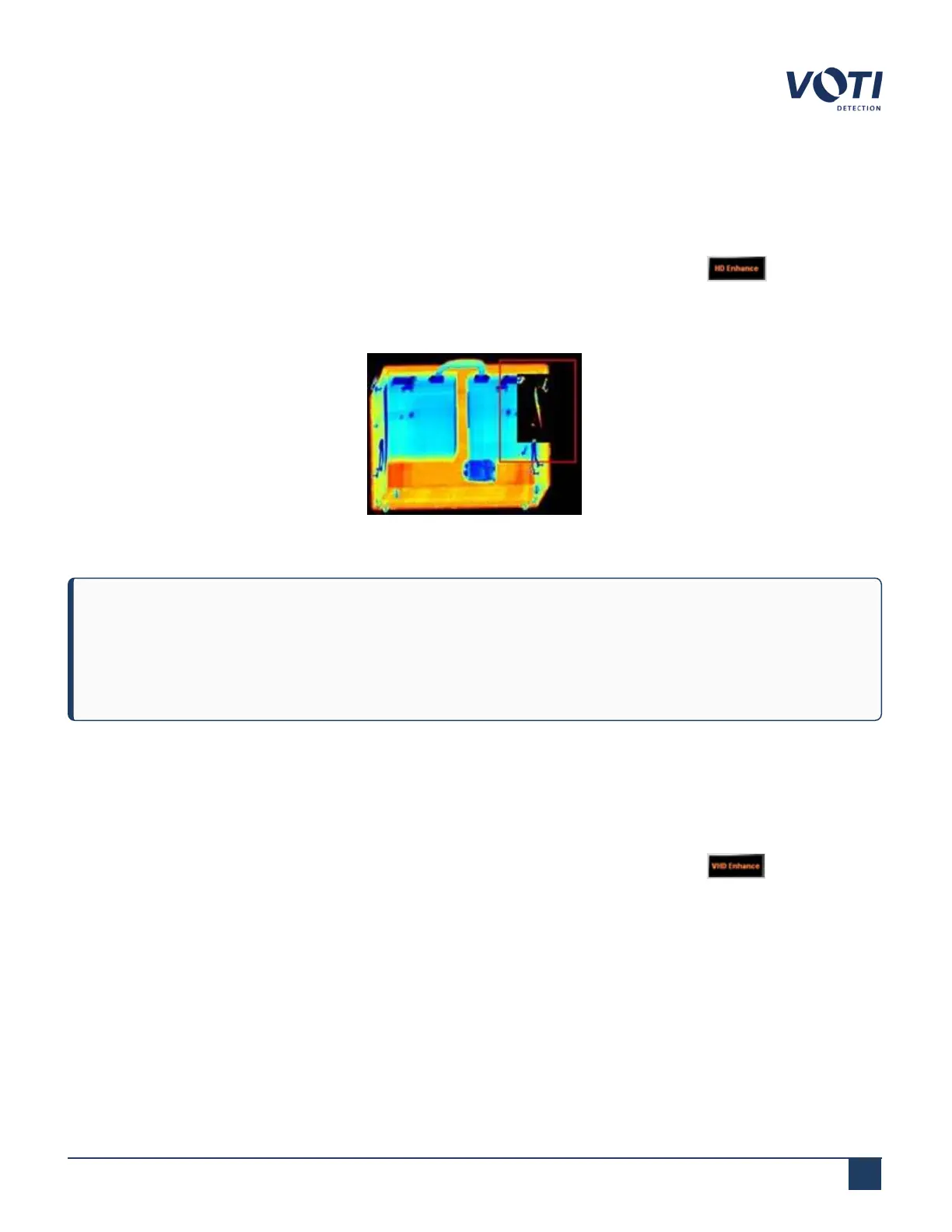
4.4.5 HD Enhance
The HD Enhance (High Density Enhance) mode reveals information about image areas that appear black (dense
areas) in a scan. Enhanced image coloring is used to assist in differentiating the objects.
1.
Click the button in the Change System Status/Mode pane until the button displays and the System
& Operator Messages pane displays HD Enhance for System Status.
2.
Drag the cursor to define an area of interest.
Figure 29 - Example of HD Enhance
NOTE
High density is also known as high attenuation, where high attenuation areas are proportional to density
multiplied by thickness (Attenuation ∝ Density x Thickness). If there is something in the item that is thick
and dense, it displays as black in the initial scanned image.
4.4.6 VHDEnhance
The VHD Enhance (Very High Density Enhance) mode uses the results of the HD enhance and then uses a much
smaller dynamic range to display only the areas which are extremely dense.
1.
Click the button in the Change System Status/Mode pane until the button displays and the System
& Operator Messages pane displays Very High Density Enhance for System Status.
2.
Drag the cursor to define an area of interest.
© VOTI2020 / 900116-001



 To Next Page