Operator Manual / 4. Interface
49
displaying the item a layer at a time.
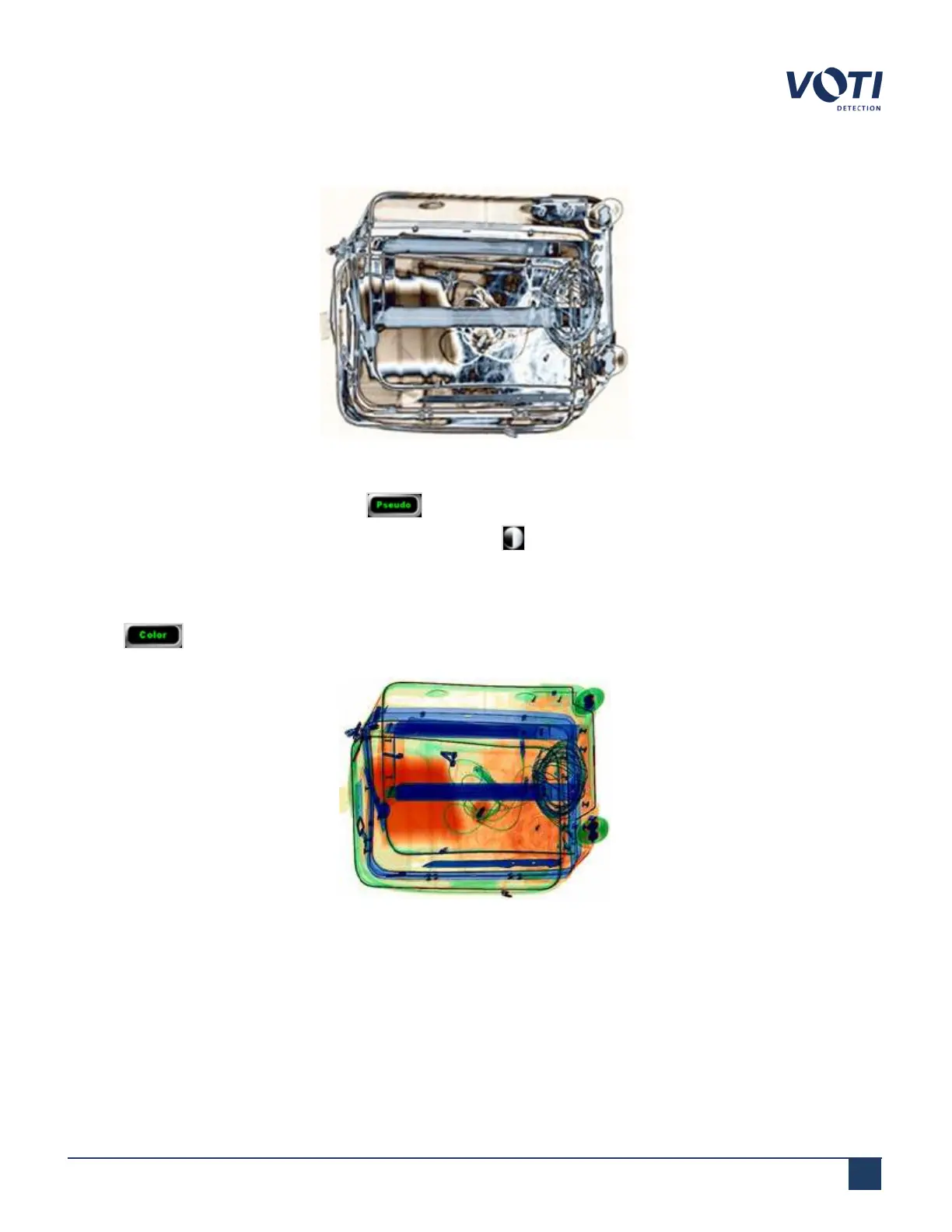
Figure 33 - Example of Pseudo View
To stop the auto-contrast feature, click the button again.
To go through the contrast (a slice at a time), click the contrast control.
4.6.2 Color
Clicking displays items in a color representation of their respective atomic number (both organic and
inorganic).
Figure 34 - Example of Color View
© VOTI2020 / 900116-001



 To Next Page