Operator Manual / 3. Getting started
32
A.
Open the access panel with the appropriate key or screwdriver.
B.
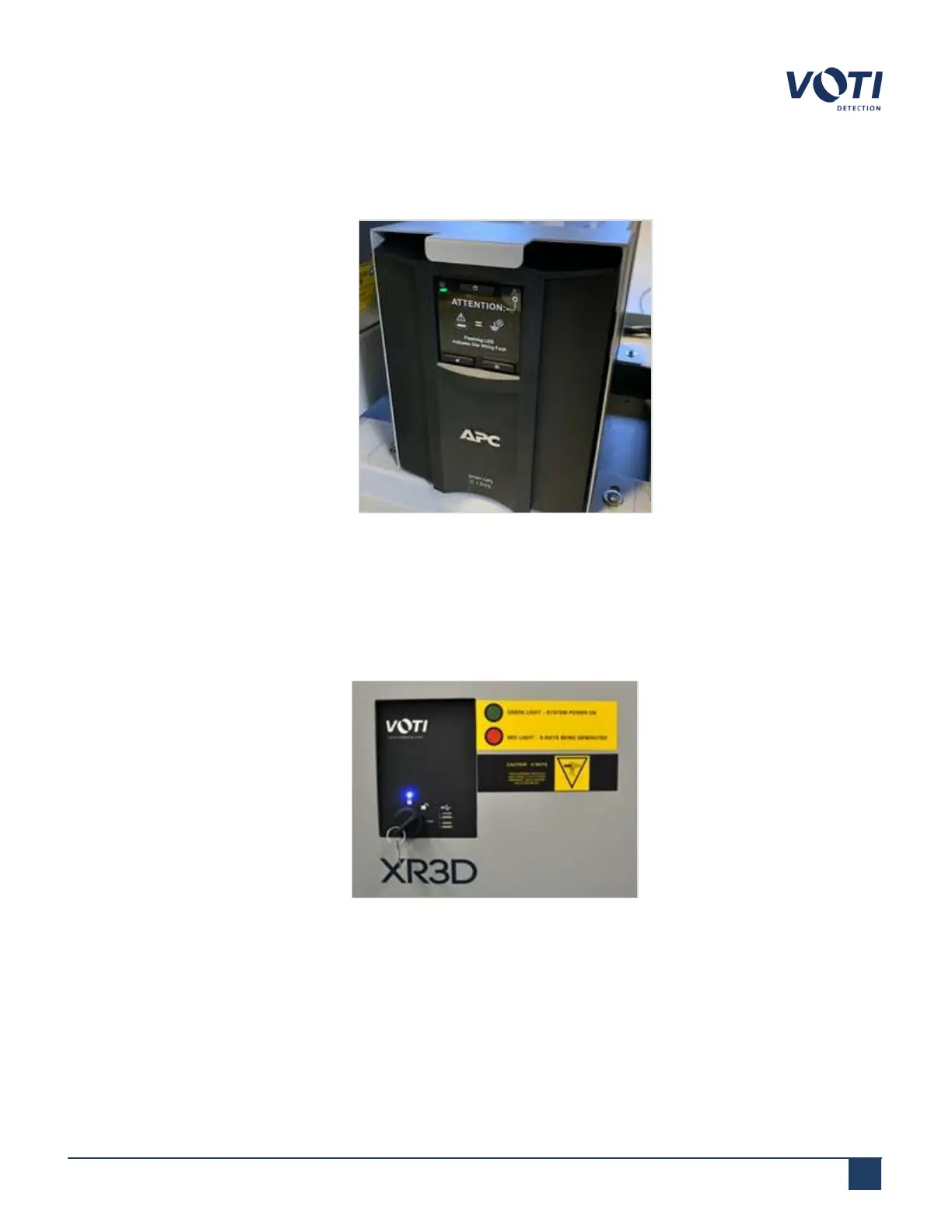
Locate the UPS.
Figure 10 - UPS
C.
Press and hold the UPS power button until it beeps.
D.
Close and secure the access panel using the security screws.
5.
Turn the key clockwise to the unlocked position, then to the start position and release the key. It will stay in the
unlocked position.
Figure 11 - Control Board
© VOTI2020 / 900116-001



 To Next Page