Operator Manual / 3. Getting started
33
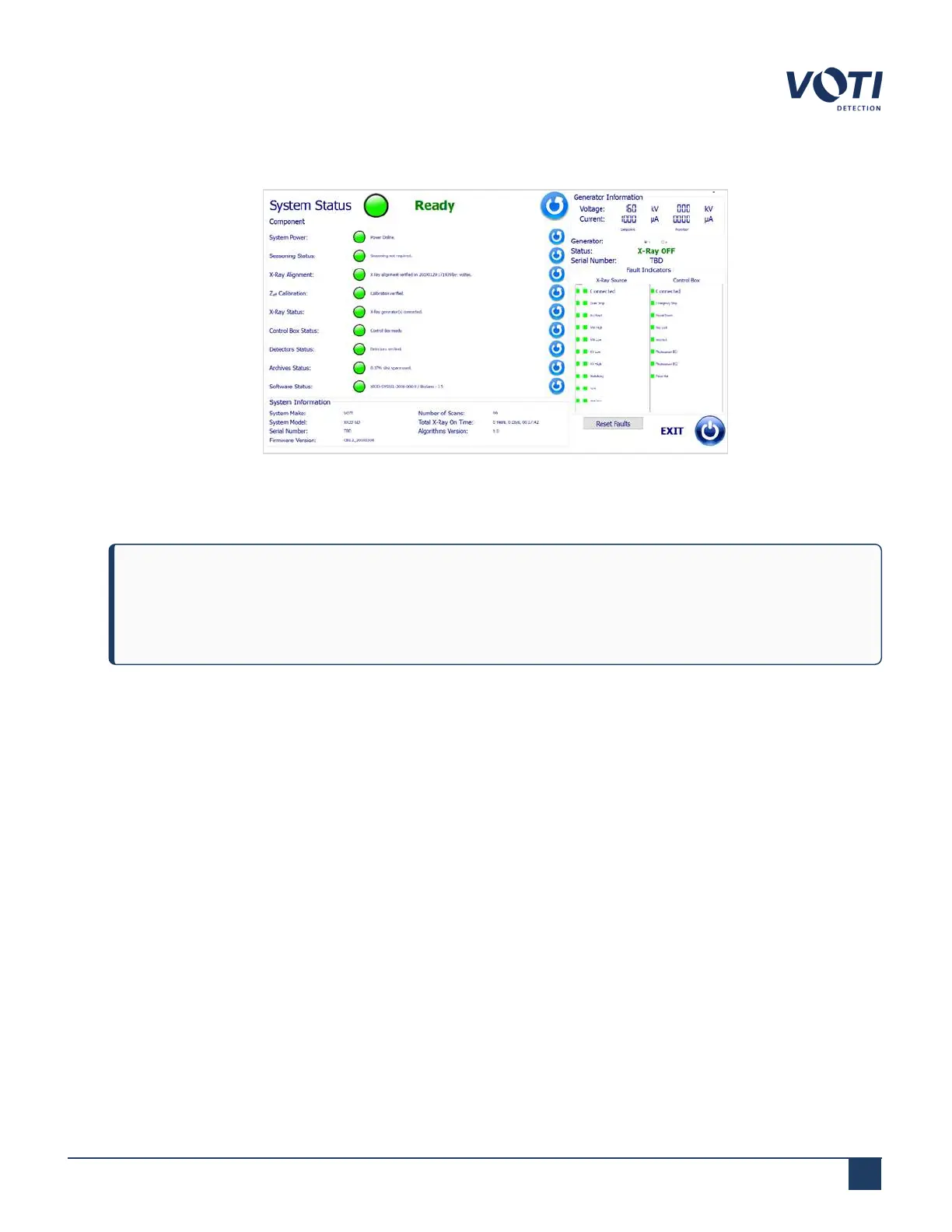
6. The system diagnostic screen will appear. Press EXIT to launch the BioSans™ login menu.
Figure 12 - System Diagnostic - Check if the System is Ready to Scan
7.
The operator login screen will appear on the monitor.
NOTE
If you press the power button on the login screen after the system has booted up, BioSans™ will shut
down. No data will be lost, as the computer will perform a safe shutdown.
© VOTI2020 / 900116-001



 To Next Page