Operator Manual / 6. Administration module
72
6.3.1 Adding a user
To add a user:
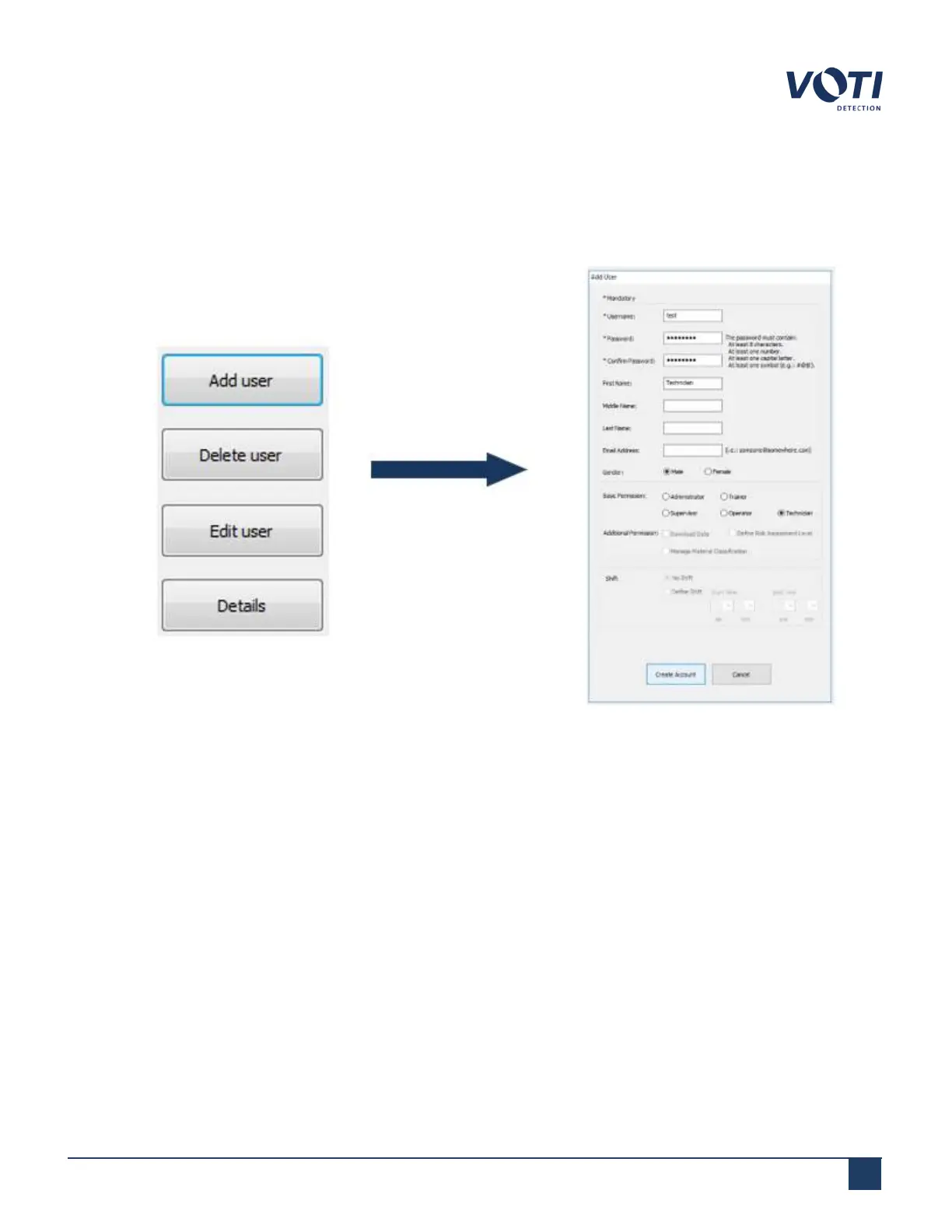
1. In the User Management tab, click Add user. The Add User window appears.
Figure 60 - User Management - Add User
2. Click on the Username field and enter the name of the new user. If you enter an invalid or existing username,
the field turns red and a message appears at the bottom of the window.
© VOTI2020 / 900116-001



 To Next Page