Operator Manual / 6. Administration module
73
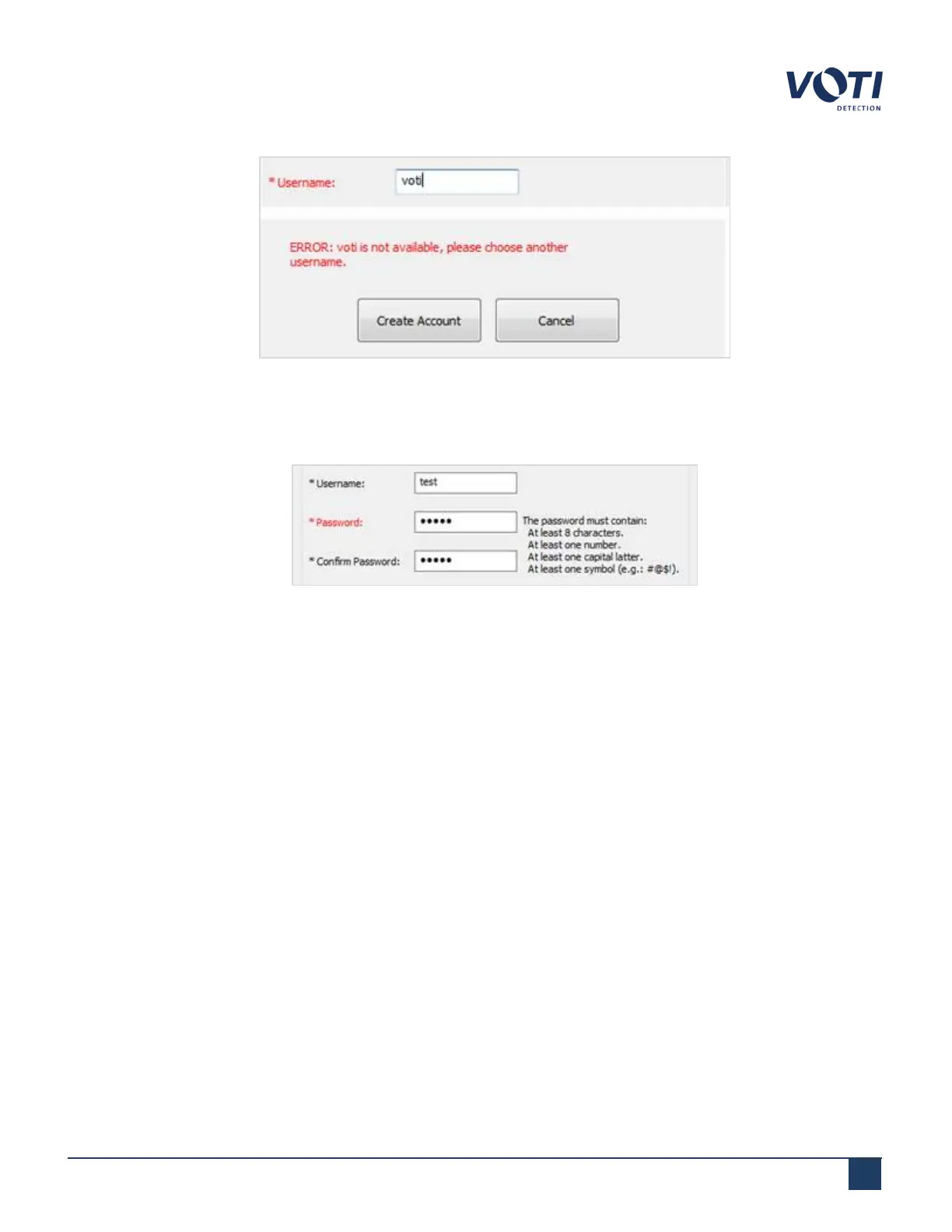
Figure 61 - Username Already Exists
3. Click on the Password field and enter a password for the new user. The password can be a combination of
letters and numbers and must be at least 8 characters in length.
Figure 62 - Choose a Password
4. Click on the Confirm Password field and re-type the password.
5. Click on the Name fields (First Name, Middle Name, Last Name) and enter the user’s information, if
required.
6. Click on the Email Address field and enter the new user’s email address, if required.
7.
Select the user’s gender, if required.
8.
Check the access type for the new user.
o
Supervisor: in addition to all operator permissions, this selection also allows an administrator to give
additional access (to a supervisor) to the Download Data, Material Classification (optional), and Risk
Assessment Management (optional) administration module tabs.
o
Operator: Allows an administrator or supervisor to limit operator access to scanner functionalities.
9.
Adjust the shift dates and times if you want to restrict the new user's access to the XR3D to a specific work
period.
© VOTI2020 / 900116-001



 To Next Page