Operator Manual / 6. Administration module
76
3.
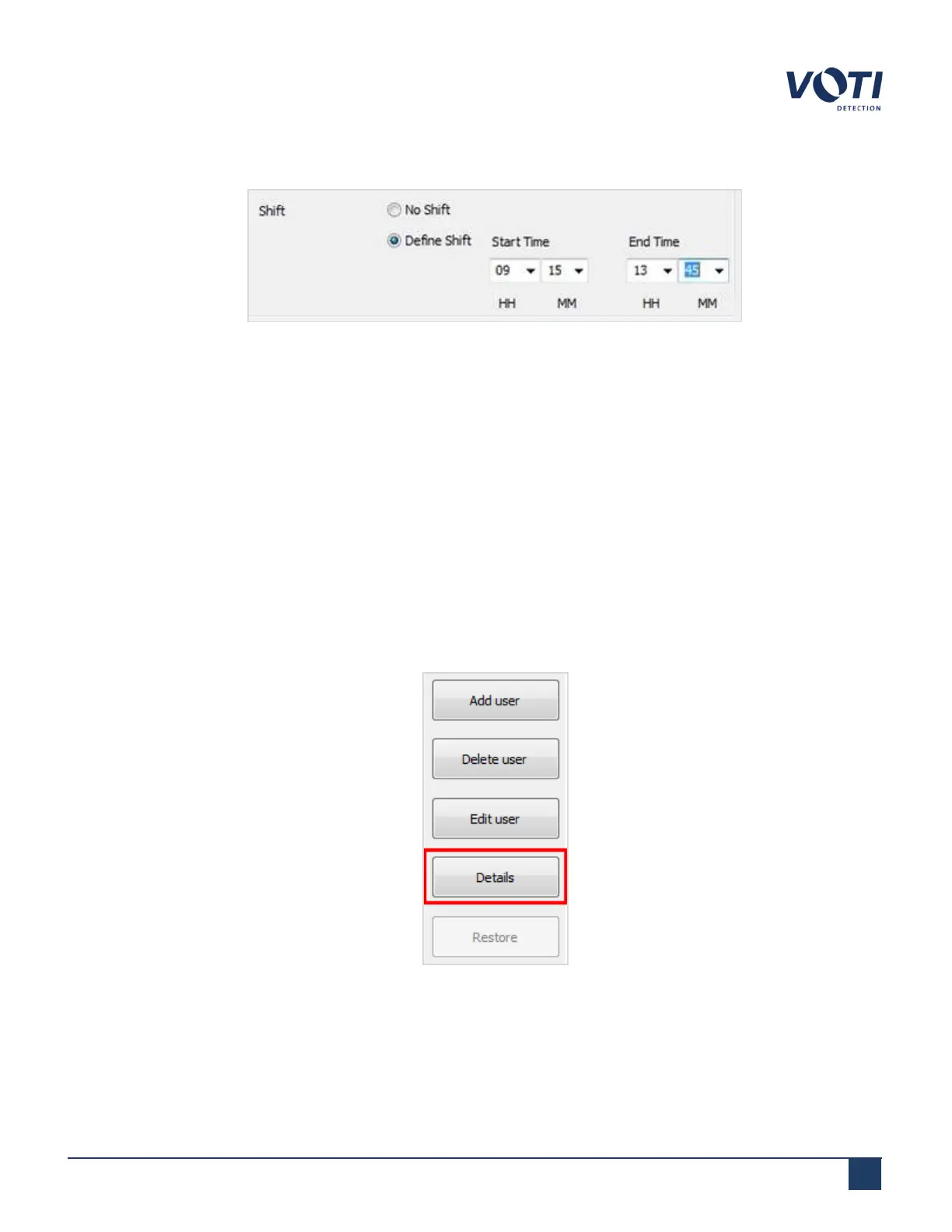
Click an item to edit, and detailed options will appear (e.g. to change a shift).
Figure 65 - Change a Shift
4.
Modify the fields that you want to edit.
5. Click Save Changes to confirm the changes to that item. Repeat for any other items that need to be edited.
6. When all the changes are complete, click Save to confirm and close the window.
6.3.3 Viewing user details
To view the details of an existing user:
1. In the User Management tab, click on an existing user in the list of current users. To display details for all
users, do not select any individual users.
2. Click Details. The Details window appears, displaying a history of all activities. It also displays the permission
(or access) level into which the user logged in, for example, as an administrator, supervisor, or operator.
Figure 66 - Get User Details
© VOTI2020 / 900116-001



 To Next Page