56
How to configure a serial output
Printer conguration is currently not available.
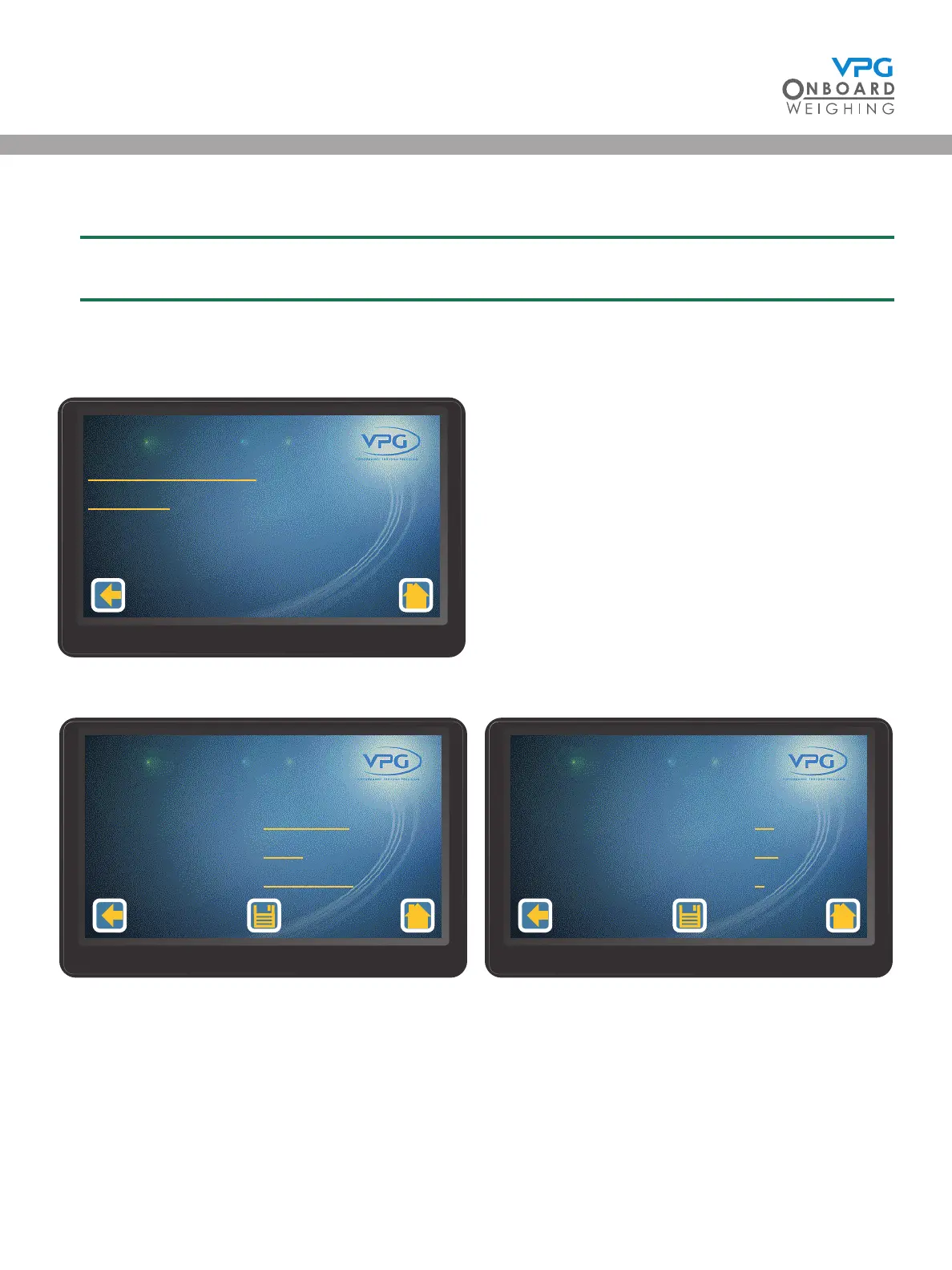
1. Tap the conguration icon in the home page to open the conguration menu
2. Tap System Cong to open the system cong menu:
3. Tap Printer/Serial Output to open the printer and serial cong page:
4. Swipe left or right to select the port you want to congure
Printer/Serial Output
Digital I/O
System Cong
1/1
Port
Transmit Period
Acknowledgement Required
Retries
Printer and Serial Cong
2/2
1/2
10
No
1
Port
Port Mode
Baud Rate
Scoreboard Format
1/2
Serial Data
9600
VanWeigh1
Printer and Serial Cong
1/2
VanWeigh
®


 To Next Page