57
5. Tap the Port Mode value to set the port mode:
• Select Serial Data for serial output. Input the Baud Rate, Scoreboard Format, Transmit Period,
Acknowledgement Required and Retries values
• Select Printer for a printer output. Input the Baud Rate, Handshake and Print Options values
6. Tap the Save Icon
How to configure the weighing units
1. Tap the conguration icon in the home page to open the conguration menu
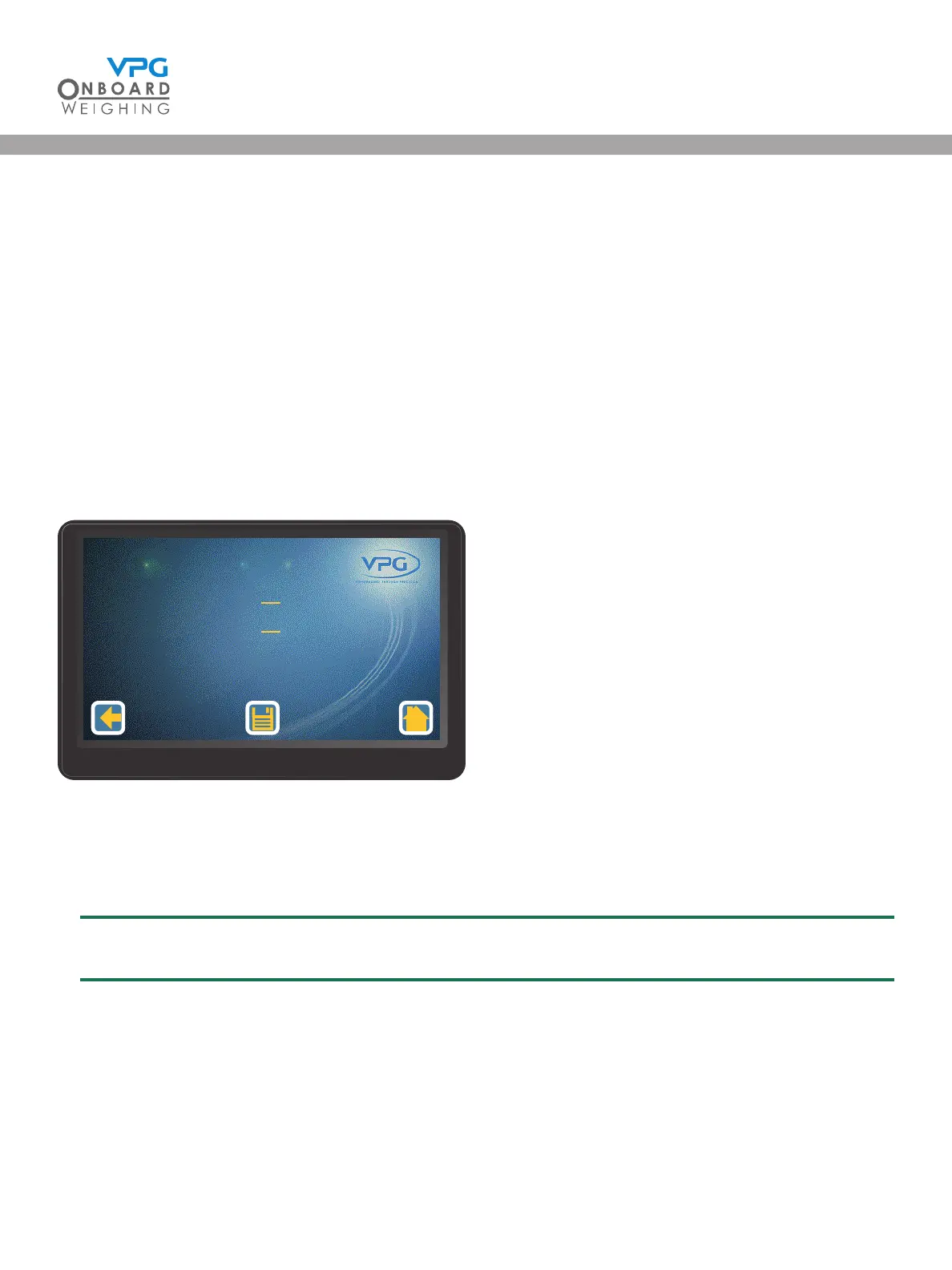
2. Tap Weighing Cong to open the weighing cong menu:
3. Tap the Weighing Units value to set the weighing units
4. Tap the Count By value to set the value that the weight measurements are rounded to when
they are displayed on the monitor
It is recommended that the count by value is set to 20 kg for minimum stability
5. Tap the Save icon
Weighing Units
Count by
kg
10
Weighing Cong
1/1
VanWeigh
®
VanWeigh
®


 To Next Page