54
How to configure the display
1. Tap the conguration icon in the home page to open the conguration menu
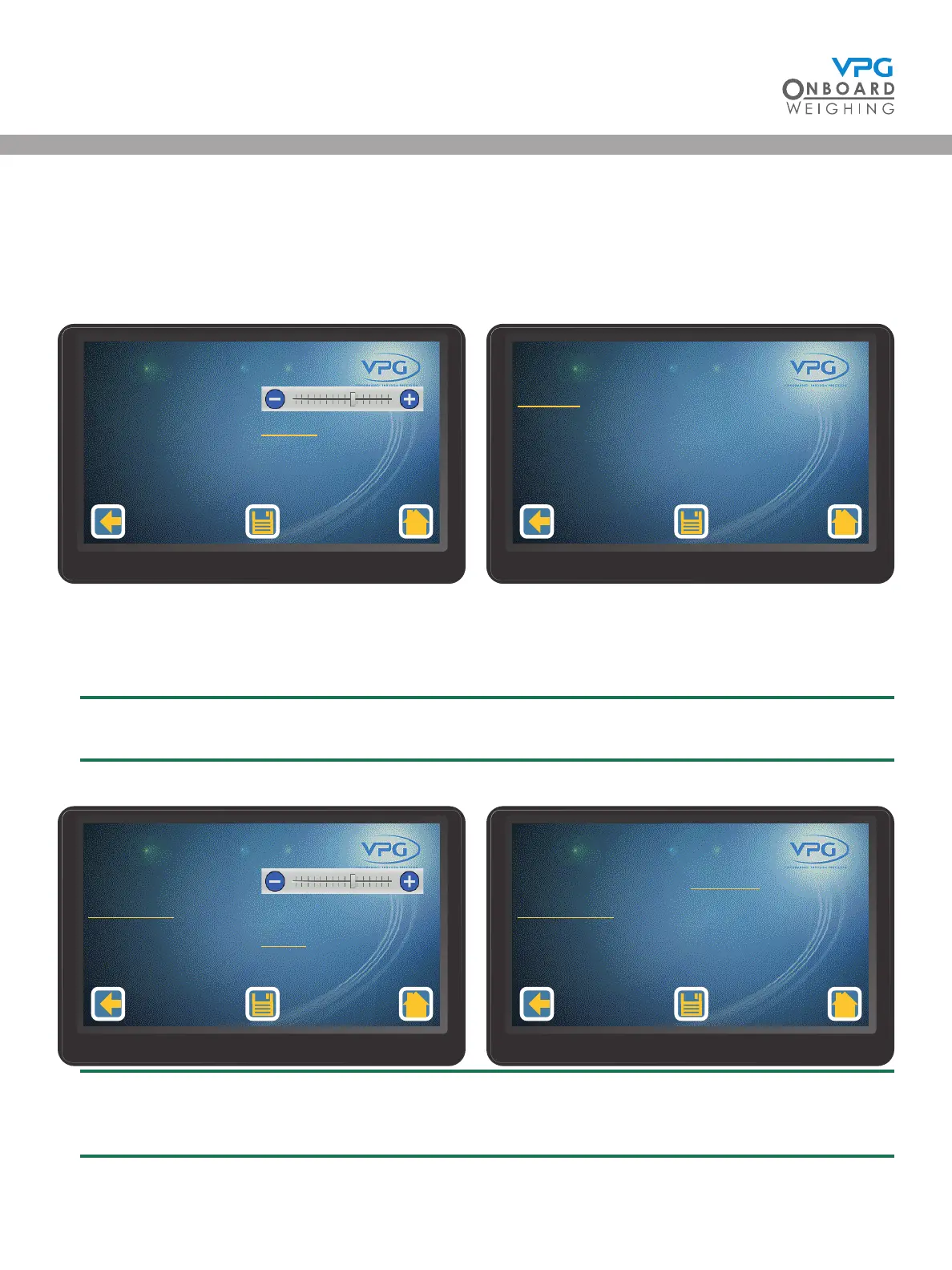
2. Tap Display to open the display conguration menu:
3. Tap the + or - button on the Brightness slider to increase or decrease the brightness setting
4. Tap the Language value to select the language for the display
English is the only available language on display version 02.01.04.01 and earlier
5. Tap Settings to open the display conguration settings menu
You must log in to access the display conguration settings. See “Login” on page 41 for
guidance
Brightness
Language English
Display Conguraon
1/2
Sengs
Display Conguraon
2/2
Volume
Date/Time
Power O Time
13:48 18/01/19
5 min
Display Conguraon
1/2
Master Mute
Set Defaults
Disabled
Display Conguraon
2/2
VanWeigh
®


 To Next Page