53
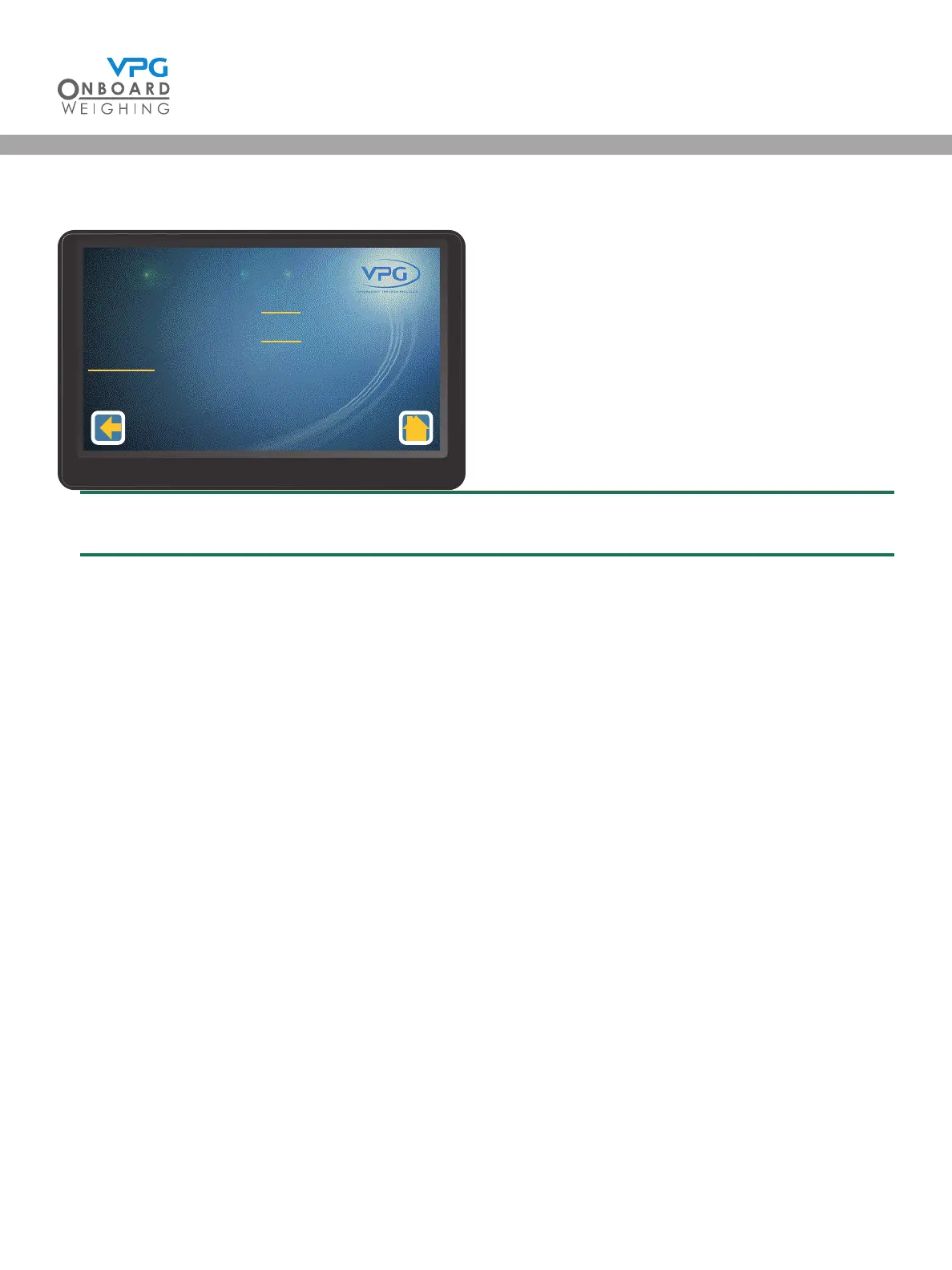
12. Tap Axle Span to open the axle calibration menu
Make sure the vehicle is at GVW before starting the span calibration
13. Tap the Axle 1 Span Weight value to set the span weight for the rst axle
14. Enter the Axle 1 Span Weight value
15. Repeat steps 13 and 14 for the next axle. Continue until the span weights for every axle have
been input
16. Tap Do Span. A warning message is displayed
17. Tap OK to perform the span calculation.
18. Tap the home icon
19. Check that the values on the display match the span weight measurements
Axle 1 Span Weight
Axle 2 Span Weight
Do Span
1700
2000
Axle Calibraon
1/1
VanWeigh
®
VanWeigh
®


 To Next Page