58
How to configure the PIN Numbers
1. Tap the conguration icon in the home page to open the conguration menu
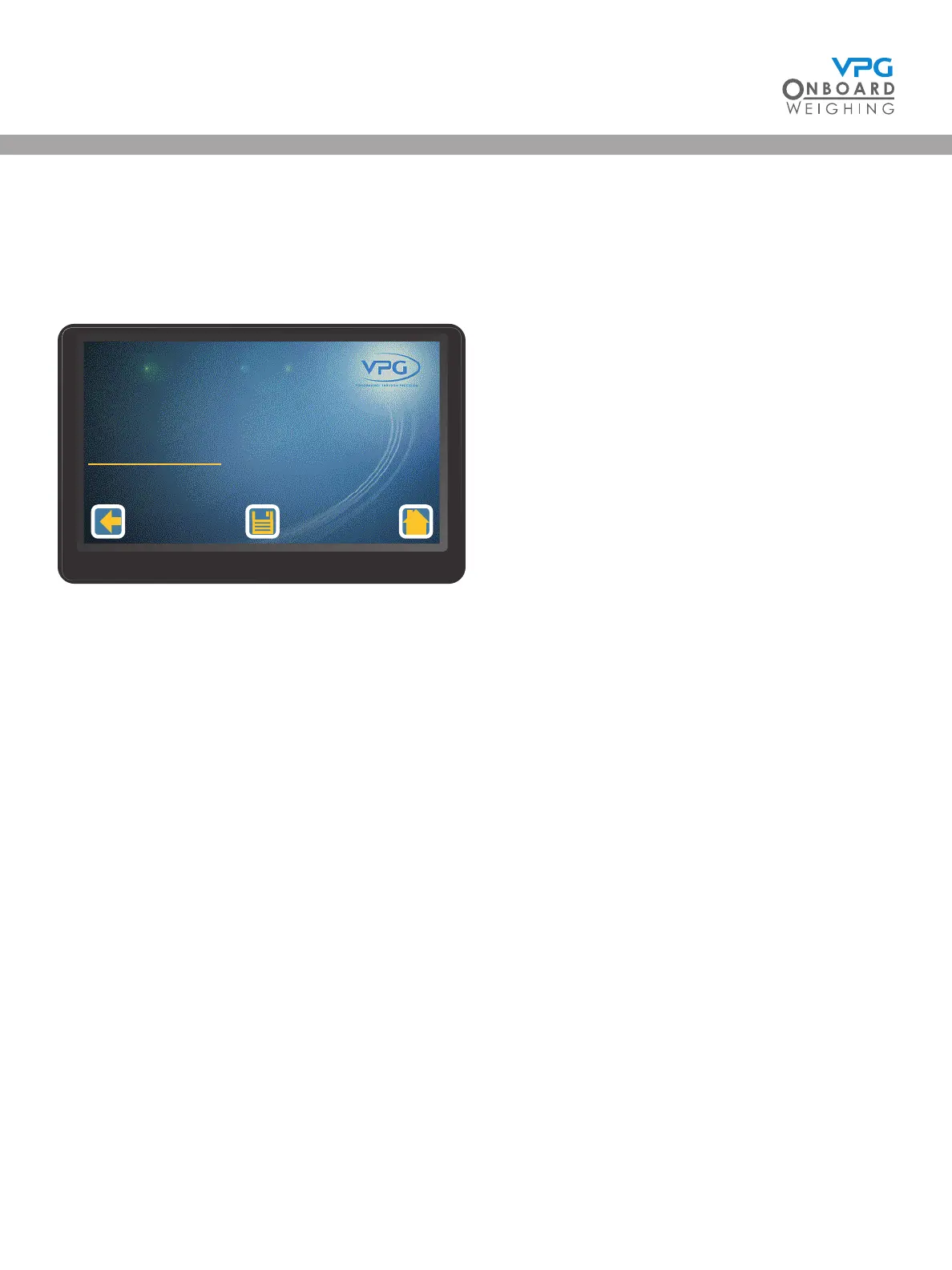
2. Tap PIN Management to open the PIN management menu:
3. Tap the PIN number you want to change
4. Enter the current PIN number and tap enter
5. Enter the New PIN number and tap enter
6. Tap the Save icon
Fleet Manager
Engineer
Restore Defaults
PIN Management
1/1
VanWeigh
®


 To Next Page