43
How to configure the junction box
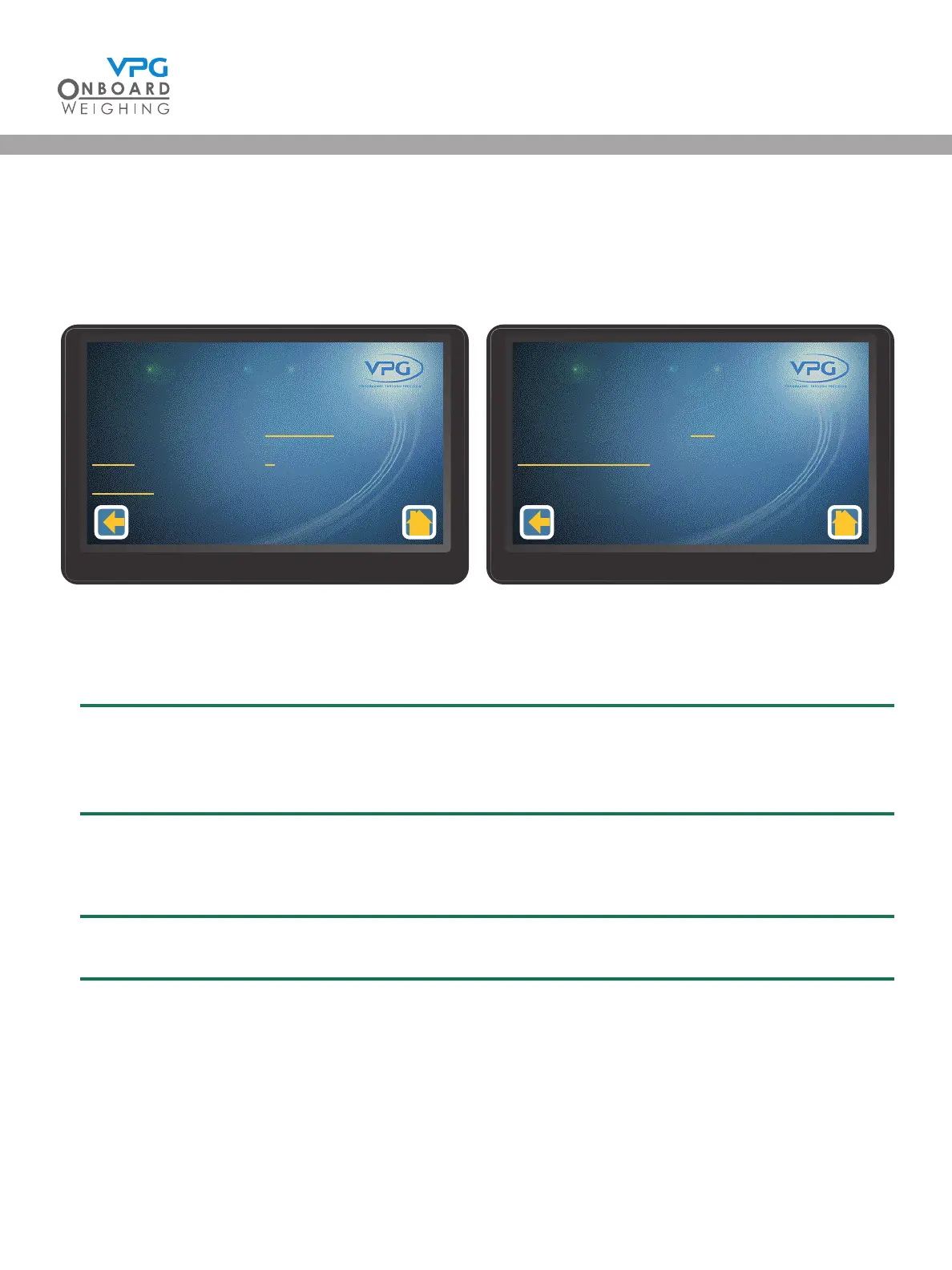
The junction box is congured in the the vehicle conguration menu. From the home page, go to:
Conguration > Vehicle Conguration.
1. Tap JBox Cong to open the junction box setup menu:
2. Tap the Orientation option
3. Select the orientation for the junction box
The junction box orientation is determined by the direction the top face of the box is facing.
For example; Up, down, left side or right side of the vehicle. Please see “How to install the
junction box” on page 20 for further details.
4. Tap the Axles numerical value
5. Select the number of axles that are monitored by the junction box
The junction box is able to connect to 4 sensors on the vehicle, over 2 axles.
Juncon Box
Orientaon
Axles
Sensors
1 - 1
Disabled
2
3
Juncon Box Set Up
1/2
Juncon Box
Jier Filter
Restore Defaults
1 - 1
O
Juncon Box Set Up
2/2
VanWeigh
®
VanWeigh
®


 To Next Page