52
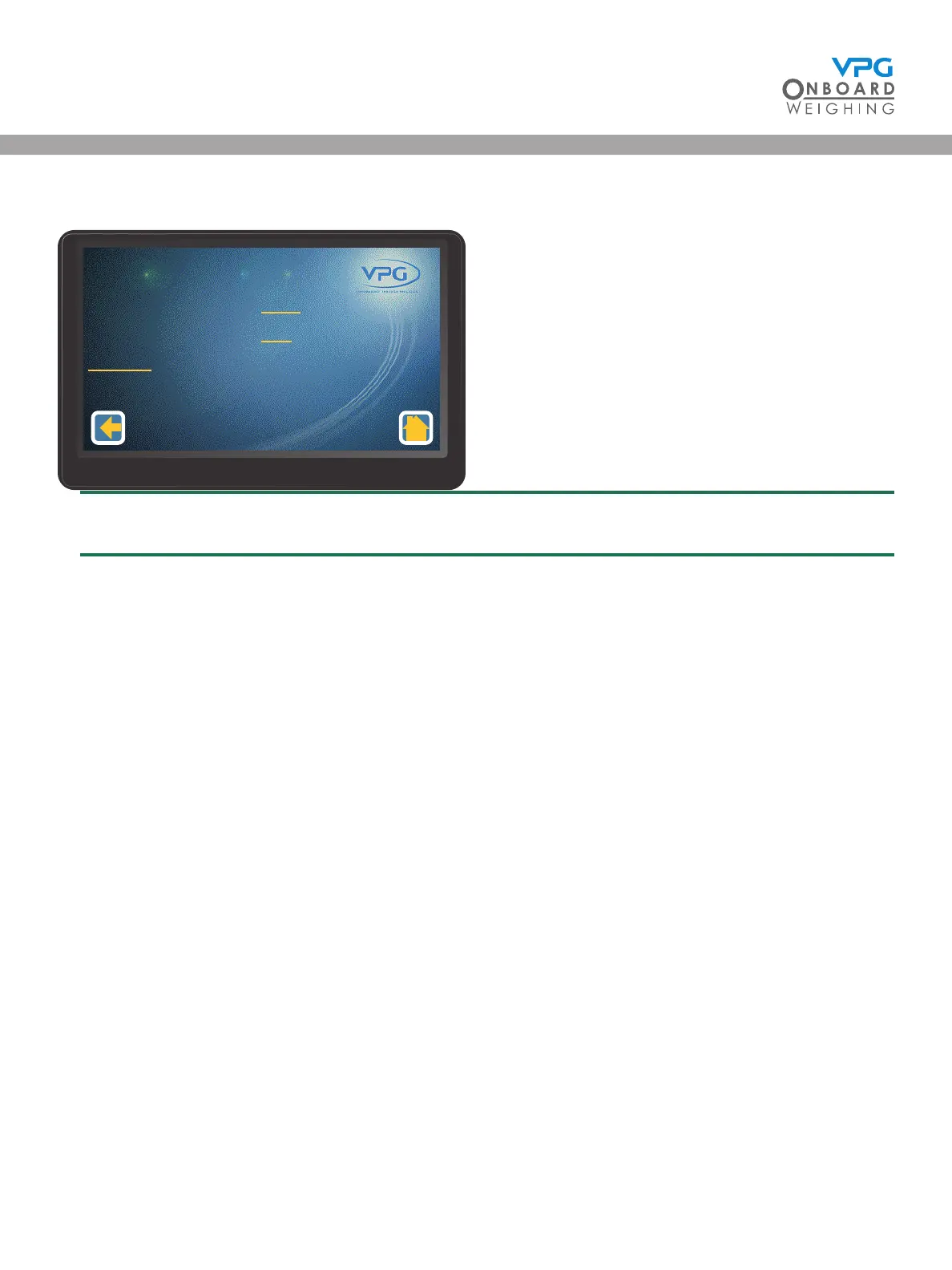
5. Tap Axle Zero to open the axle calibration menu
Make sure the vehicle is empty before starting the zero calibration
6. Tap the Axle 1 Zero Weight value to set the zero weight for the rst axle
7. Enter the Axle 1 Zero Weight value
8. Repeat steps 6 and 7 for the next axle. Continue until the zero weights for every axle have
been input
9. Tap Do Zero. A warning message is displayed
10. Tap OK to perform the zero calculation.
11. Tap the back icon to return to the junction box calibration menu
Axle 1 Zero Weight
Axle 2 Zero Weight
Do Zero
1200
800
Axle Calibraon
1/1
VanWeigh
®


 To Next Page