2787-2146 (/0000-00x0)Configuration
50 Product manual | Version: 1.2.2
Power Supply Pro 2
Password
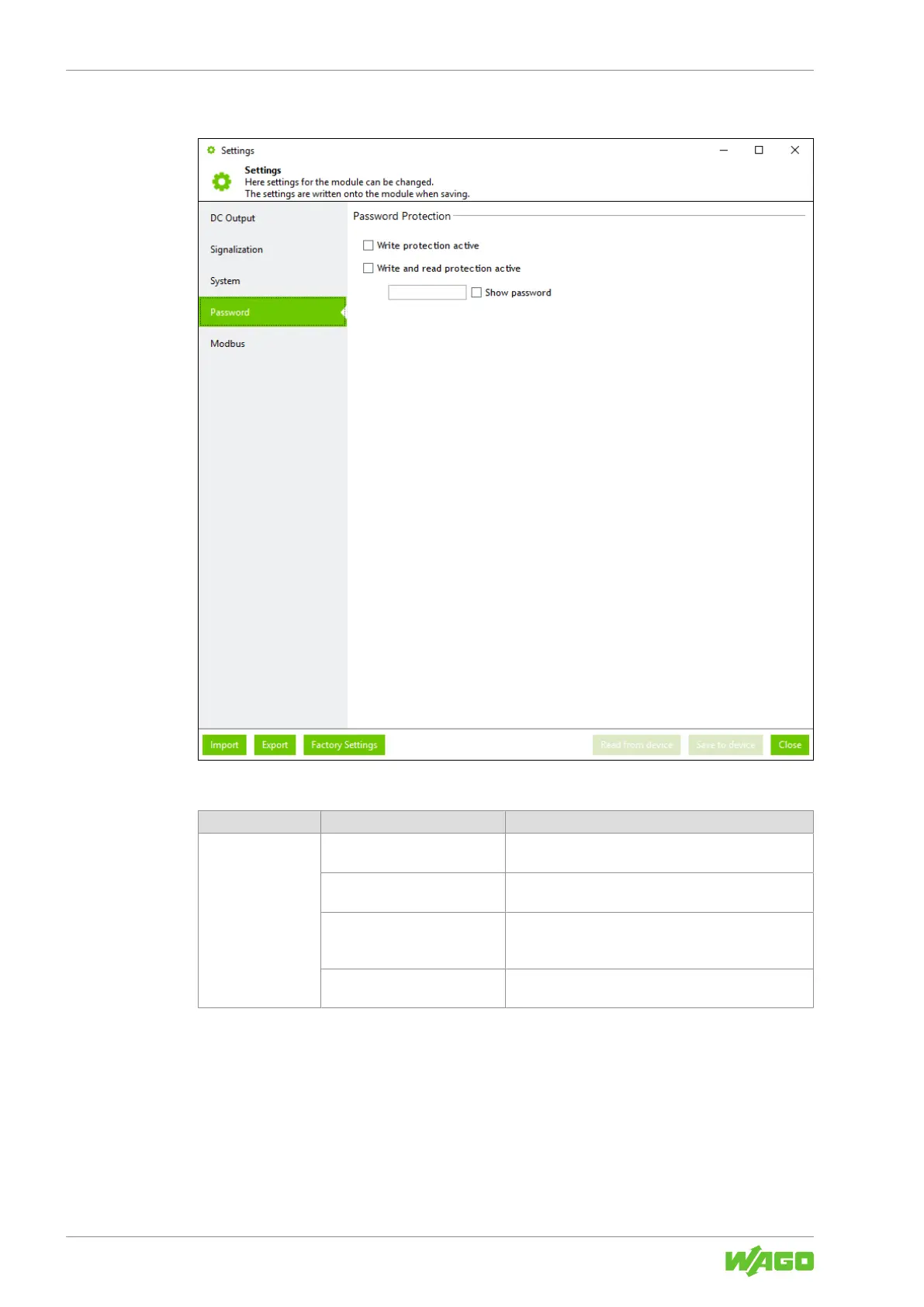
Figure29: Dialog: Settings – Password
Table58: Dialog: Settings – Password
Section Parameters Description
Password Protec-
tion
Write protection active If this checkbox is selected, no parameters can be writ-
ten to the product.
Write and read protection ac-
tive
If this checkbox is selected, no parameters can be writ-
ten to the product or read from the product.
Input field You can enter the password here. The password can
consist of at most eight characters (from the ASCII
character set).
Show password If this checkbox is selected, the password entered is
shown without encryption.



 To Next Page