17
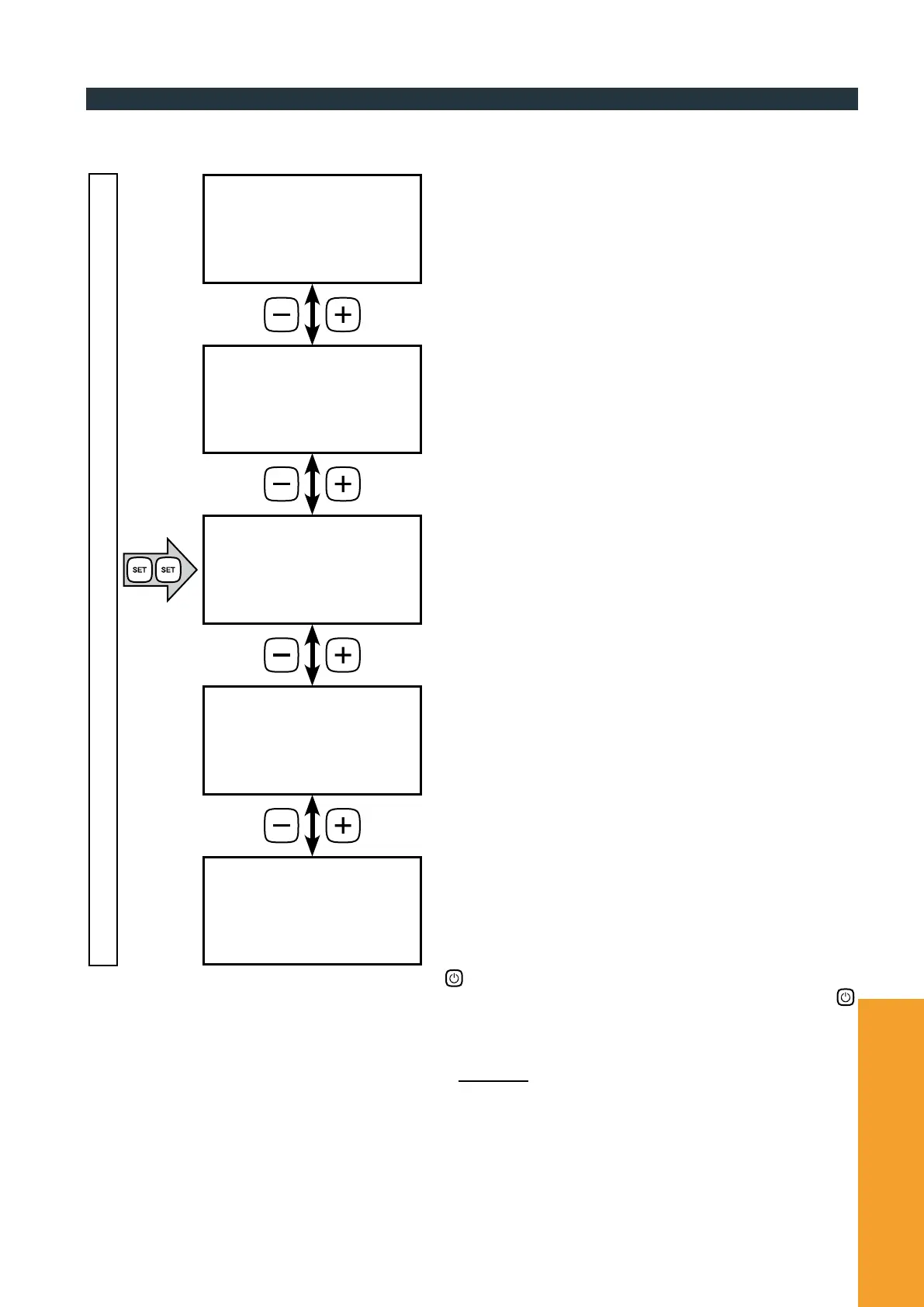
PUMP
Speed
<< DYNAMIC >>
PUMP
Speed
<< 1 - 8 >>
PUMP
Speed
<< MANUAL >>
PUMP
Speed
<< TIMED >>
PUMP
Speed
<< OFF >>
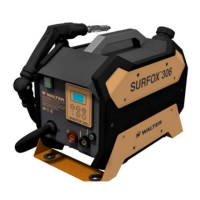
SURFOX 306
USER MANUAL
3.5. Pump adjustment
To change the pump operating modes, press the SET button twice and access the conguration screens (see diagram below).
Use the – and + keys to choose from the available options.
To return to the operation mode screen press the MODE button.
DYNAMIC mode is a new feature in the SURFOX 306.
When dynamic adjustment is selected, the pump is automatically
controlled by the device electronic parts, which decide moment-
by-moment how much uid to transfer to the electrode, based on
current consumption during processing.
In this mode, the pump is activated at regular intervals, to push
the same amount of liquid towards the electrode. The frequency of
activations can be adjusted by selecting one of the eight available
levels, from 1 (infrequent activation) to 8 (very frequent activation).
In MANUAL mode, the pump only activates when the START
switch on the wand is pressed (see chapter 2.4).
The button must be pressed and held for the pump to start
and the electrode must be in contact with the surface to be
worked on.
The TIMED program is a service mode that activates the pump
continuously for about 30 seconds.
This function is useful to quickly ll the hydraulic circuit before
processing and to ensure an immediate inow of liquid to the
electrode.
Once this program is selected, activate the pump by pressing the
button on the control panel. The pump stops automatically at
the end of the cycle, but you can stop it at any time by pressing
again or the START/STOP switch on the wand.
During the TIMED program cycle, the unit does not supply
current.
• S
HORTCUT: Regardless of the program selected, if you keep
the wand STOP switch pressed, the pump will immediately start
running in TIMED mode. Once the STOP switch is released, the
device returns to the previous work setting.
You can completely disable the pump by selecting the OFF
program.
screen of operating mode currently in use


 To Next Page