42
A
B
A
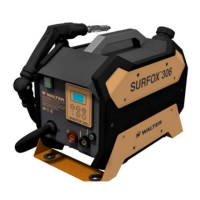
SURFOX 306
USER MANUAL
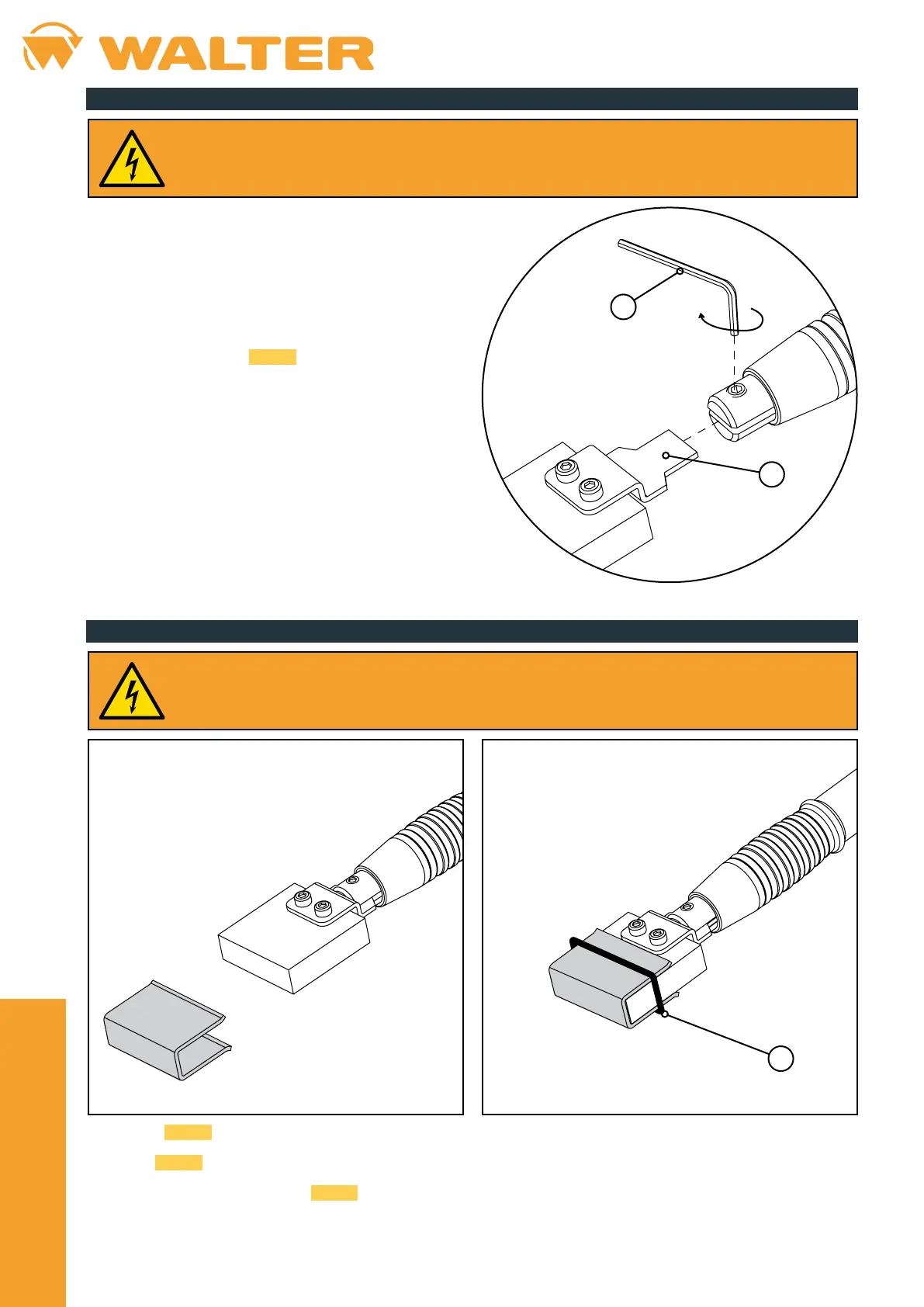
8.2. Marking insert installation
• Take the marking insert 54-B 088.
• Insert the coupling tab (A) into the appropriate slot in the
marking/etching wand.
• Tighten the set screw using a 2.5 mm hex wrench (B).
8.3. Mounting a pad on the marking insert
• Install the 54-B 088 insert on the marking/etching wand (see chapter 8.2).
• Fold the
54-B 083 pad into a "U" shape and stick it on to the electrode.
• Fasten the pad in place using the
54-B 089 O-ring (A).
When installing the pad, the marking/etching wand must not be connected to the device.
When installing the inserts, the marking/etching wand should not be connected to the device.


 To Next Page