C3.Switch on/off the D6 Plus
Switch off the D6 plus
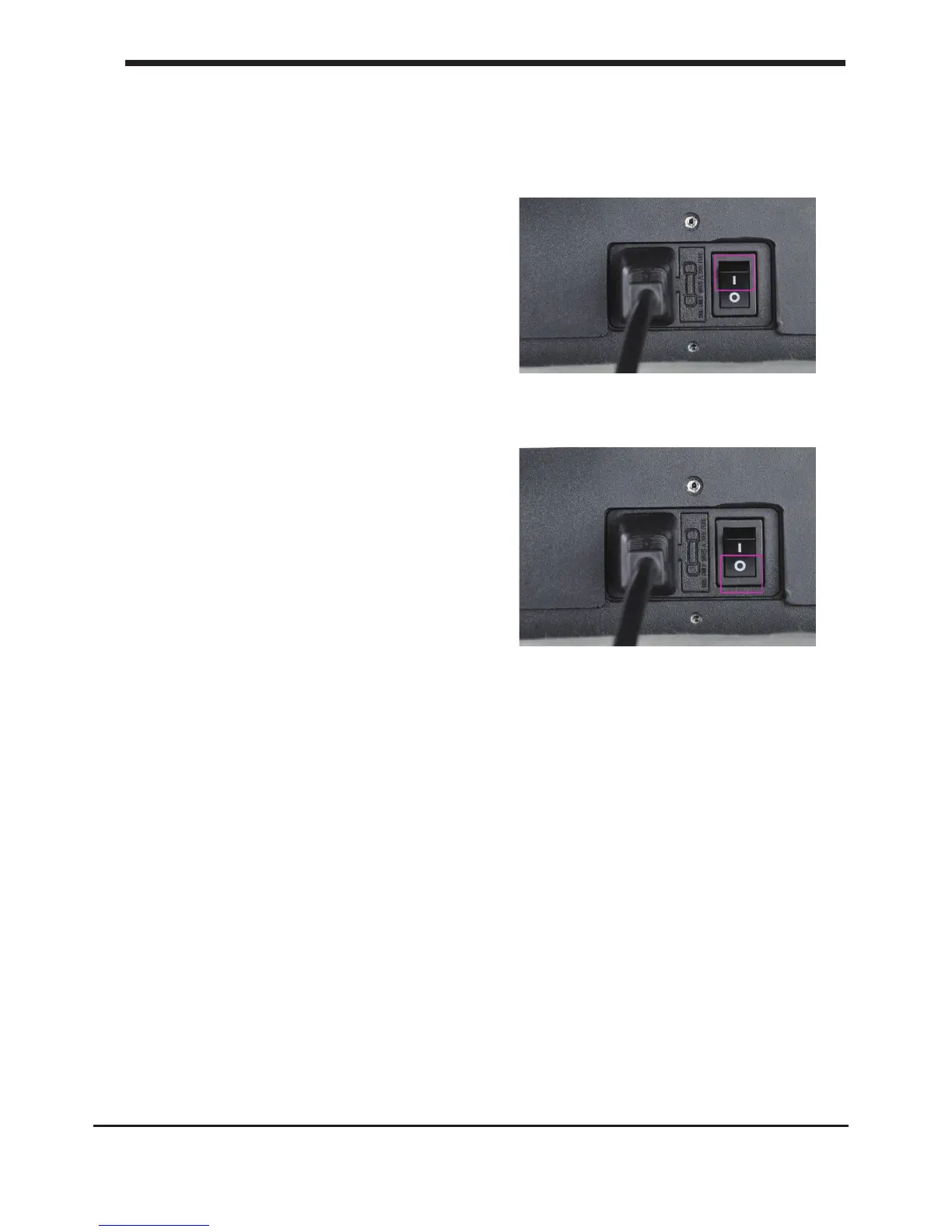
The on/off button (a.k.a. ‘ – | O ’) of the
D6 Plus is located at the back. The ‘ O ’
represents off and the ‘ – ’ represents on.
When it’s switched to the ‘ – ’ the D6 Plus is
turned on and should start up.
After the D6 plus has been turned on, the
front LED display should light up and the
sides should glow.
Switch off the D6 plus
The D6 plus can be turned off by
pressing the power switch to ‘ O ‘ at any time, it
is recommended to only turn off the
D6 plus when it is NOT in use.
When the D6 plus is switched off, the
display and lights will automatically turn
themselves off.
16
C3. Switch on/off the D6 Plus Installing parts on your D6 plus













 To Next Page