F2. Change lament and material feeder
Removing lament
In the D6 Plus the lament material can be changed. As you have learned in
previous steps there is no need to do this all by yourself because the D6 Plus
helps you with that.
1. Go to the [MATERIAL] tab on the main menu of the display. Press the button:
next go to [CHANGE], this can be done by turning the wheel next to the screen.
Press the button.
Note: rmware updates in the future may use a different terminology.
2. Your D6 Plus will heat up so the material can be removed later. When the
required temperature is met, the feeder will turn by itself and retract the lament.
3. Rewind the lament on the lament spool and make sure it cannot uncoil at a
later moment (secure with hole in spool, tape or anything that works).
Feeding materia
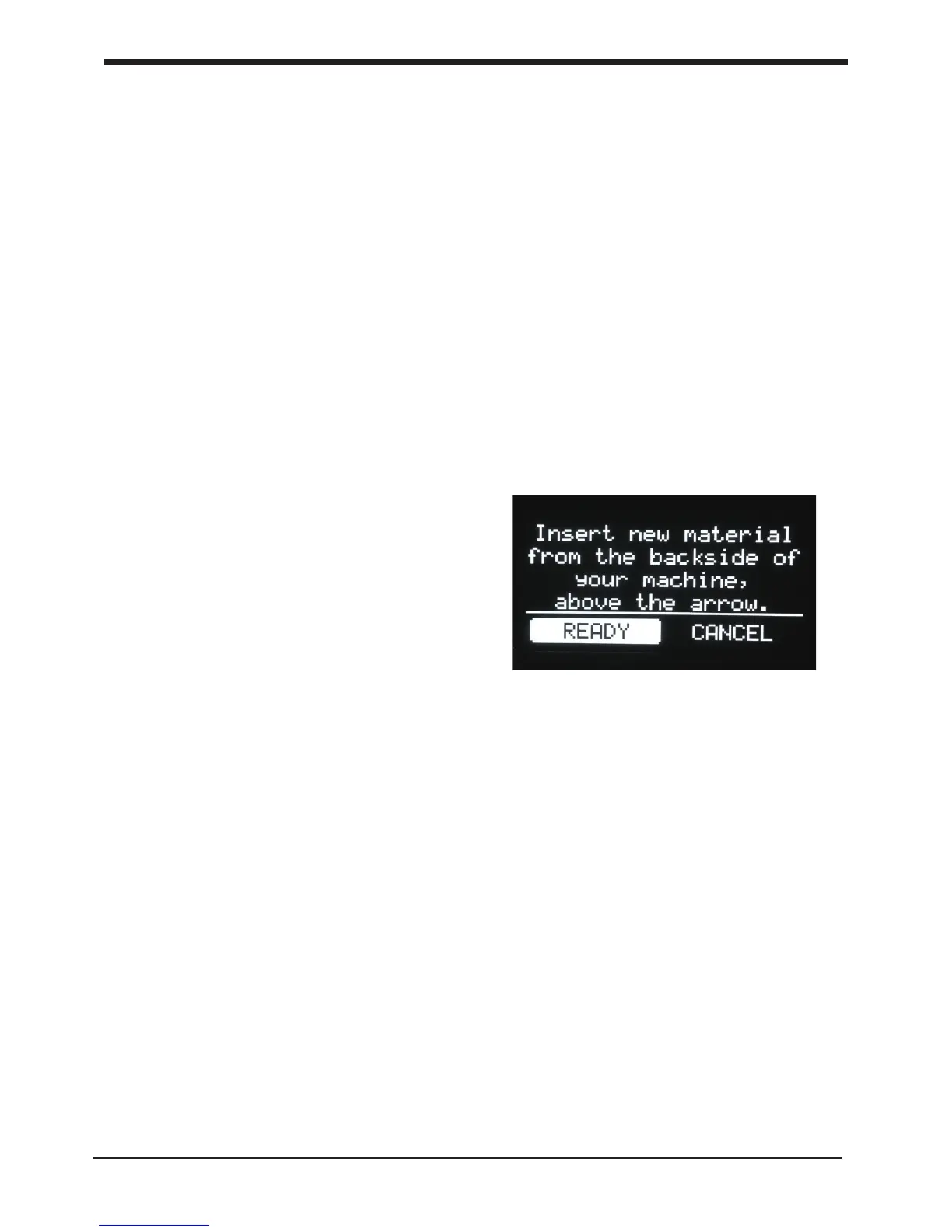
4. When you took the lament from the spool,
you (can) replace it with a new spool, follow the
instructions on the display.
5. In the last step of the instructions we make
sure that the printer knows what kind of material
you have inserted in your machine. Select on
the display the material that is identied on the
spool.
Clean material feeder
After a lot of printing, the wheel in the material
feeder can accumulate small plastic particles.You
can clean this by blowing air on the wheel or
using a simple brush.
34
F2. Change lament and material feeder Maintenance for your D6 Plus













 To Next Page