E5. From SD-card to print your le
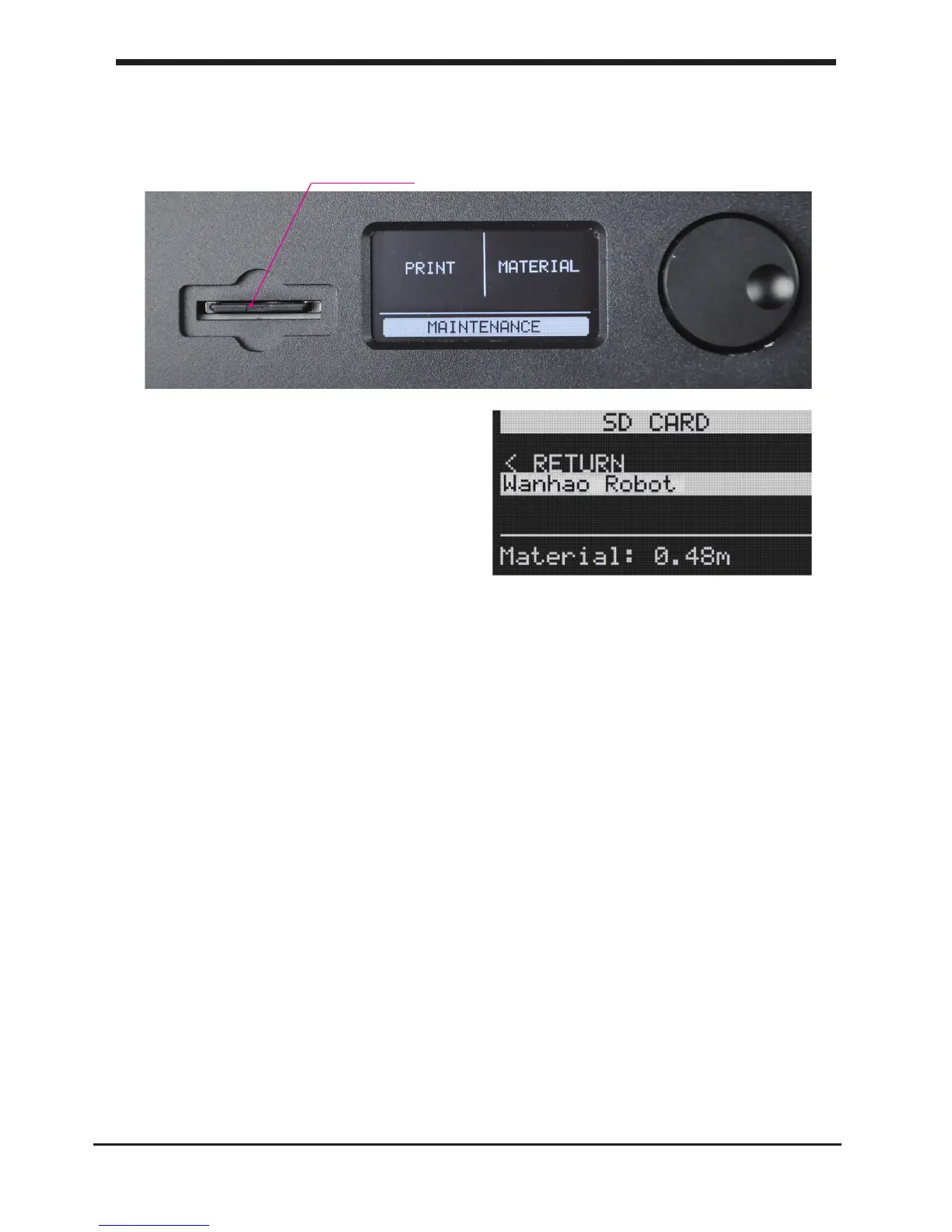
1. After saving the le and safely ejecting your SD-card from your computer, it is
time to insert it in the SD-card Slot at the front of your D6 Plus
2. By rotating the button and selecting
[PRINT], you can now choose your
desired print
model from the SD-card.
Note:If you would like know more about Cura check the total Cura manual on our
website: http://www.wanhao3dprinter.com/Down/ShowArticle.asp?ArticleID=56
31
E5. From SD-card to print your le Make a printle with cura software













 To Next Page