D1. First time startup
This chapter guides you through the steps and the rst run of the D6 plus. After you switch on
your D6 plus, the display will light up and guide you through
.
Use of the display
1.
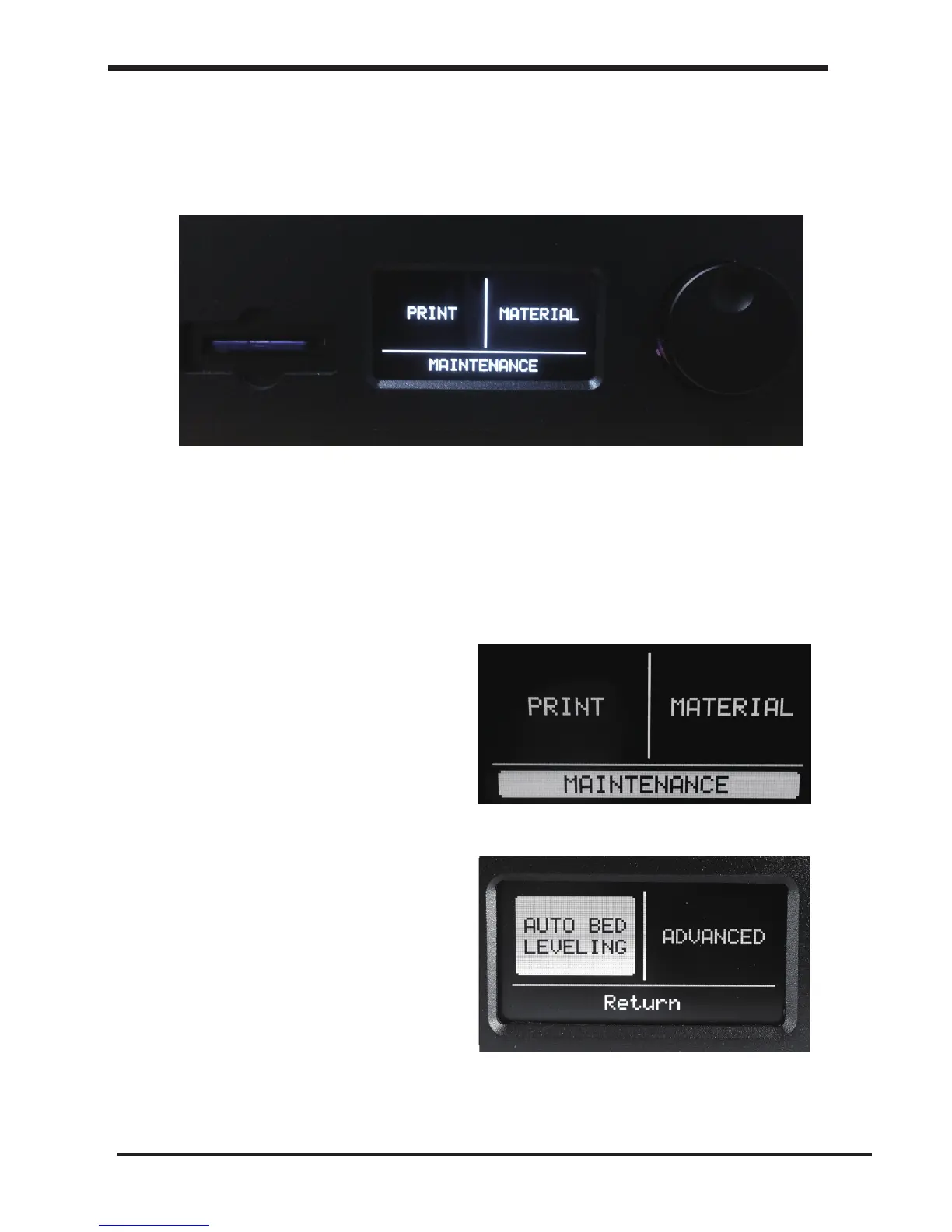
You can navigate through the display by using the button. This button can be
pushed and rotated. By rotating you can select or control an action. By pushing
you can conrm an action. When pushing the button you hear a “beep” sound to
conrm your chosen action. A blinking button means the D6 is waiting for
user input.
2.
Navigate to [MAINTENANCE],
[ADVANCED] and conrm for a
[Factory reset] You can use this
function for the rst run wizard
at any time
3.
When you read this step, Click
the [AUTO BED LEVELING]to go
the next step: To level the bed
automatically.
18
D1. First time startup First use of your D6 pLUS













 To Next Page