7
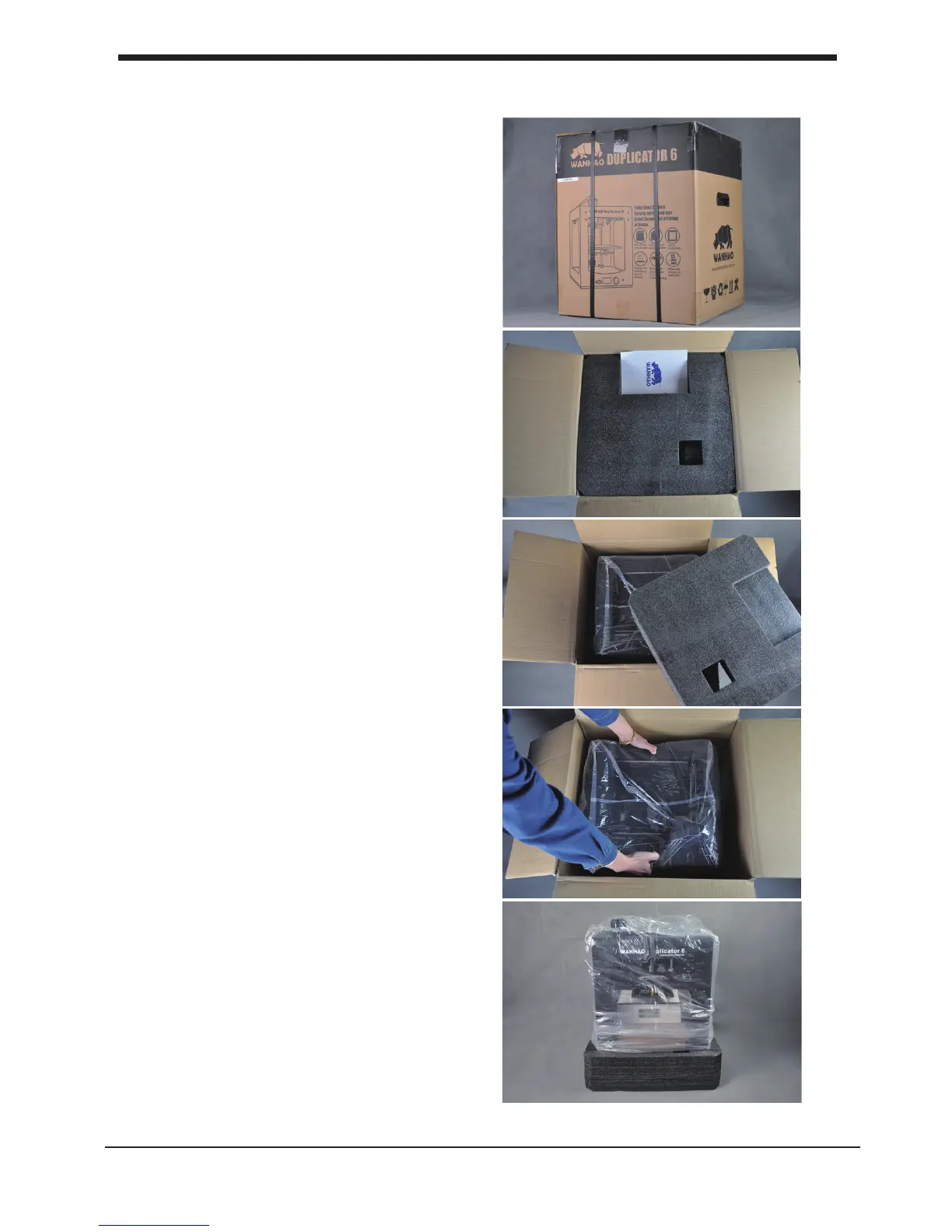
B1. Unboxing your D6 Plus
1. Place the D6 Plus box on a stable
surface, Placing it centrally on the oor
will provide the best accessible position
for unpacking.
2. Open the box. Here you will see
the User Manual.
We recommend that you use the User
manual to guide you through the
setup process rst
3. Remove black foam protector
4. Lift the printer gently up with 2 hands
on the top frame of D6. You may need one
person to help to hold the box still.
NOTE: You can download a PDF copy of
this User manual under manual at the
support page
B1. Unboxing your D6 Plus Get started & unpack your D6 Plus
5. Position the printer on a sturdy table to
optimise the approach and with plenty of
space surrounding it.
NOTE: Please do not use excessive force
when unpacking your D6 Plus. Excessive force
may lead to damage to the D6 Plus and its
components.













 To Next Page