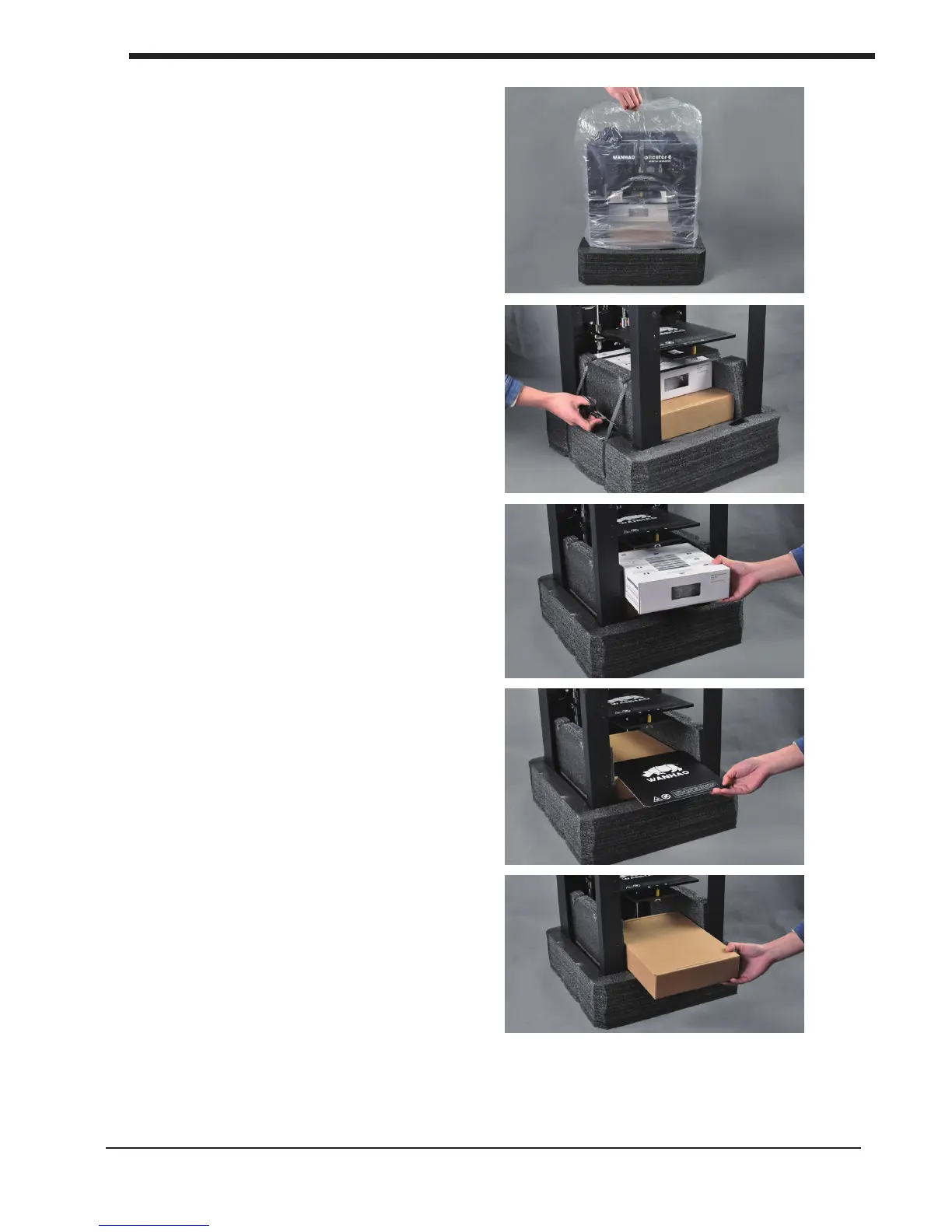
6. Remove the plastic bag from the top of
the printer.
7. Cut the 2 black bindings from the side
of the printer.
8.Pull the lament box out from the
Printer gently.
9. Pull the Wanhao Masking mat out
from the printer gently.
8
B1. Unboxing your D6Plus Get started & unpack your D6 Plus
10. Pull the Spare parts box out from
the printer gently.













 To Next Page