E3. From YouMagine.com to load
le in Cura
Now that you are familiar with Cura we continue to explain how you
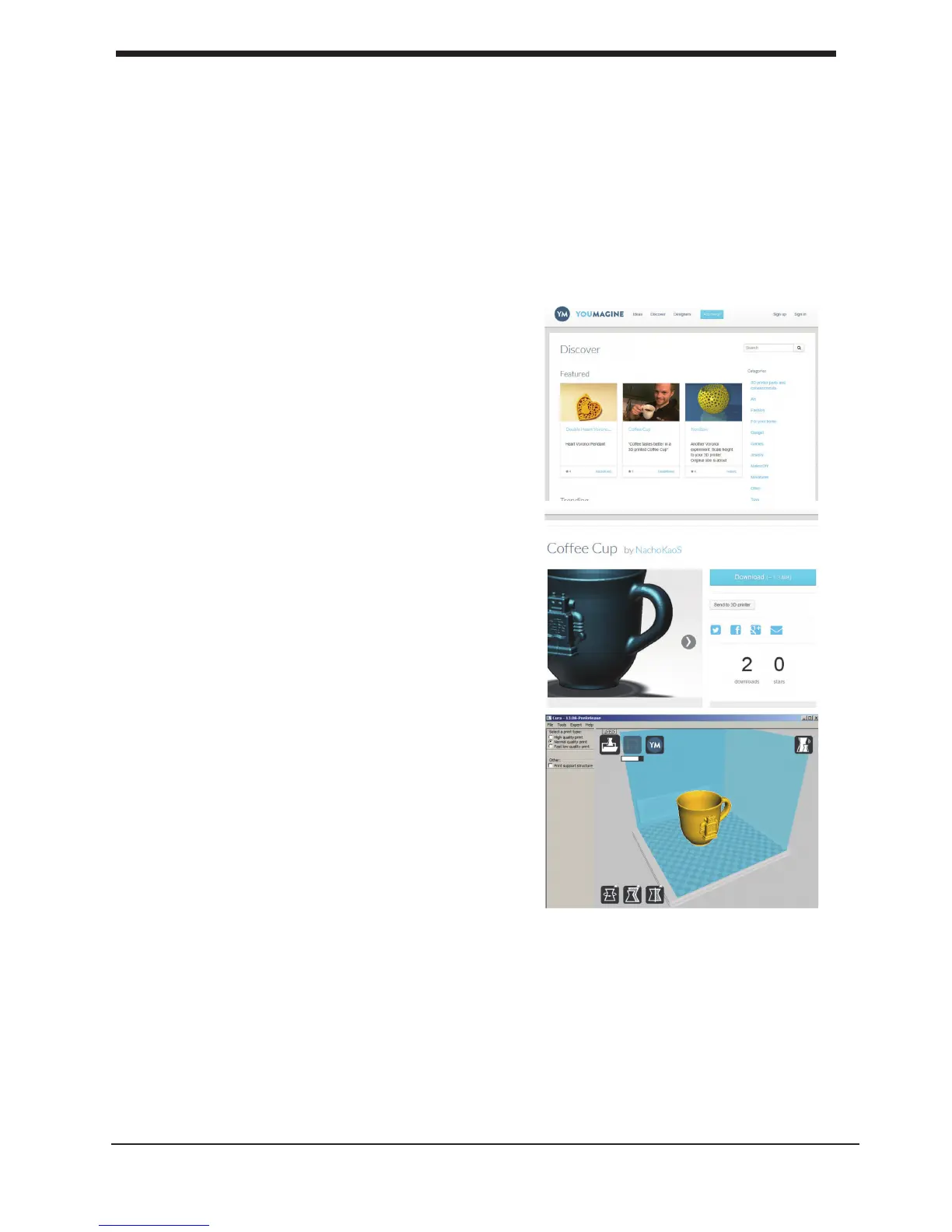
can download a 3D le from YouMagine.com and load this into Cura.
Youmagine. com is an online community for 3D printing.
1. Open your browser and go to
www,youmagine.com
2. Use the search eld at the menu bar next
to the magnifying glass to nd a model of your
interest. Let’s search for example “coffee cup”
and ‘Enter’.
3. Choose a design you like.
4. The following page will provide you a
‘Download’ button where you can get your .stl
le which is needed to print a 3D model.
5. The .stl le can be loaded into the Cura
software, explained more fully in the next
chapter.
Tip: If you’ve made a 3D design yourself, you
can contribute back to the YouMagine
community!
NOTE: The screenshots may not look and work
exactly the same because this platform is in
continuous development.
29
E3. From YouMagine.com to load le in Cura Make a printle with cura software













 To Next Page