G1. Simple Troubleshooting tips
In case something goes wrong with your D6, the following
chapter will help you. From diagnosing and xing the problem yourself
to contacting support.
Print detaches during printing or print does
not stick at all.
Cause
Build plate is not properly leveled.
Solution
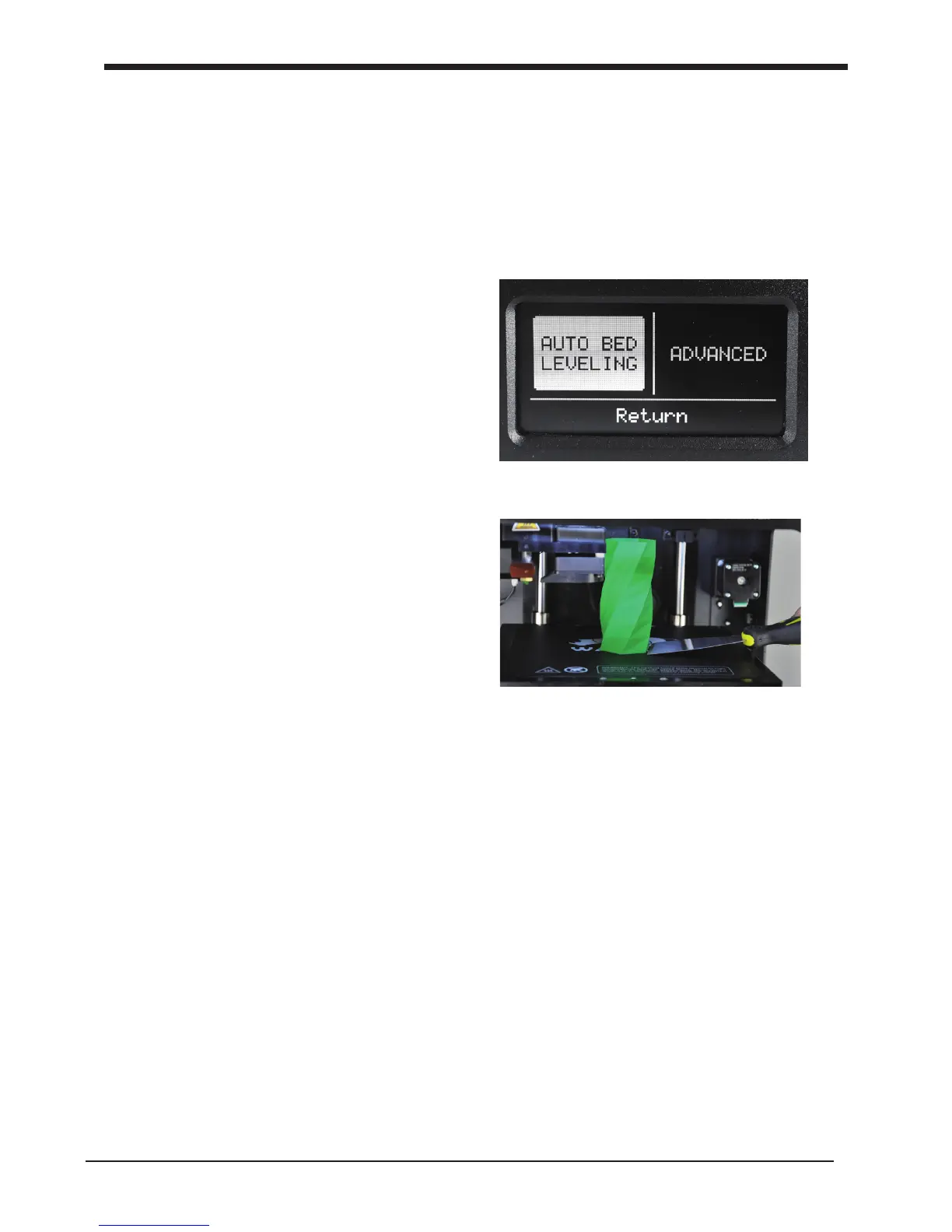
Follow the instructions under [MAINTENANCE]
and then [Auto bed leveling]
Solution
Use a spatula or another thin object such as a
wedge between the glass and the object. Slowly
push the wedge under the object from different
directions. If the object will not
release from the build plate try slightly tapping
the wedge.
Material feeder ticks when loading
new material Cause
Material has reached the nozzle and is exiting the nozzle, the feeder cannot keep up
with the ow.
Solution
While loading new material it is normal for the feeder to tick, the feeder is designed
to tick backwards instead of grinding the material.
Caution: be very careful when using a sharp
tool to remove objects.
37
G1. Simple Troubleshooting tips Troubleshooting and support for the D6 Plus













 To Next Page