Making Fluidic Connections 37
2
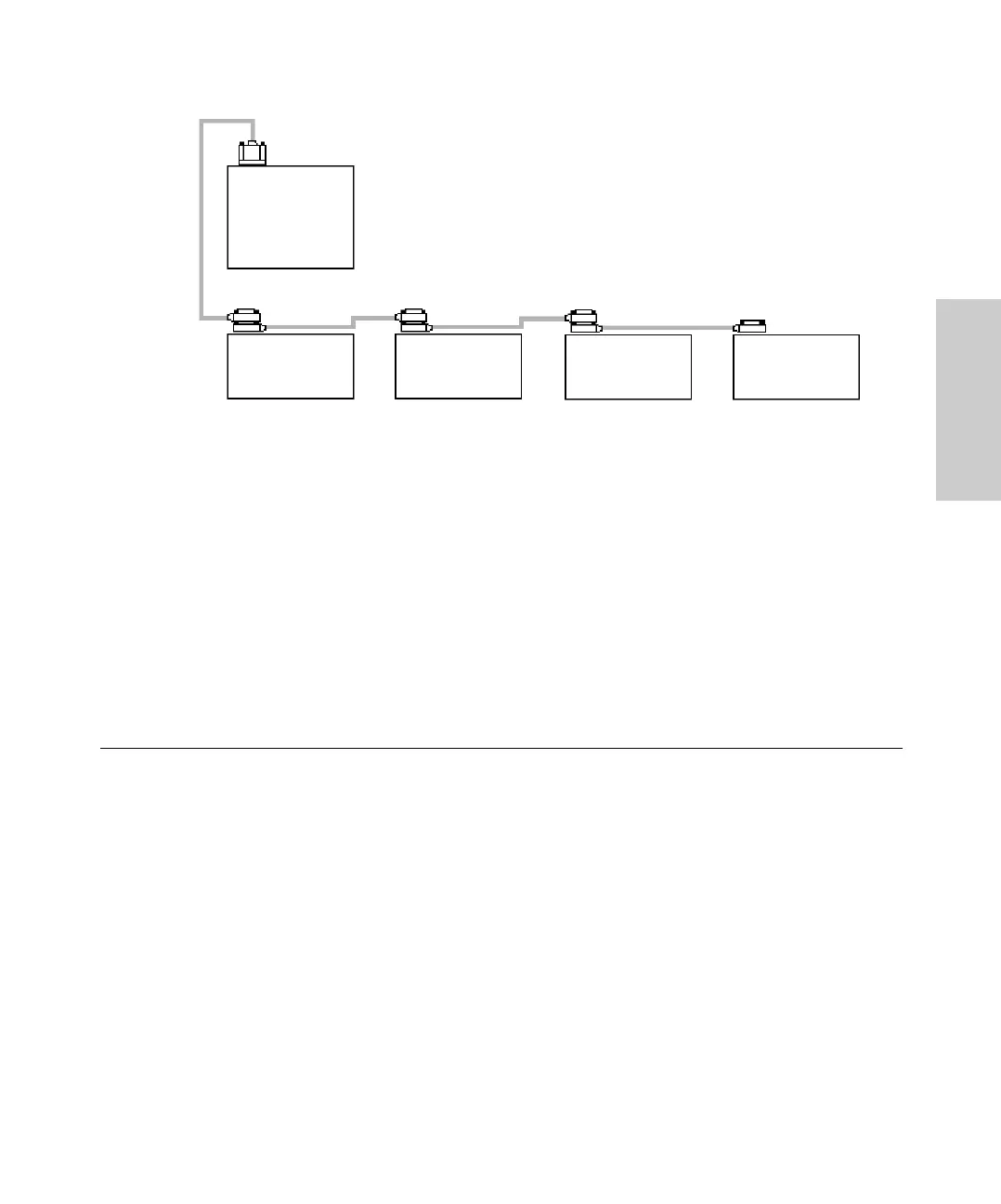
Figure 2-2 IEEE-488 Connection Example
2. Connect the dual-receptacle end of the 2-meter IEEE-488 cable to the IEEE-488
port on one of the IEEE-488 devices (pump, column heater, autosampler, or
detector).
3. Connect one end of a 1-meter IEEE-488 cable (with dual-receptacle connectors at
each end) to the cable receptacle on the first device. Connect the other end of the
cable to the IEEE-488 port on the next device.
4. Repeat step 3 for each additional IEEE-488 device.
5. Make sure that all IEEE-488 cable connector screws are finger tight.
2.4 Making Fluidic Connections
This section describes how to make fluidic connections to a Waters 1525 Pump by:
• Making eluent supply connections
• Installing different mixer configurations
• Installing an optional manual injector
• Installing an optional column heater
• Making outlet connections
• Connecting fluid waste lines
2.4.1 Making Eluent Supply Connections
Follow the instructions in this section to connect a 1525µ or 1525EF Pump inlet to an
eluent reservoir.
GPIB Card in
Workstation
Pump Detector
2-Meter
IEEE-488
Cable
1-Meter
IEEE-488
Cables
IEEE-488
Connectors
Column
Heater
Autosampler



 To Next Page