Replacing 1525EF Plunger Seals and Plungers 70
4
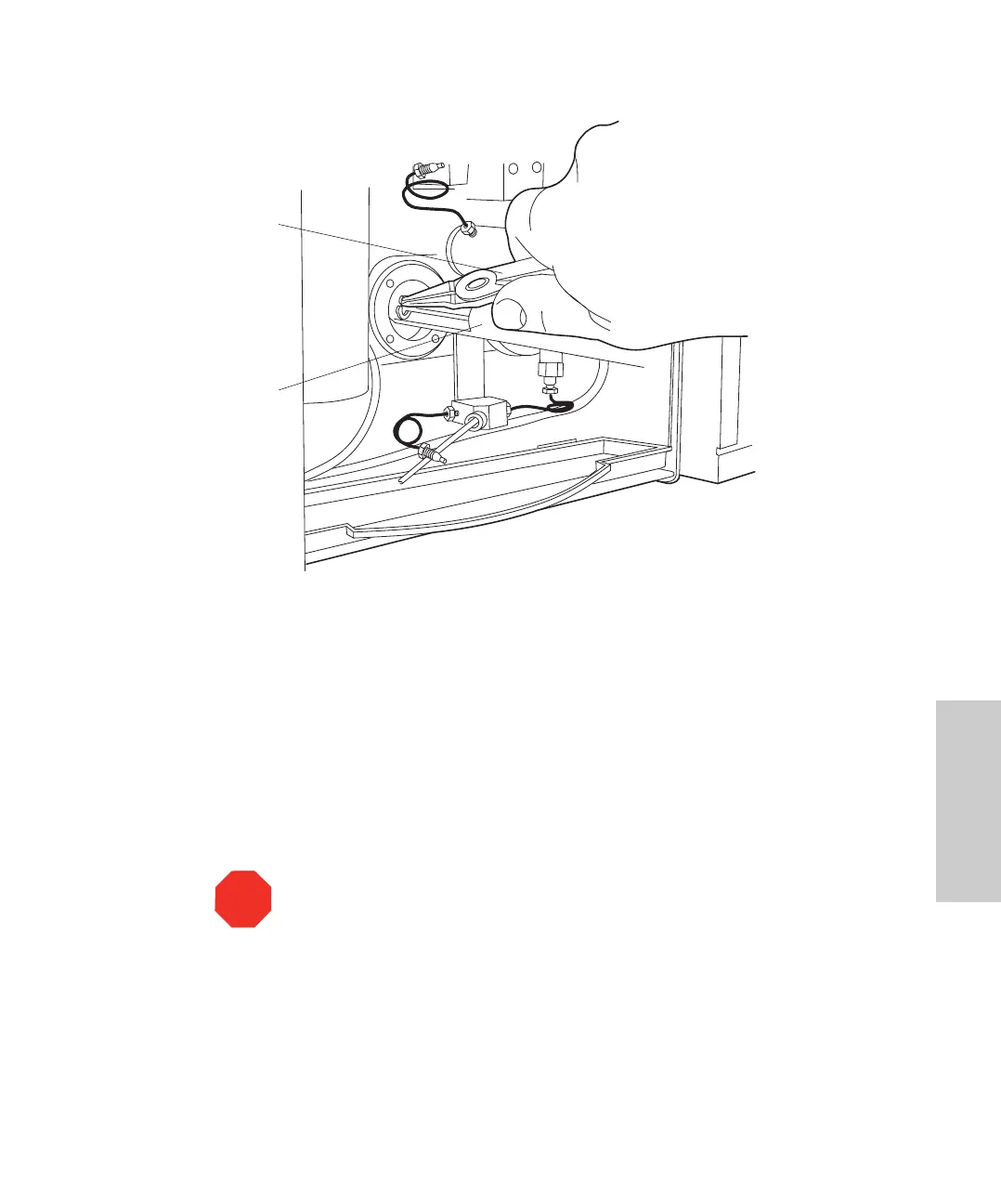
Figure 4-8 Inserting the Plunger (1525EF Pump)
5. Use the software to navigate to the Inlet Method window. Set the Flow parameter to
1.0 mL/min, click Save, then click Load Method to run the pump. When the plunger
is fully retracted, click the Stop Flow button to stop the pump.
6. With the indicator rod hole oriented to the upper right, reinstall the head support
assembly. Alternately tighten the four screws. Do not overtighten.
7. Moisten the plunger seal and plunger with methanol.
8. Carefully slide the pump head over the plunger and onto the pump. Holding the
pump head securely against the pump, alternately tighten the two screws.
Check for even head alignment by observing the gap between the pump head and
the pump head support assembly.
9. In the Inlet Method window, set the Flow parameter to 1.0 mL/min, click Save, then
click Load Method to run the pump.
10. Pull out and release the indicator rod.
STO
Attention:
Hold the pump head against the pump while replacing the screws
to avoid breaking the plunger.
Snap-Ring Pliers
Plunger Insertion Tool



 To Next Page