Replacing Fuses 76
4
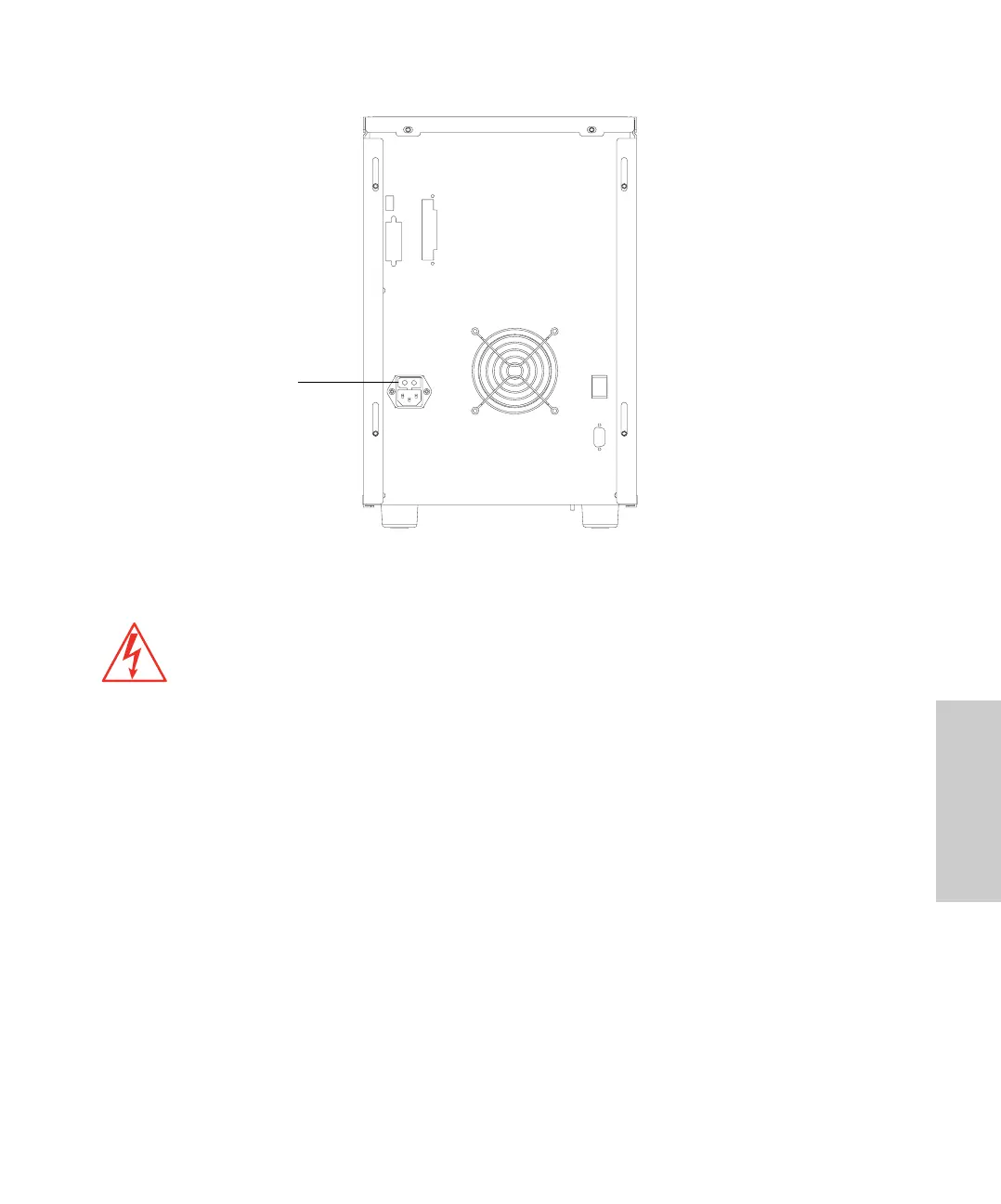
Figure 4-11 Rear Panel Fuse Holder
Identifying Faulty Fuses
Suspect a faulty fuse if:
• The pump fails to power up.
• The fan does not turn on.
Required Materials
• Small flat-blade screwdriver
• Replacement fuses
Procedure
1. Power off the pump, then unplug the power cord from the pump.
2. Use the small flat-blade screwdriver to remove the fuse holder located just above
the power cord connector.
3. Remove and discard the old fuses.
Caution:
To avoid possible electrical shock, power down and unplug the pump before
checking the fuses. For continued protection against fire hazard, replace fuses only with
those of the same type and rating.
Fuse Holder



 To Next Page