4-14 Maintaining and Troubleshooting the Waters 515 Pump
Removing the plunger from the pump
To remove the plunger from the pump:
1. Remove the pump head as described in “Replacing the plunger seals” on
page 4-9.
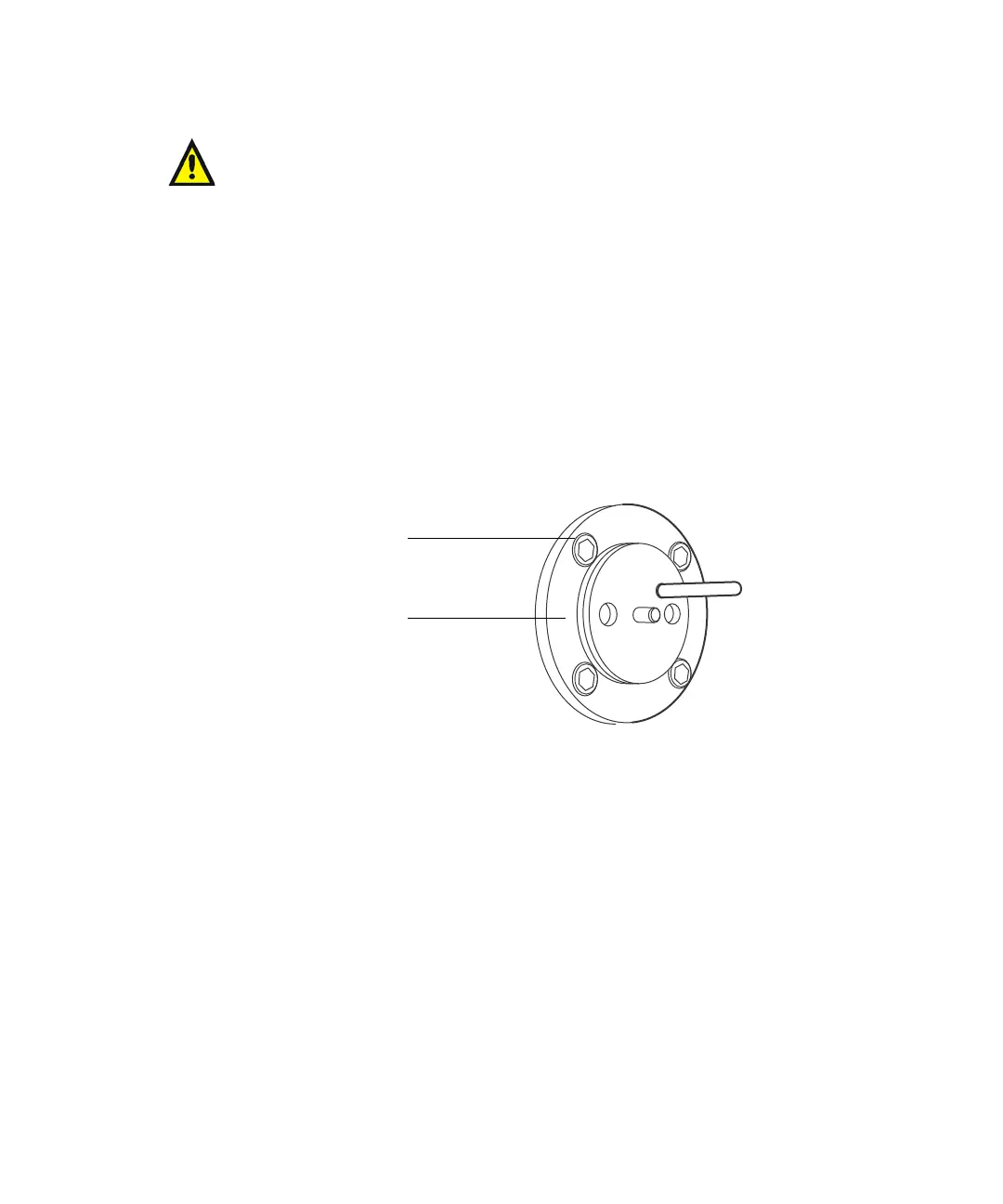
2. Remove the four head support screws with the 9/64-inch Allen wrench,
then carefully slide the head support assembly and the indicator rod off
the pump. Set the head support assembly on the benchtop.
Exposed head support assembly
3. Set the Flow parameter to 0.3 mL/min, then press Run/Stop to run the
pump. When the plunger is fully extended, press Run/Stop again to stop
the pump.
4. Use the snap-ring pliers to remove the snap-ring that holds the plunger
in place.
5. Remove the plunger assembly and set it aside.
Warning: To avoid the possibility of eye injury or cuts, handle the
plunger with care. Wear safety glasses and use the plunger insertion
tool. Be aware that the pieces of a broken plunger are very sharp.
Head support screw
Head support assembly



 To Next Page