55
WebdynSunPM – User guide — Version 1.0
For some slaves, it may be necessary to invert bytes or registers for an accurate value
interpretation. Use the "Swap" dropdown for this.
Complete the variable configuration by setting the remaining fields such as scale and
variable unit.
2) Analog 0-10V and 4-20mA
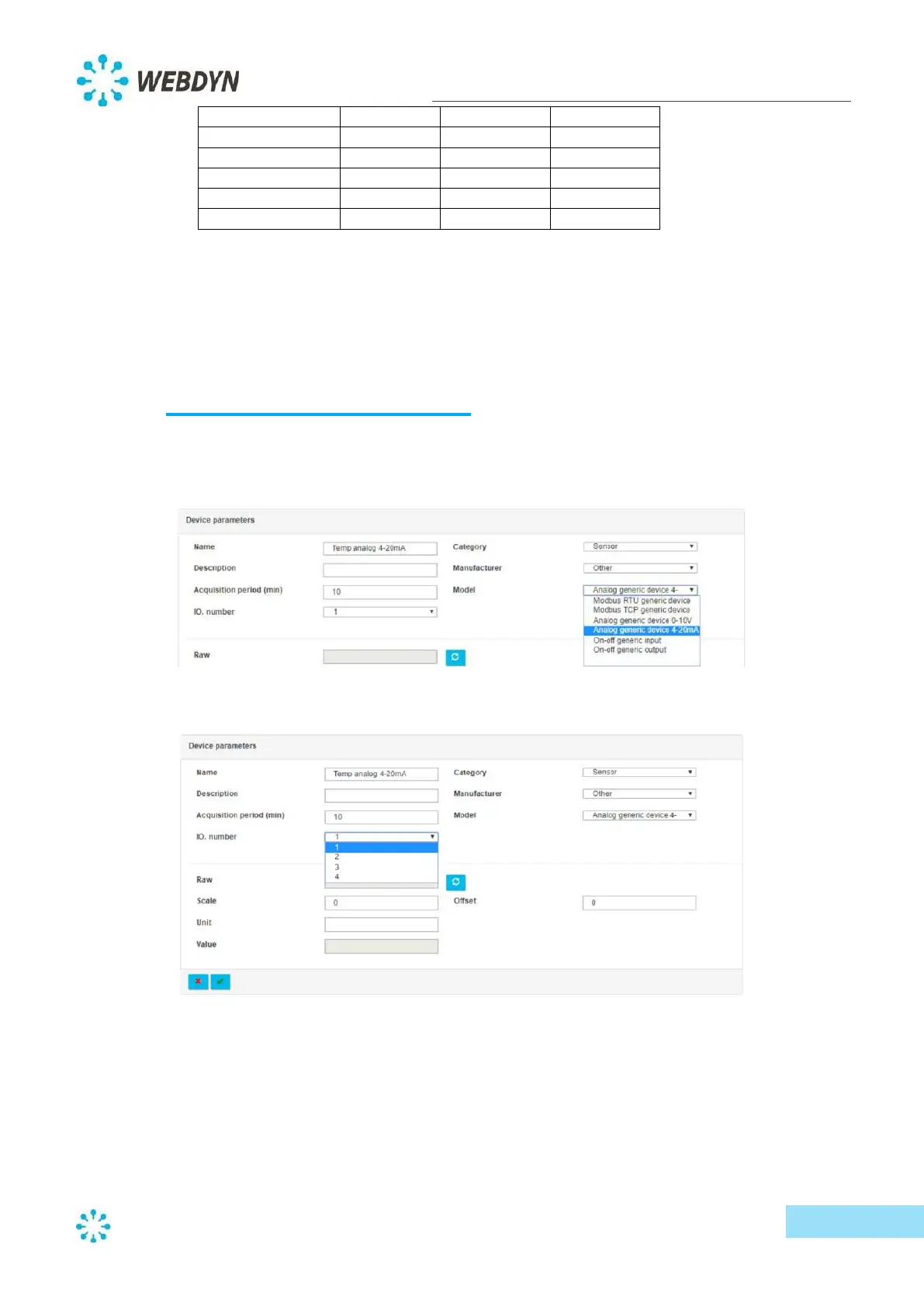
To configure a device with analog input (0-10V or 4-20mA), create a new device and select either
"Analog generic device 0-10V" or "Analog generic device 4-20mA" from the "Model" dropdown list.
Next, select the device input port (1, 2, 3 or 4).



 To Next Page