Installing the camera on a wall
Installing the camera on a wall
12
This document contains confidential and proprietary information of Weldex Corporation.
INSTALLATION
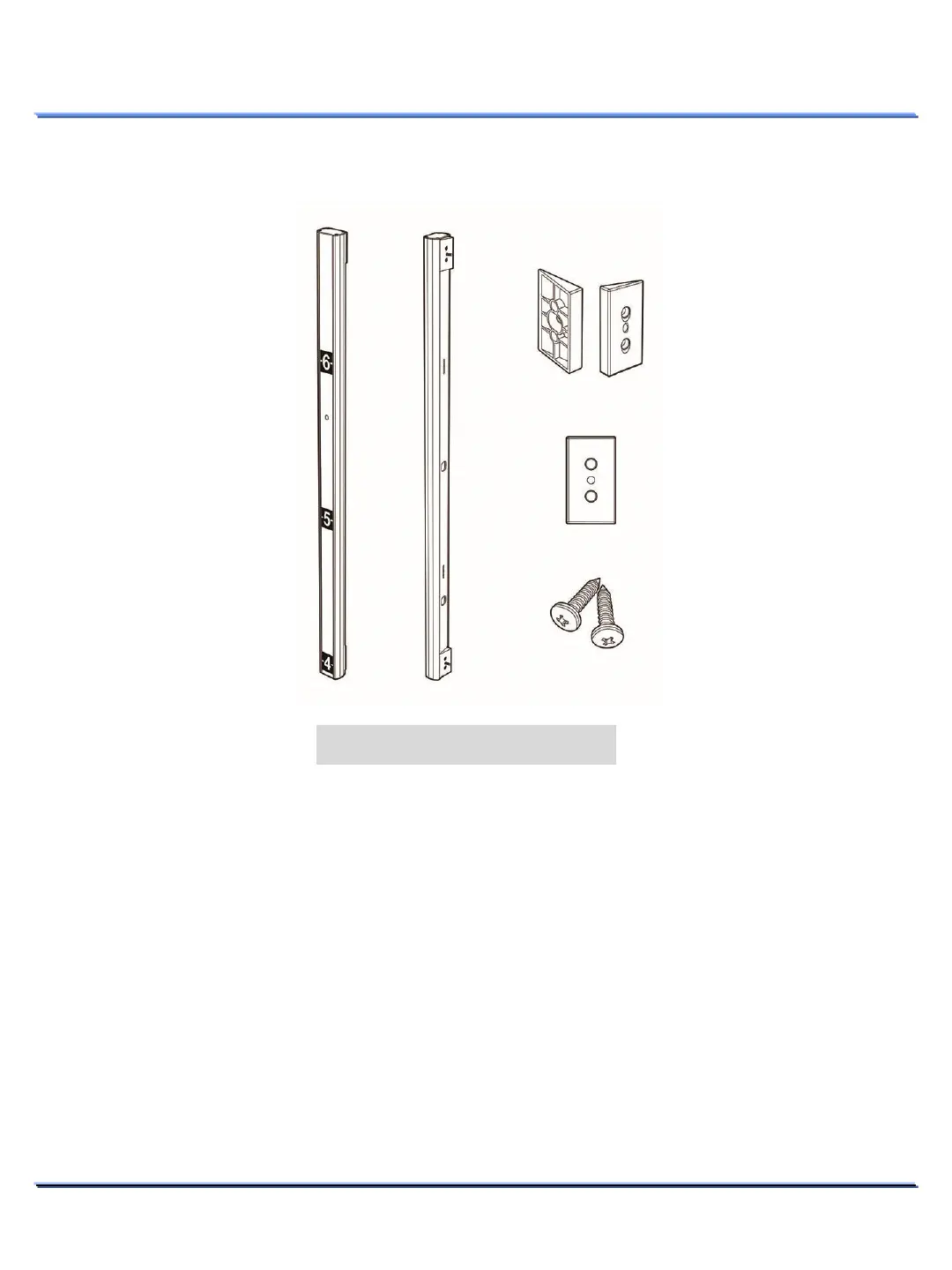
1. Assemble the Angle Regulator parts (supplied) to the rear surface.
2. Fix the case body on the wall by using Tapping Screws (BHT M4xL16).
3. Connect ethernet and accessory cables and arrange cable running not to damage or squeeze them.
4. Pass the ethernet and power accessory cables through the hole you want to pass them when
mounting the main body on the case.
5. Assemble the Height-Strip Cover [Window Acryl].
6. Fasten 4 screws by turning top plate clockwise.
M4 tapping screw x 2(supplied)



 To Next Page