Configuration
- NETWORK
35
This document contains confidential and proprietary information of Weldex Corporation.
WEB Viewer
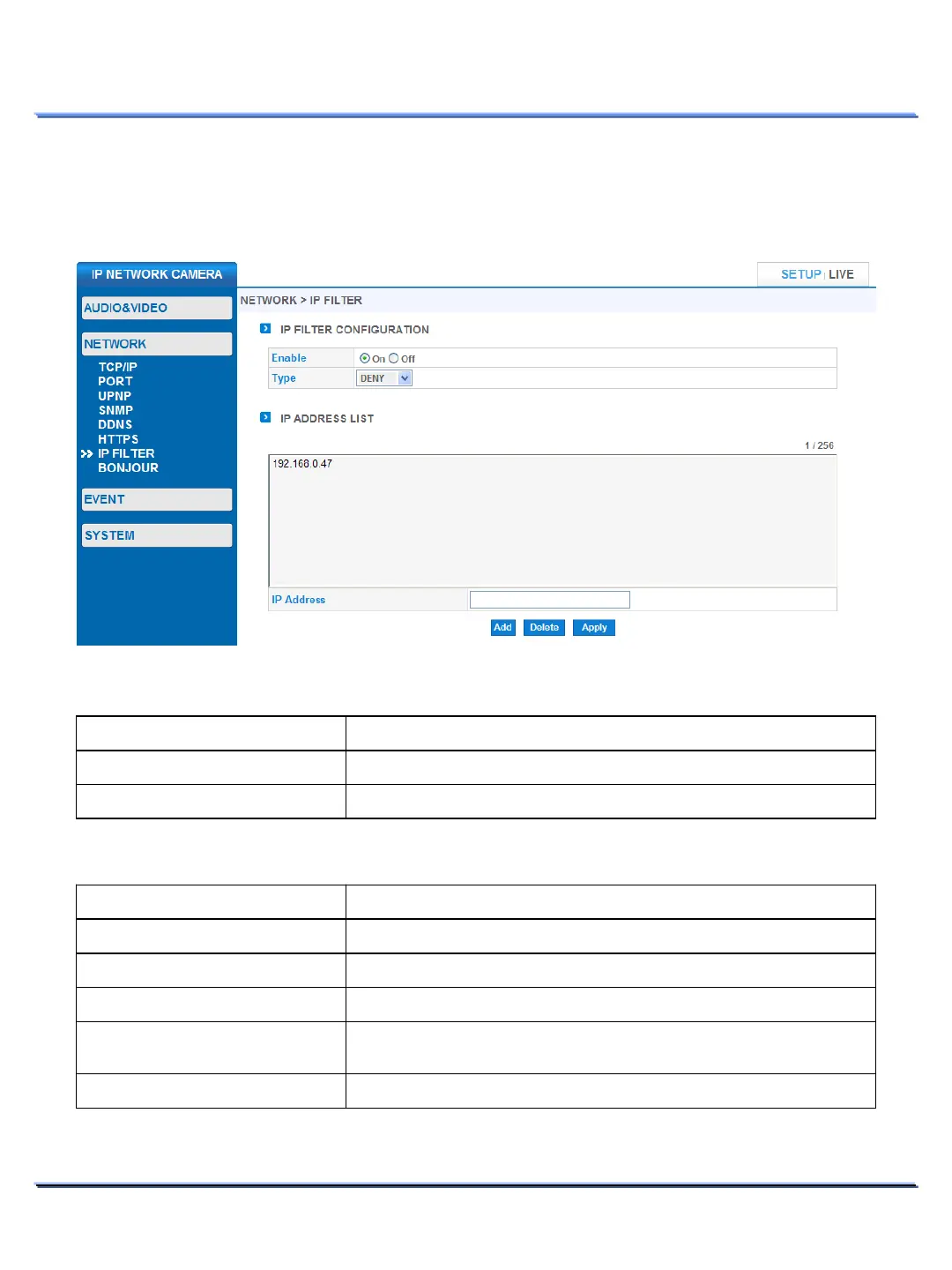
• IP FILTER
Use IP filter to Allow of Deny connections from specific IP addresses.
Item Description
Enable/Disable IP Filter.
Select between Allow/Deny mode
IP FILTER > IP FILTER CONFIGURATION
Item Description
Address List
IP address.
Address
IP address to Allow or Deny.
Adds the IP address to the
List.
Select an IP address from the list using your mouse and click Delete
to remove the IP address.
IP FILTER > IP ADDRESS LIST



 To Next Page