Network Initial Setup
Network Initial Setup
This section describes how to initially set up your Weldex network camera. Initial setup consists of the
following series of steps:
Locating the unit on the network
Changing the network settings
Initial setup of the unit requires a computer connected to the same network as the unit(s). Each
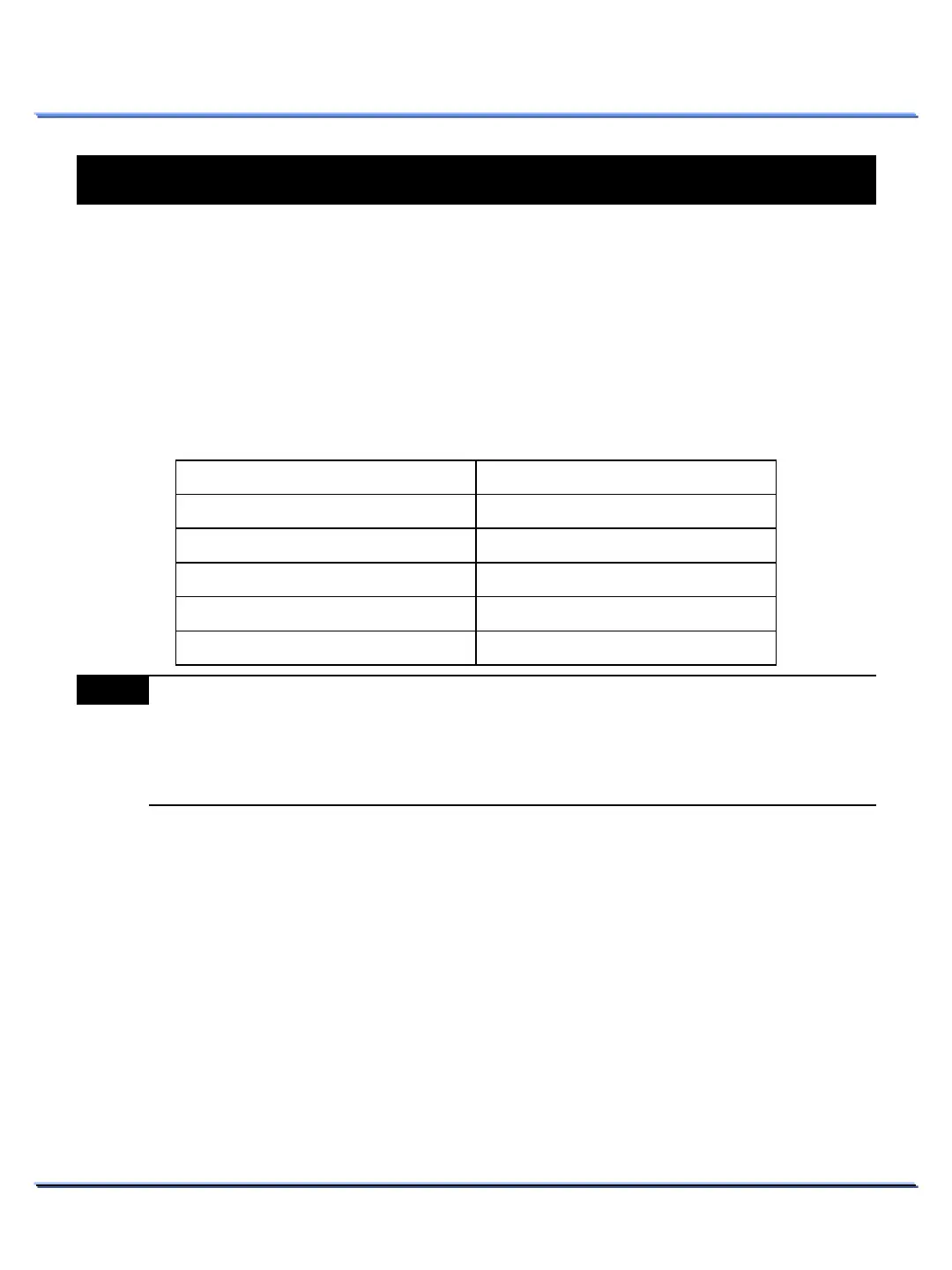
Weldex network camera is shipped with the following factory default connection settings:
16
This document contains confidential and proprietary information of Weldex Corporation.
NETWORK INSTALLATION & SETUP
NETWORK INSTALLATION & SETUP
Note
(1) If the Network Camera is not able to obtain an IP address from a DHCP server, it will
automatically switch to the following static IP settings:
- IP address : 192.168.0.200
- Subnet mask : 255.255.255.0
- Gateway address : 192.168.0.1
Setting Value
address
⑴
subnet mask
⑴
gateway address
⑴
The following Transmission Control Protocol (TCP) ports must be open on the network:
80 (web based configuration port)
554~558 (RTSP video delivery port)
Once you have initially set up your unit, you are ready to configure the rest of the unit’s settings.



 To Next Page