Configuration
- NETWORK
33
This document contains confidential and proprietary information of Weldex Corporation.
WEB Viewer
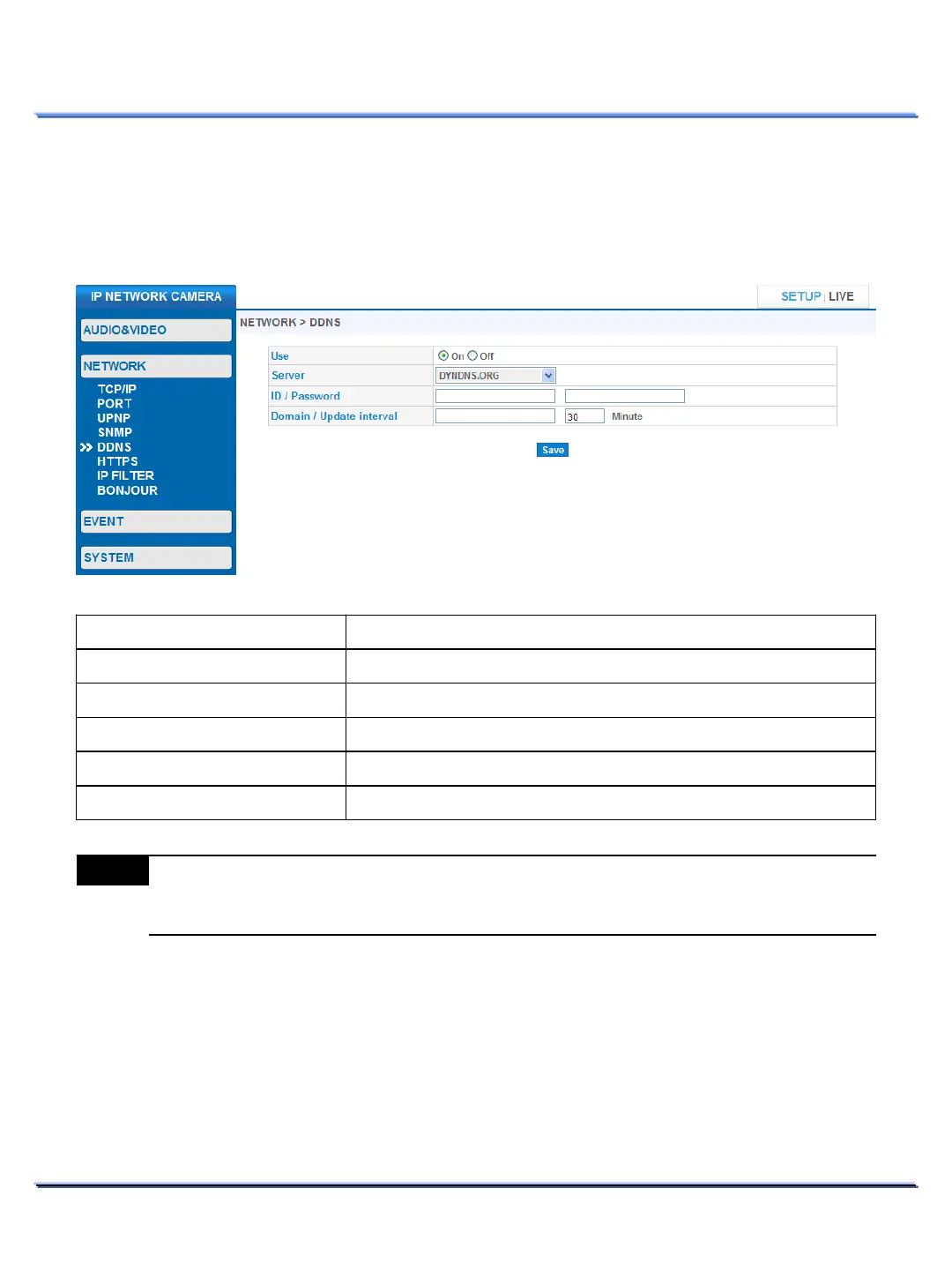
• DDNS
Use this page to configure DDNS. DDNS is a method of automatically updating a name server in the DNS.
It is used to resolve a friendly-name to an IP address that my change frequently.
Item Description
Select the desired DDNS service.
Enter the registered ID & password for the DDNS.
Enter the registered domain name for the DDNS.
Enter the IP address update interval.
Note
Please refer to the DDNS service provider for more details on how to set up DDNS.



 To Next Page