Configuration
- AUDIO & VIDEO
26
This document contains confidential and proprietary information of Weldex Corporation.
WEB Viewer
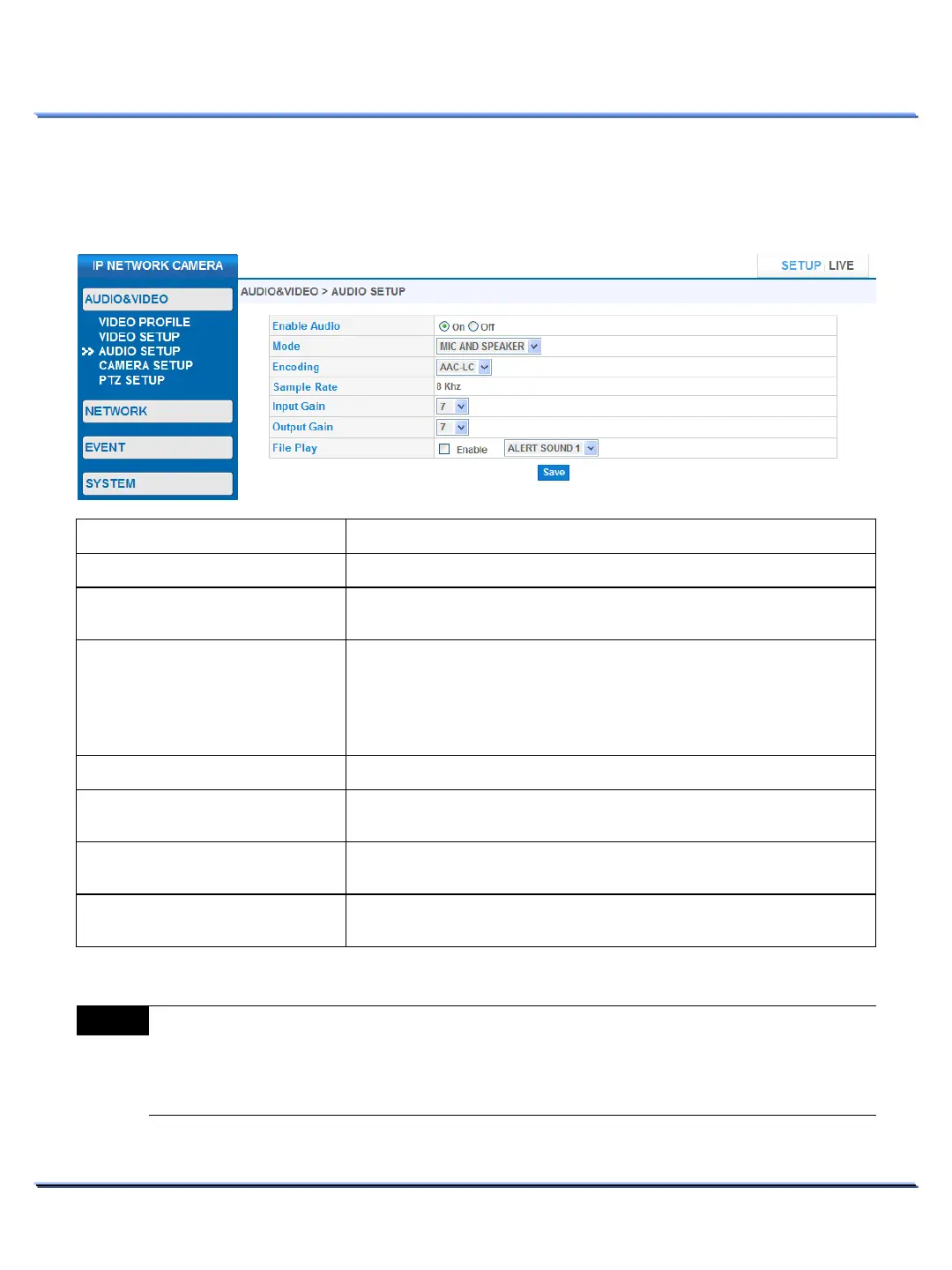
• AUDIO SETUP
Use this page to view/edit audio settings.
Item Description
Select from the following operating modes:
MIC ONLY, SPEAKER ONLY, MIC AND SPEAKER.
Select the desired audio codec.
: Use this codec for network streaming audio. This codec will
not work for local recording.
-LC: Use this codec for both network streaming audio and local
Audio sampling rate. Fixed to 8 KHz
.
Enable/Disable event alert sound.
ALERT SOUND1, ALERT SOUND2 .
Note
WDP-4602MXV does not support the local recording storage.
G.711 will not save audio to the local recording.
Improper gain values can cause low quality sound or howling sound effects.



 To Next Page