Configuration
- SYSTEM
46
This document contains confidential and proprietary information of Weldex Corporation.
WEB Viewer
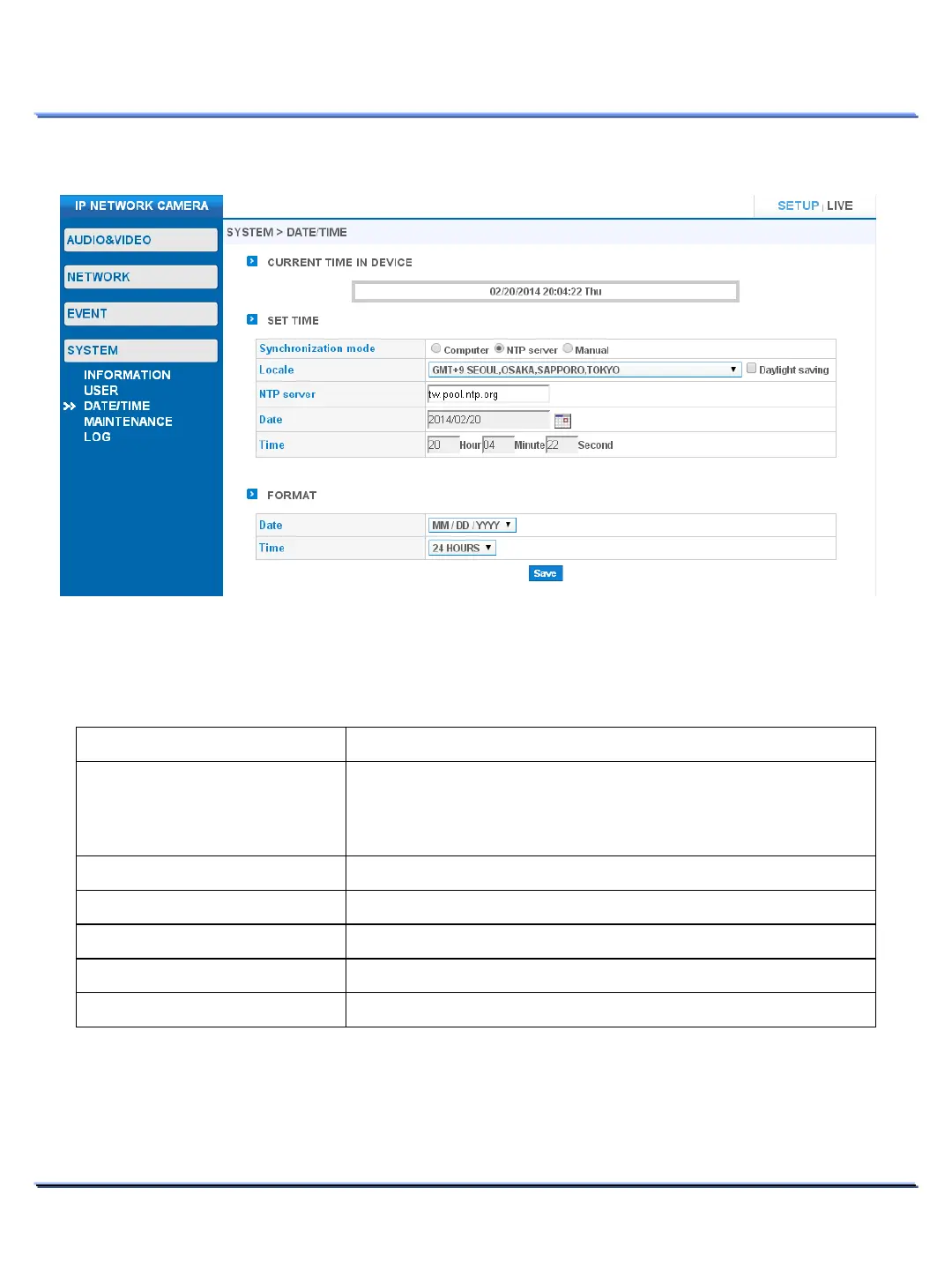
• DATE / TIME
DATE / TIME > CURRENT TIME IN DEVICE
• Displays the current date and time.
DATE / TIME > SET TIME
Item Description
mode
Select the desired time sync method:
Computer: Syncs with the connected computer.
NTP server: Syncs with NTP server.
– (NTP mode only).
Enable/Disable Daylight saving
.
server
Enter the desired NTP server address
– (NTP mode only).
– (Manual mode only).
– (Manual mode only).
DATE / TIME > FORMAT
• Select the desired display format for the date/time.



 To Next Page