User Guide
3. Support
3.6 3.5in HDD Assembly Replacement
Note: The 2.5in SSD Assembly is installed in the same manner as the 3.5in HDD
Assembly. For instructions on assembling the 2.5in SSD Assembly, see Operating
the 2.5" Drive Carrier (page ).
a. Ensure that the enclosure has been pulled out of the rack until the rail latches engage.
b.
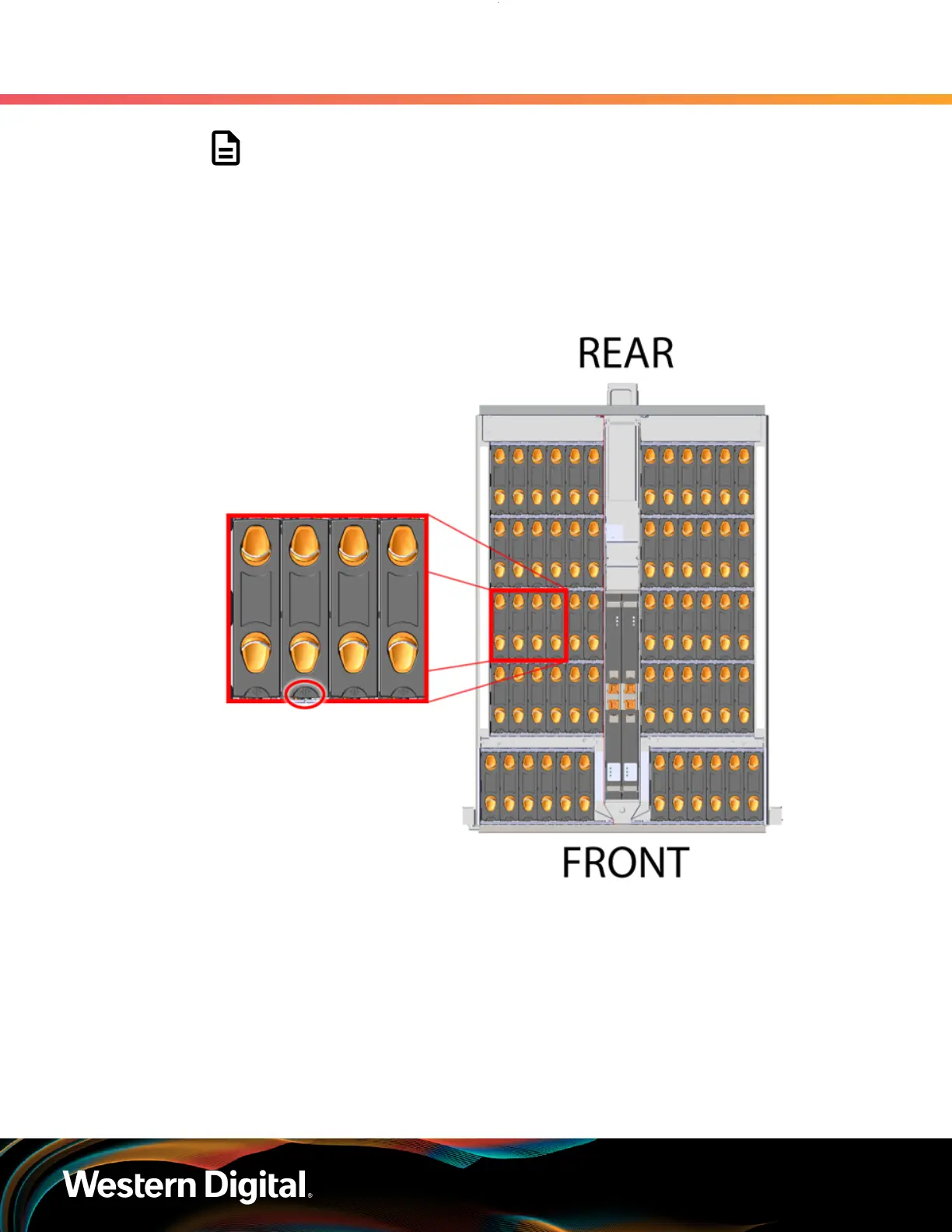
Find the LED pointer on the top of the drive carrier. This pointer should point toward the
front of the unit as shown in the following image.
Figure 61: LED Pointer Orientation
c. Align the drive with the empty slot that will receive it. Lower it into the slot, making sure it
stays level and does not snag.
74















 To Next Page