User Guide
3. Support
3.6 3.5in HDD Assembly Replacement
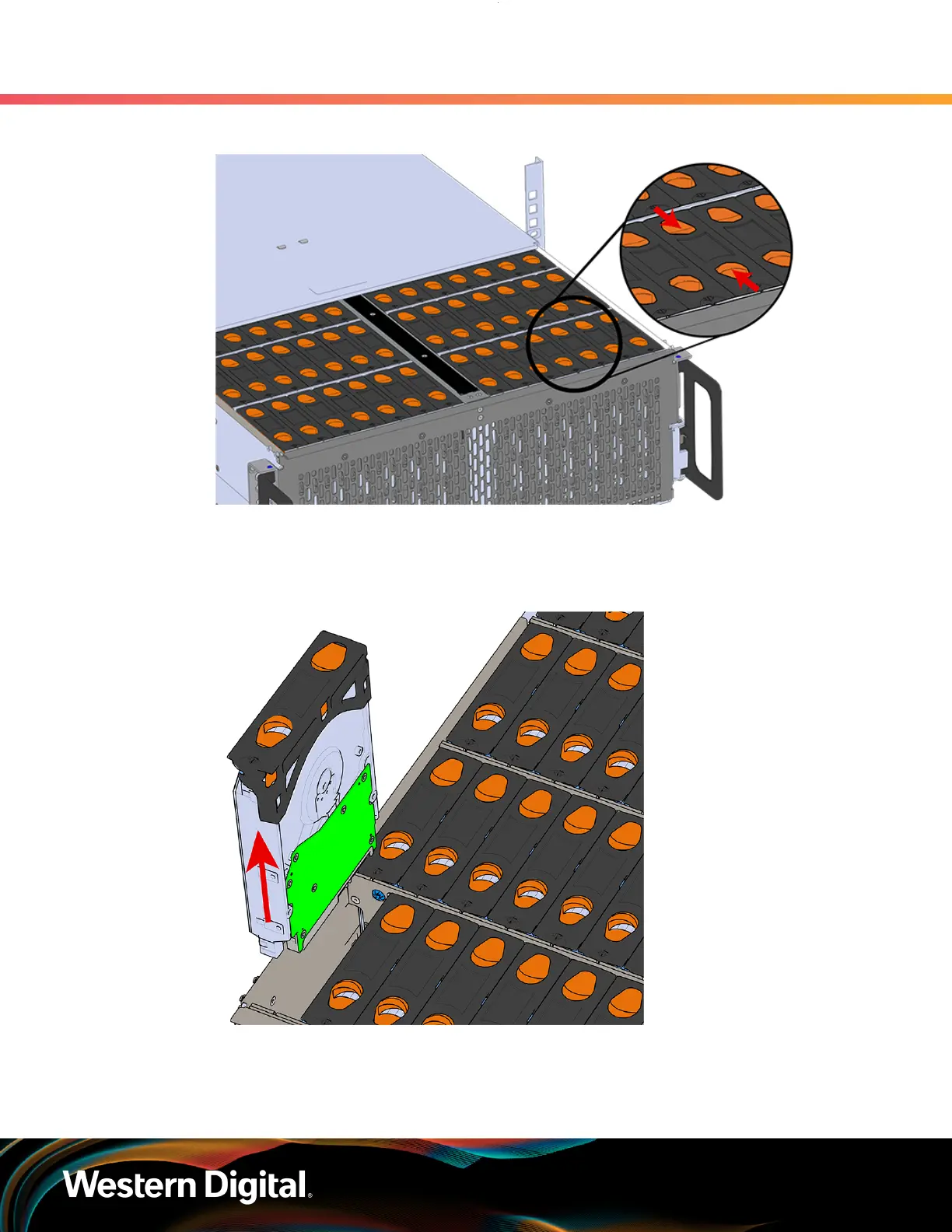
Figure 59: Unlatch Drive Carrier (IOM Not Shown)
c. Lift the 3.5in HDD Assembly free from the enclosure.
Figure 60: Removing 3.5in HDD Assembly
Step 4 :
Remove the new 3.5in HDD Assembly from its packaging.
Step 5 : Install the 3.5in HDD Assembly.
73















 To Next Page