User Guide
3. Support
3.7 CMA Replacement
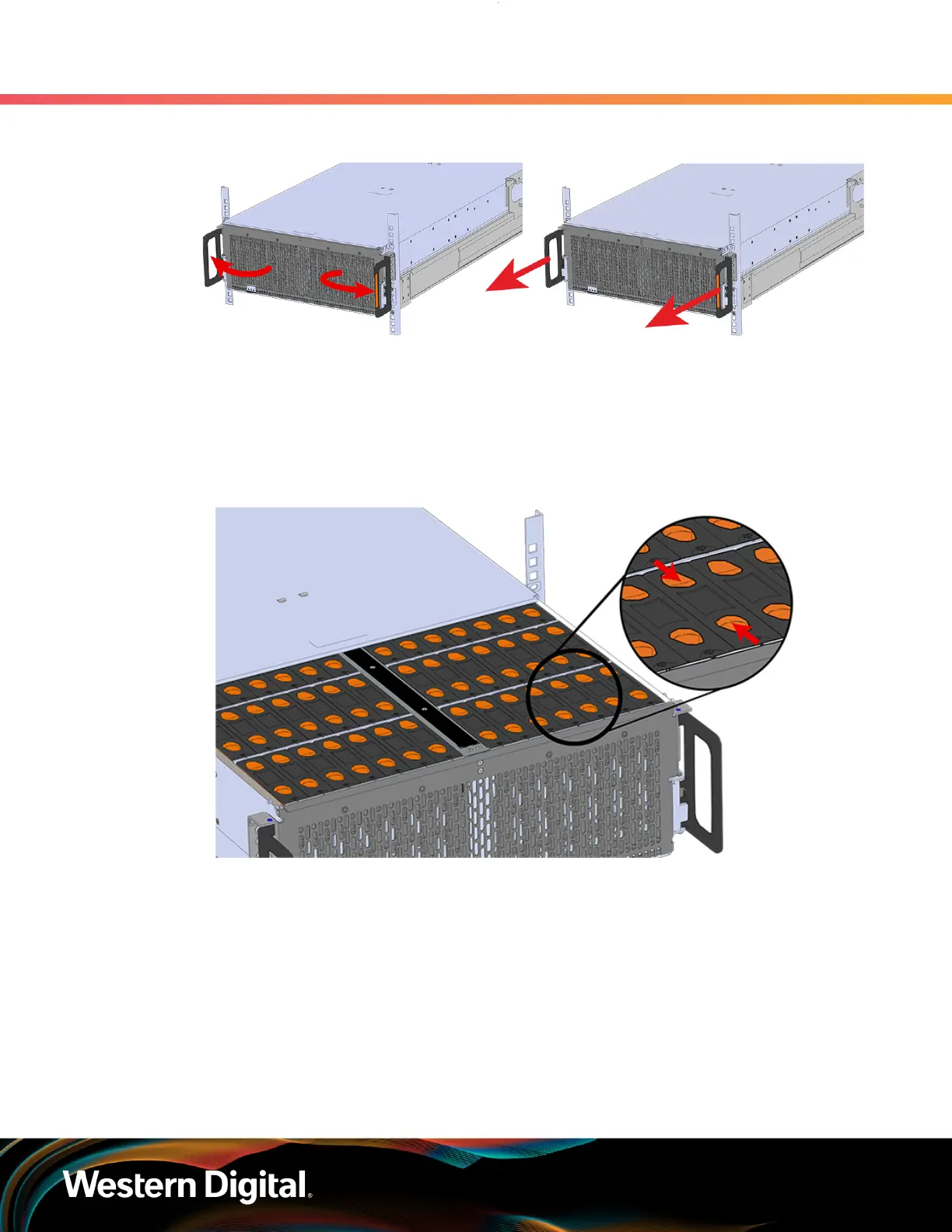
Figure 67: Chassis Handle Operation
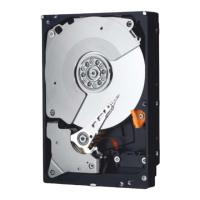
Step 7 : Follow these steps to remove a 3.5in HDD Assembly.
a. Find the latch release mechanism on the 3.5in HDD Assembly being removed.
b.
Insert a finger and a thumb into the latch release and pinch to unlatch the 3.5in HDD
Assembly.
Figure 68: Unlatch Drive Carrier (IOM Not Shown)
c. Lift the 3.5in HDD Assembly free from the enclosure.
78




 To Next Page