INSTALLATION and POWER
page 1 – 3
D-5000 / May 2000
CONSOLE
2-TRACK
MULTI-TRACK
AC BREAKER
BOX
DEVICE 1
DEVICE 2
DEVICE N
CONSOLE POWER SUPPLY
CONTROL ROOM POWER AMP
STUDIO POWER AMP
OTHER
POWER COMPANY
EARTH GROUND
HEAVY
(#4 or #6)
COPPER
WIRE
HIGH POWER
EQUIPMENT RACK
COPPER ROD
SOIL
3-wire ground or separate wire run from chassis
EFFECTS RACK
MIC PANEL
GND
TYPICAL SYSTEM
GROUNDING SCHEME
etc.
3–5 ft.
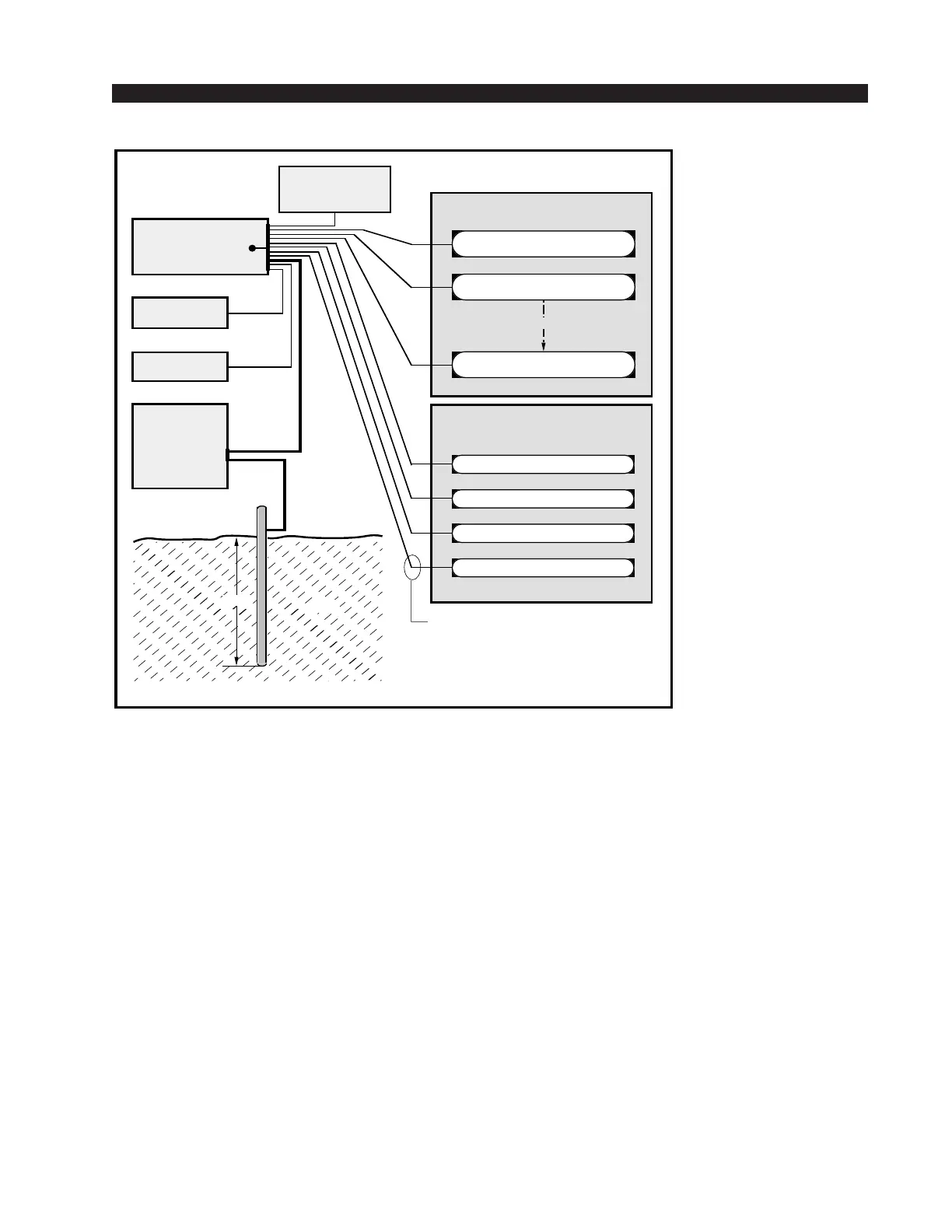
Tie the console ground lug
terminal strip to the system
earth ground. Tie every piece
of equipment in the entire
audio system to the console
ground lug terminal strip.
electrical ground be made in the completed installation. Use one of the
grounding lugs on the bottom of the mainframe to establish your
system ground. The grounding lug terminal strip may be found at the
rear of the console, along the bottom edge of the mainframe pan directly
under the rightmost mainframe slots (to the lower left if you are looking
at the rear of the console).
The system ground serves two important purposes:
(1) It provides a zero signal reference point for the entire audio system;
(2) It assures safety from electrical shock.
There exist two terms that one encounters in a discussion of ground:
(A) EARTH GROUND, which is usually a heavy copper rod driven into the
soil adjacent to the building (around 6 feet down) or a connection to the copper
water pipes leading into the building. Either is acceptable (unless, of course,
the water pipe is made of plastic).
(B) THE POWER COMPANY EARTH CONDUCTOR that enters the
building at the power line breaker box; this conductor should be (and is often
by code) tied to the above-mentioned earth ground at one point. This point is
the SYSTEM EARTH GROUND.



 To Next Page