page 6 – 2
D-5000 / May 2000
STUDIO CONTROL MODULE
Studio Control Module
(SCD-600)
Module Overview
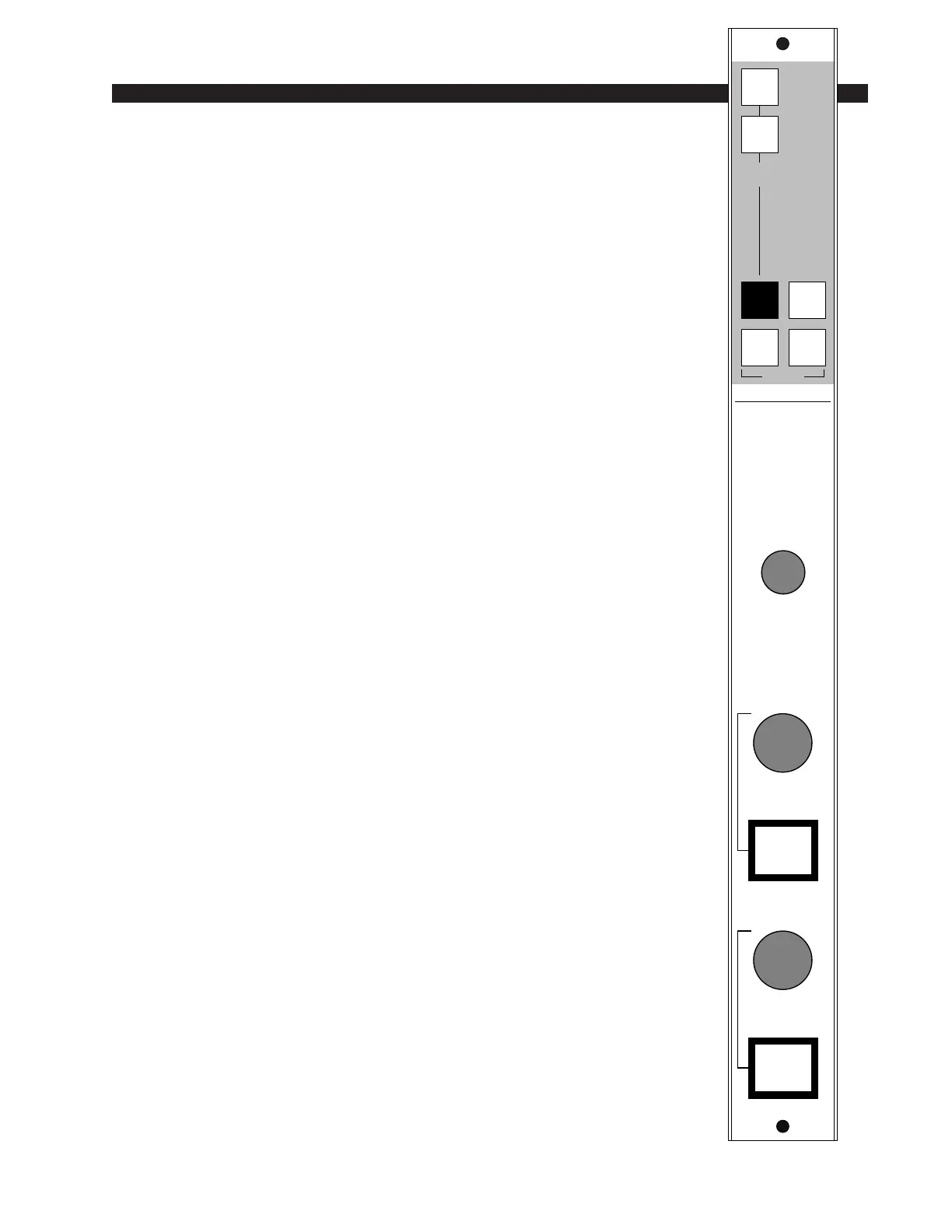
The SCD-600 module is similar to the CRD-600 control room
module, only it controls monitor audio and talkback to two additional
(“non-control room”) studios. The monitor signal being sent to these
two studios follows the source select switching at the top of the module.
This switching is identical to the control room module’s and includes
the console’s four stereo outputs (PGM, AUD, AUX & UTL) as well
as two external stereo line level inputs brought directly into the module.
Each studio has its own level control and talkback switch. When a
talkback switch is pressed (they are momentary action) the console
operator’s microphone signal will interrupt the regular monitor signals
being sent to the studio in question. The TALKBACK master level
control in the center of the module sets the level of this talkback
interrupt signal.
All user wiring to and from the SCD-600 module takes place at
DB-25 multi-pin connectors mounted directly beneath the module on
the console mainframe’s bottom pan. There are two connectors: the
upper one (towards the console meterbridge) handles external talkback
out and regular studio monitor outputs, plus the console’s Tally 2 and
Tally 3 control signals; the lower connector (near the console armrest)
accepts the module’s two external source inputs. It also outputs two
additional pre-level control studio outputs.All audio connections are
(+4dBu balanced) analog signals. A pinout drawing on page 6-6 shows
all wiring connections at a glance.
8
0
10
9
7
6
5
4
3
2
1
STUDIO 1
TB
8
0
10
9
7
6
5
4
3
2
1
STUDIO 2
TB
1
2
EXTERNAL
STEREO
PGM
AUD
SELECT
AUX UTL
8
010
9
7
6
5
4
3
2
1
TALKBACK
STUDIO



 To Next Page