page 9 – 3
D-5000 / July 2000
V I R T U A L D I P S W I T C H
part of this manual for the details on configuring for RS-485. If you are not
certain which interface to use or have questions on these details, consult
our Wheatstone Technical Service engineers. Establishing serial commu-
nications between two different pieces of equipment can sometimes be
frustrating; we can provide answers to your questions, and even pre-made
cables to make the process easier.
Running the Program
Be sure that the serial interface cable is plugged into the D-5000 lower
DB-25 connector on one end, and the proper COM port on your PC at the
other. Also be sure that the large button on the front of the CPU-600
module has been switched to “Remote” and that the CPU-600 display
shows “Remote”. The VDip program will not communicate with the
console unless the console has been set to “Remote”. Start the program as
you would any Windows program by double-clicking on its shortcut, or
choosing the program from the START/PROGRAMS menu. Once the
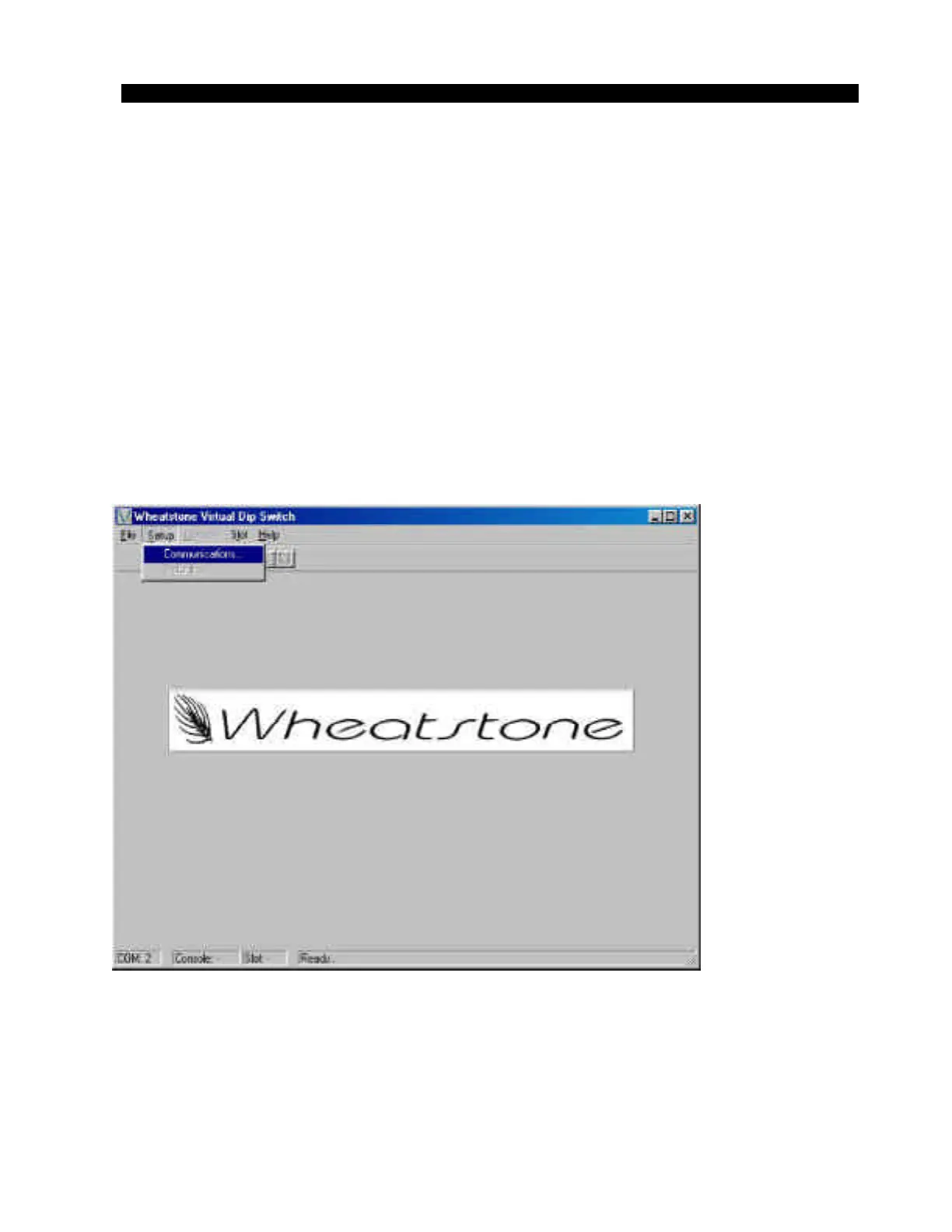
program opens, you should see a screen similar to figure 1. This is the start-
up screen for the program, and is used any time you wish to alter the
connection status for the program. Select “Communications...” from the
“Setup” menu with your mouse and then select the correct “COM” port to
match your computer (figure 2). Also verify that the “Virtual Dip Switch
Figure 1



 To Next Page