EasyManua.ls Logo

White W3300 - LCD Screen

Default Icon
73 pages
Print Icon
To Next Page IconTo Next Page
To Previous Page IconTo Previous Page
Loading...
V
l/!4UUö
ing
the
selection
keys
0
•LHJ°
oEEo
eration
using
the
screen
ABCabcO3&
___
___
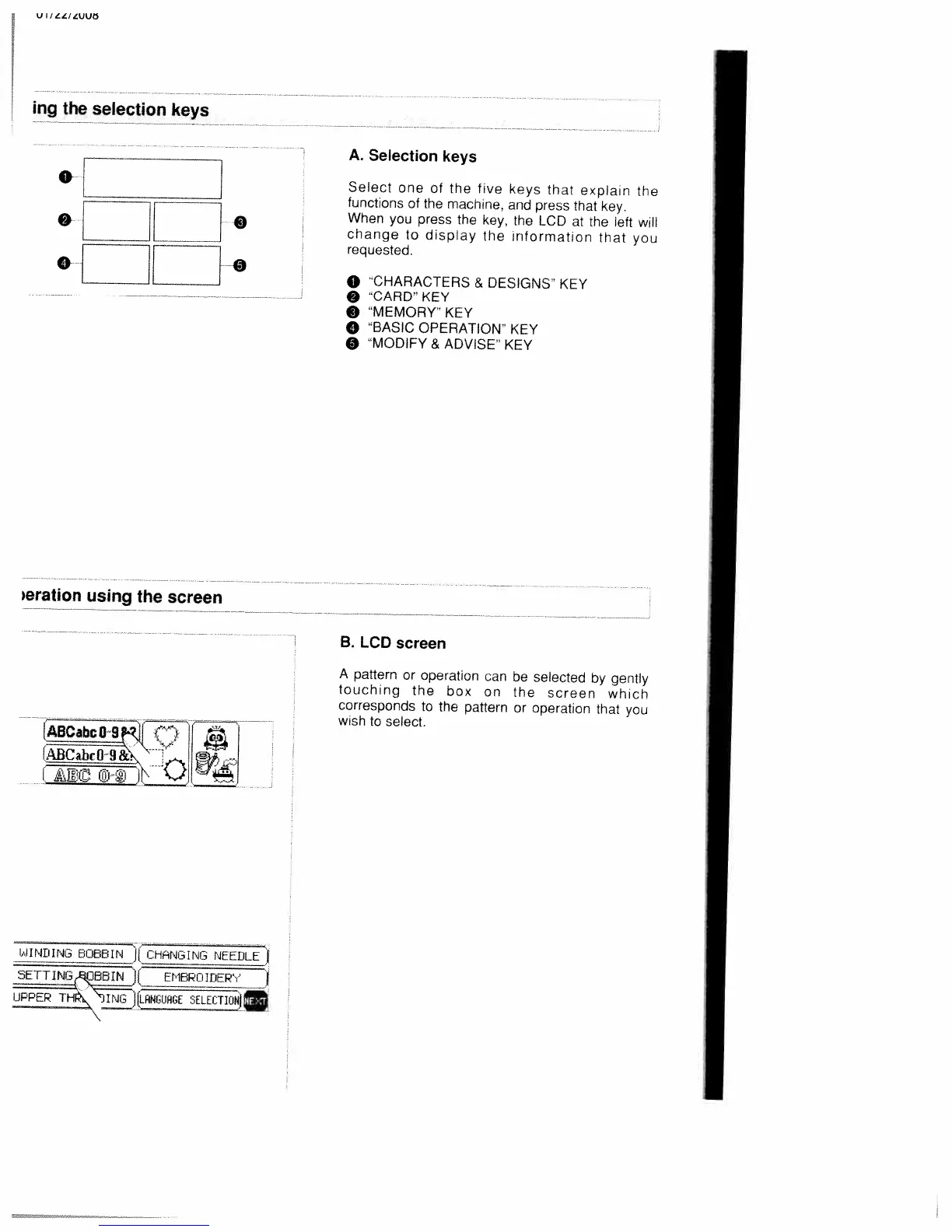
A.
Selection
keys
Select
one
of
the
five
keys
that
explain
the
functions
of
the
machine,
and
press
that
key.
When
you
press
the
key.
the
LCD
at
the
left
will
change
to
display
the
information
that
you
requested.
o
CHARACTERS
&
DESIGNS’
KEY
CARD’
KEY
O
MEMORY”
KEY
o
“BASIC
OPERATION”
KEY
O
“MODIFY
&
ADVISE”
KEY
B.
LCD
screen
A
pattern
or
operation
can
be
selected
by
gently
touching
the
box
on
the
screen
which
corresponds
to
the
pattern
or
operation
that
you
wish
to
select.
SJINOING
5O8J[
CHANGING
NEEDLE)
SETTING
O5rnNljcIoEP’
I
THiJHfiESftTIUNjD

Table of Contents

Related product manuals