EasyManua.ls Logo

White W3300 - Start;Stop Button

Default Icon
73 pages
Print Icon
To Next Page IconTo Next Page
To Previous Page IconTo Previous Page
Loading...
U
I/ZI/IUtJj
KEYS
H
O
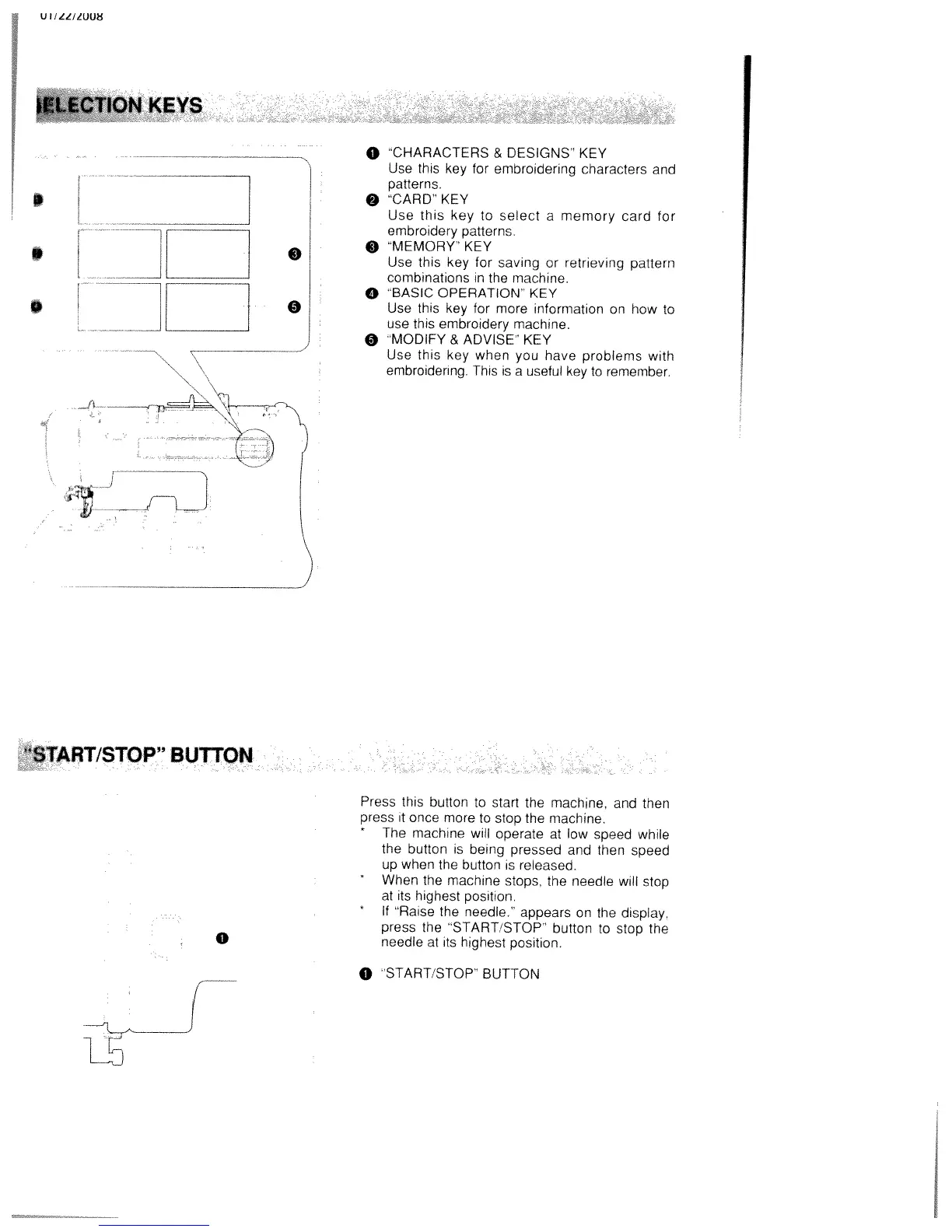
CHARACTERS
&
DESIGNS”
KEY
Use
this key
for
embroidering
characters
and
patterns
9
CARD’
KEY
Use
this
key
to
select
a
memory
card
for
embroidery
patterns.
9
“MEMORY”
KEY
Use
this
key
for
saving
or
retrieving
pattern
combinations
in
the
machine.
o
“BASIC
OPERATION”
KEY
Use
this
key
for
more
information
on
how
to
use
this
embroidery machine,
O
“MODIFY&
ADVISE”
KEY
Use
this
key
when
you
have
problems
with
embroidering.
This
is
a
useful
key
to
remember.
I)
S
aSTART/STOP
BUTTON
0
Press
this
button
to
start
the
machine,
and then
press
it
once
more
to
stop
the
machine.
*
The
machine
will
operate
at
low
speed
while
the
button
is
being
pressed
and then
speed
up
when
the
button
is
released.
When
the
machine
stops,
the
needle
will
stop
at
its
highest
position.
If
“Raise
the
needle.”
appears
on
the
display,
press
the
“START
STOP”
button
to
stop
the
needle
at
its
highest
position.
0
‘START/STOP’
BUTTON

Table of Contents

Related product manuals