6.4.4.1 Zeroing of absolute pressure modules
To reset the calibrator to zero, set it so that it measures a known pressure, for example the
barometric pressure.
To zero the calibrator, follow the steps below:
1. Call up the menu function “ZERO”.
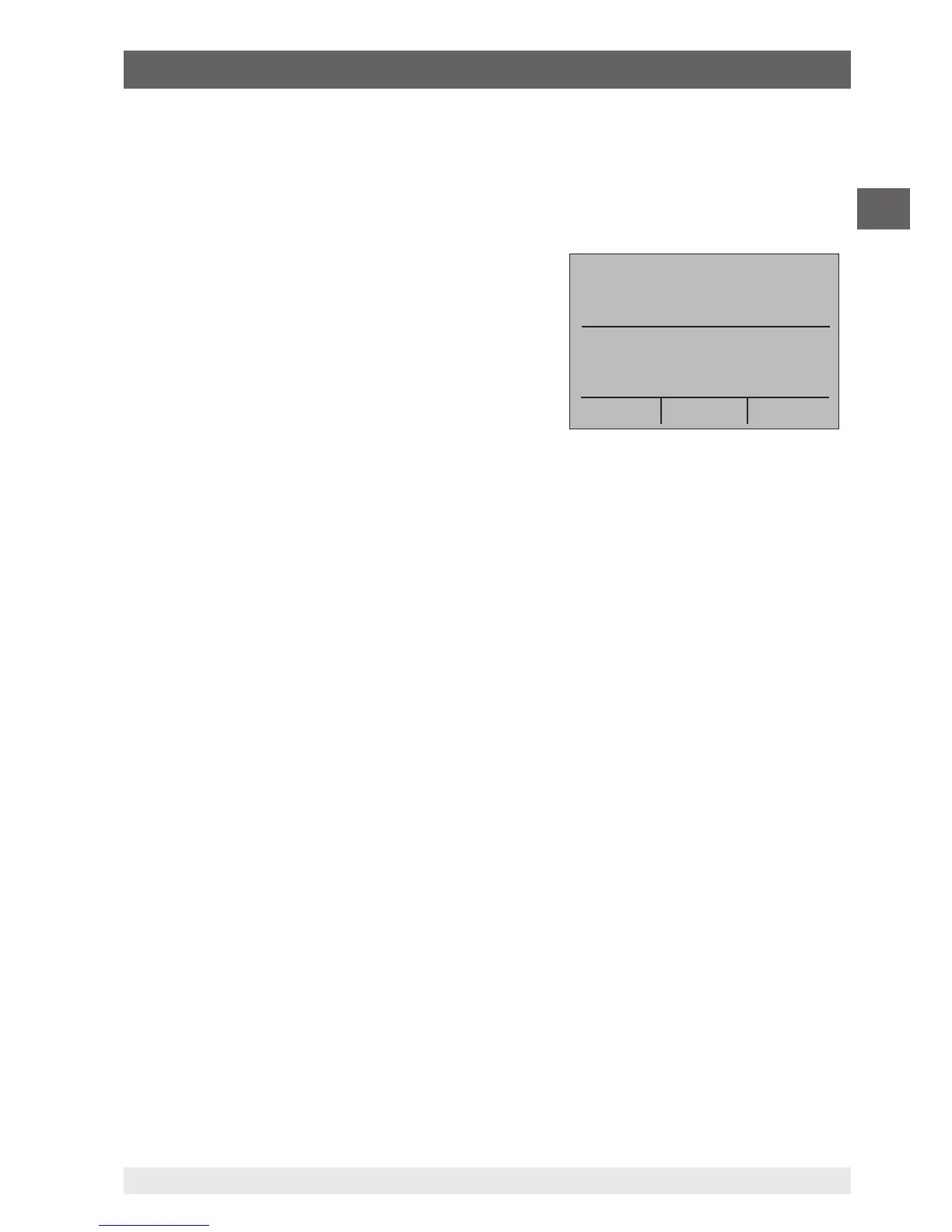
2. Select “ZERO”. “SET REFERENCE ABOVE” will
be displayed.
3. Enter the reference pressure via the keypad.
The calibrator saves the barometric reference value
in permanent memory. The reference value will
always be saved for an absolute pressure module. If
a new absolute pressure module is connected, this
procedure must be repeated.
6.5 Using the output modes (lower display)
The calibrator can generate signals for testing and calibrating process instruments. It can
simulate voltage, current, resistance, frequency, pulses and the electrical output signal of a
resistance thermometer or a thermocouple.
6.5.1 Setting the output parameters 0 % and 100 %
To enter the 0 % and 100 % points, follow the steps below:
1. Select the lower display “LOWER” from the main menu and then select the required
function.
2. Select the output “OUT” at the input/output setting and enter the desired value.
(example: “VOLTS OUT”).
3. On the keypad, enter (for example) 5 V and press the enter key.
4. Press one of the arrow keys in order to select the set point setting from the menu.
5. Hold down the function key for “0 %” [F1]. The value 0 % will flash for a short time and
the set point (e.g. 5 V) will be saved.
6. Repeat these steps with (for example) 20 V and hold down the function key for “100 %”
[F3].
7. With the function key for “25 %”, it is now possible to move between 5 V and 20 V in
steps of 25 %.
PRESSURE
-------
psi
PRESSURE mbar
MENU
-------
LIGHT
6. Commissioning, operation


 To Next Page